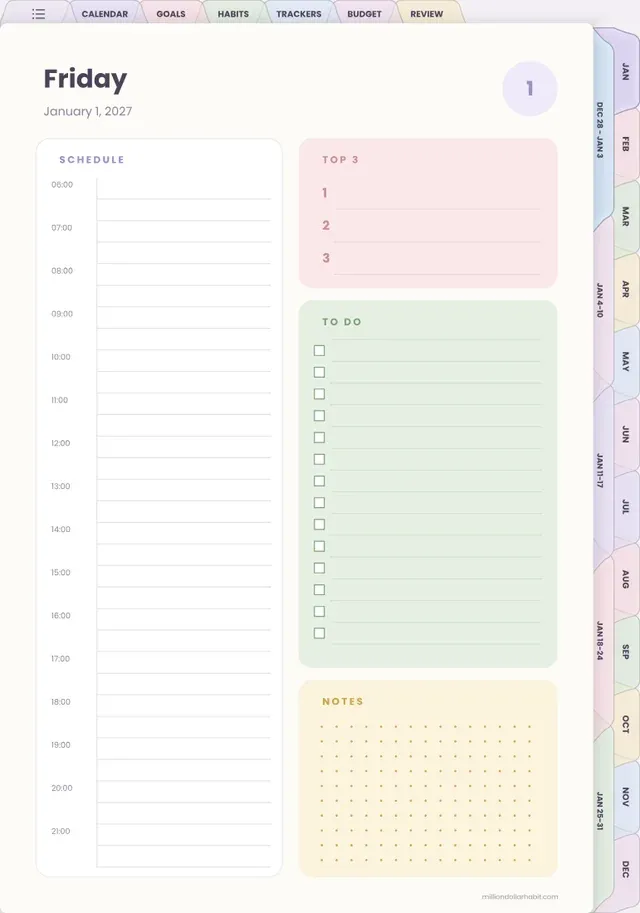
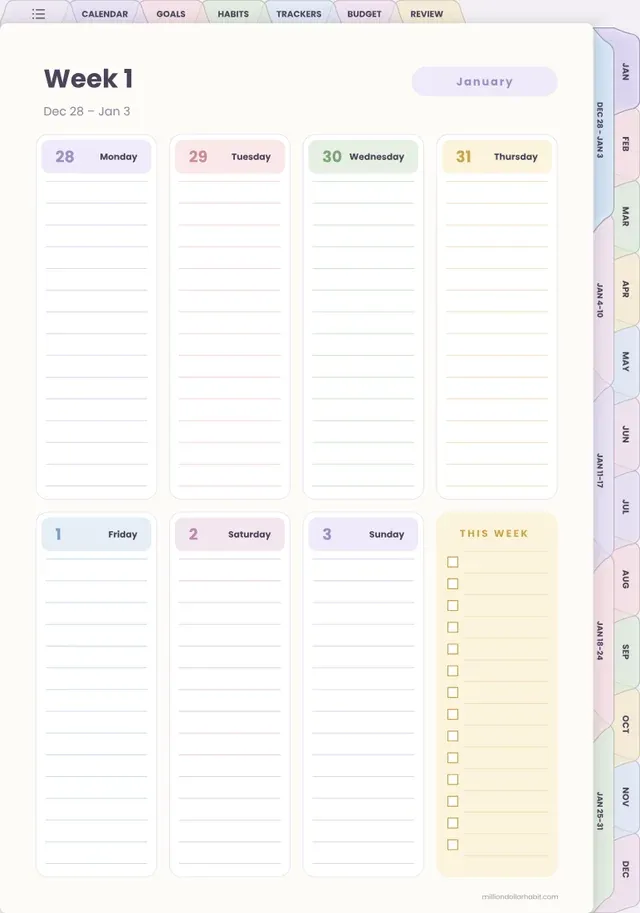
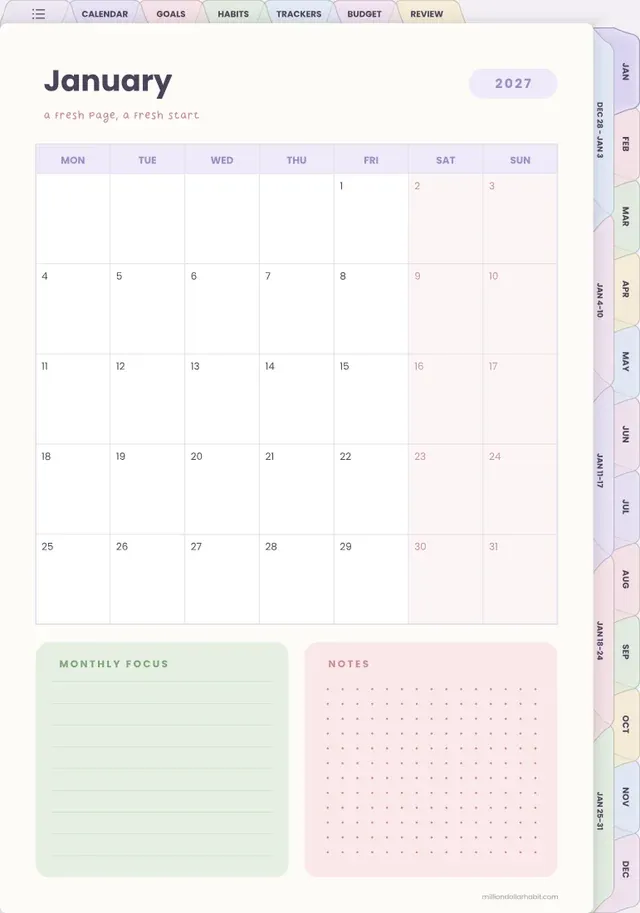
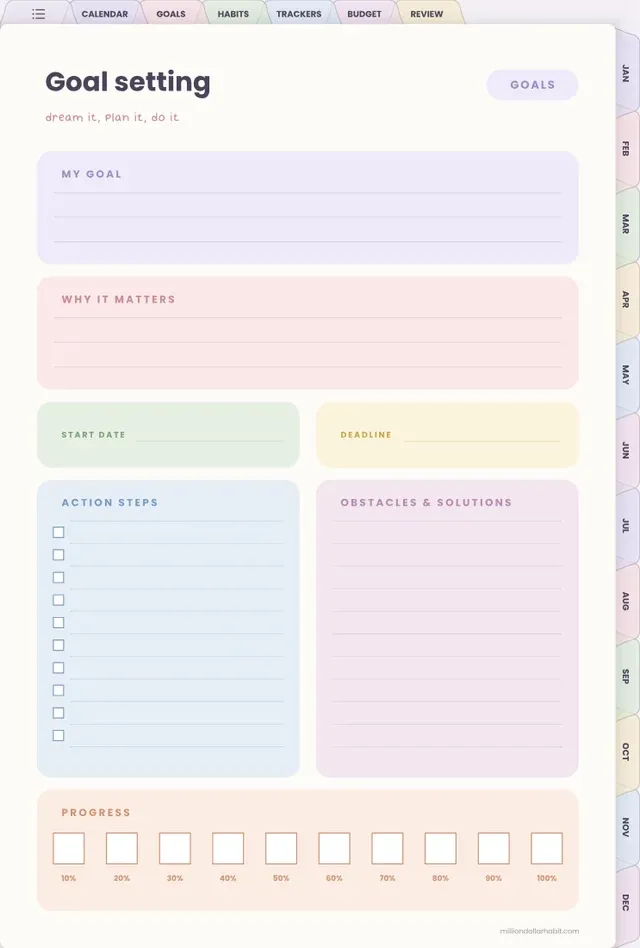
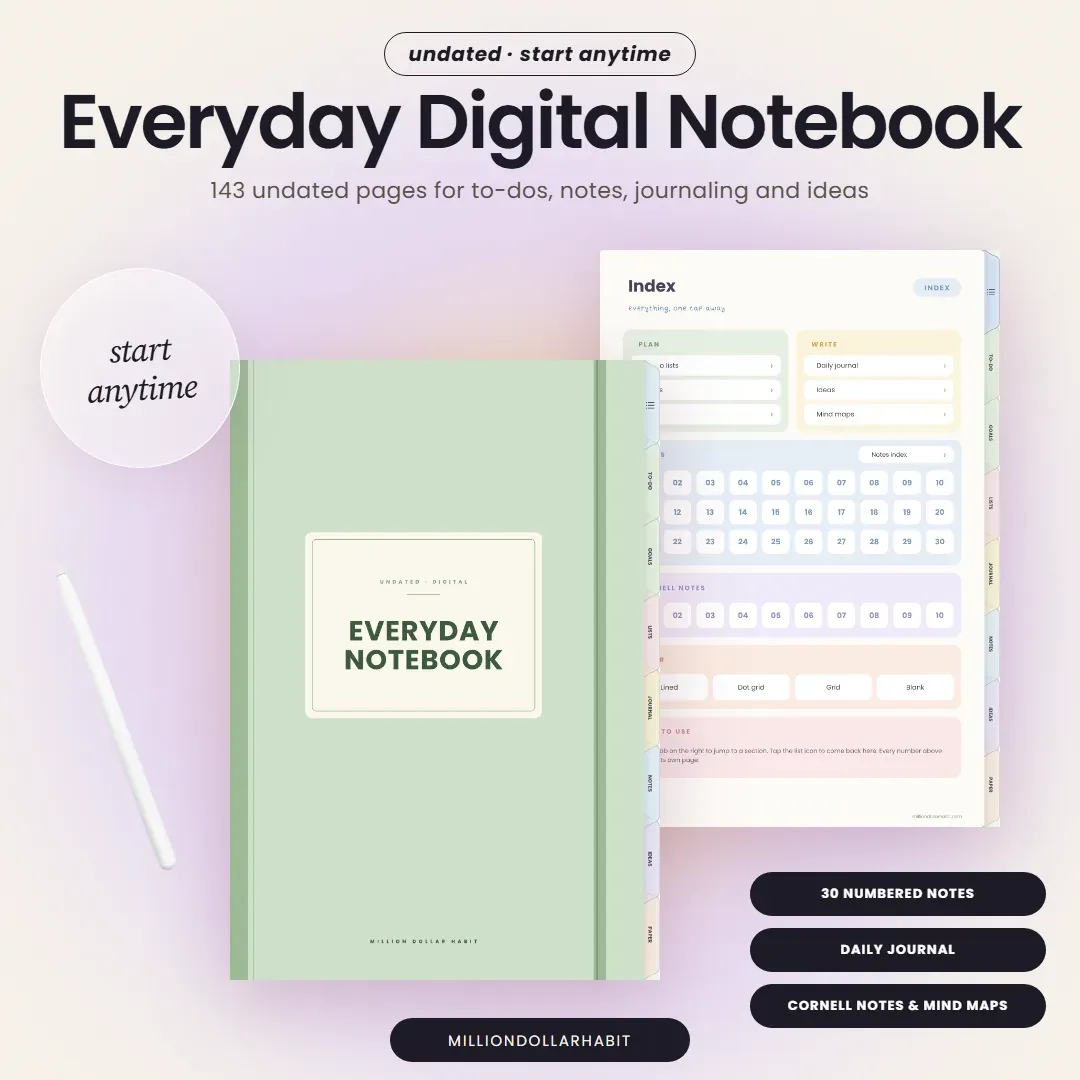
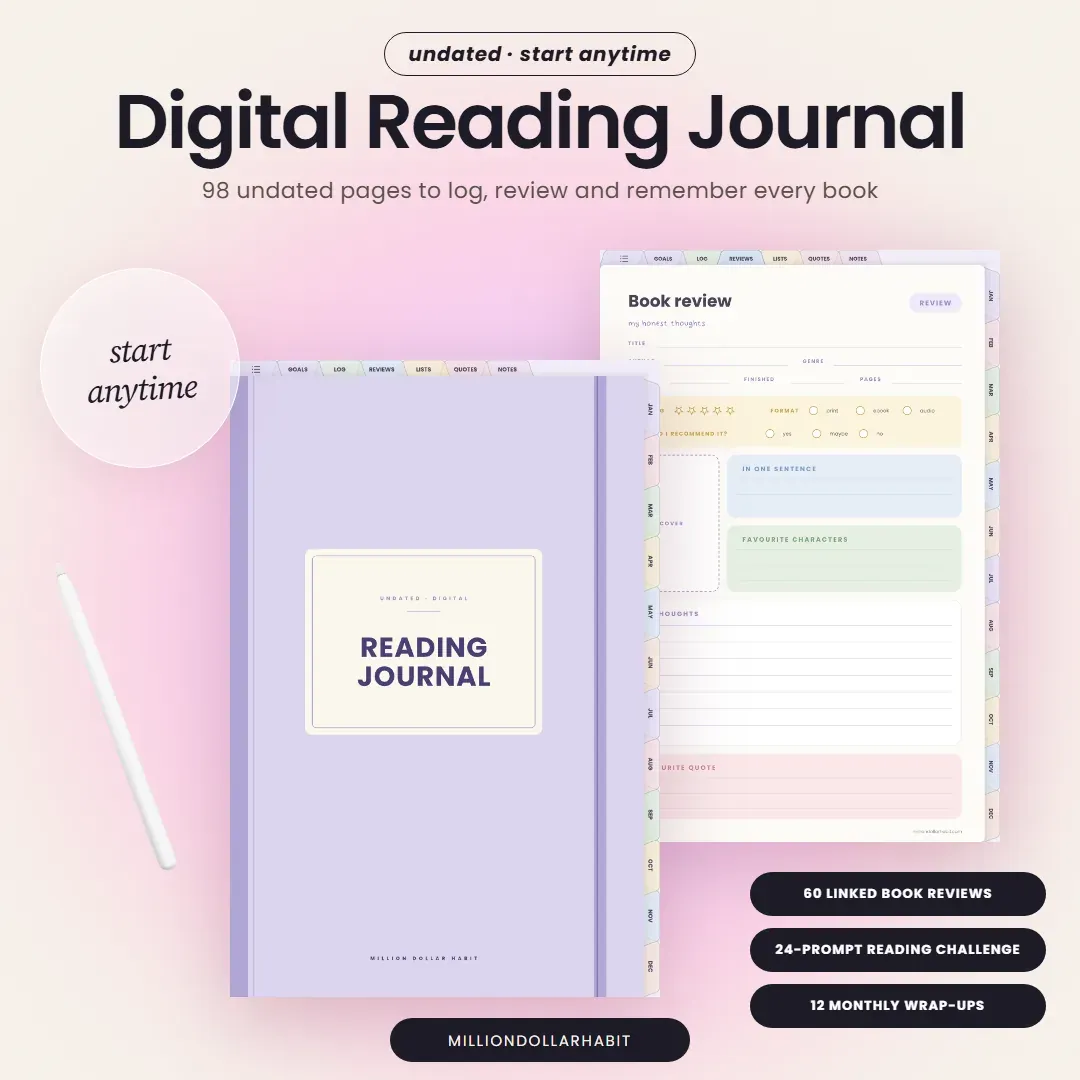
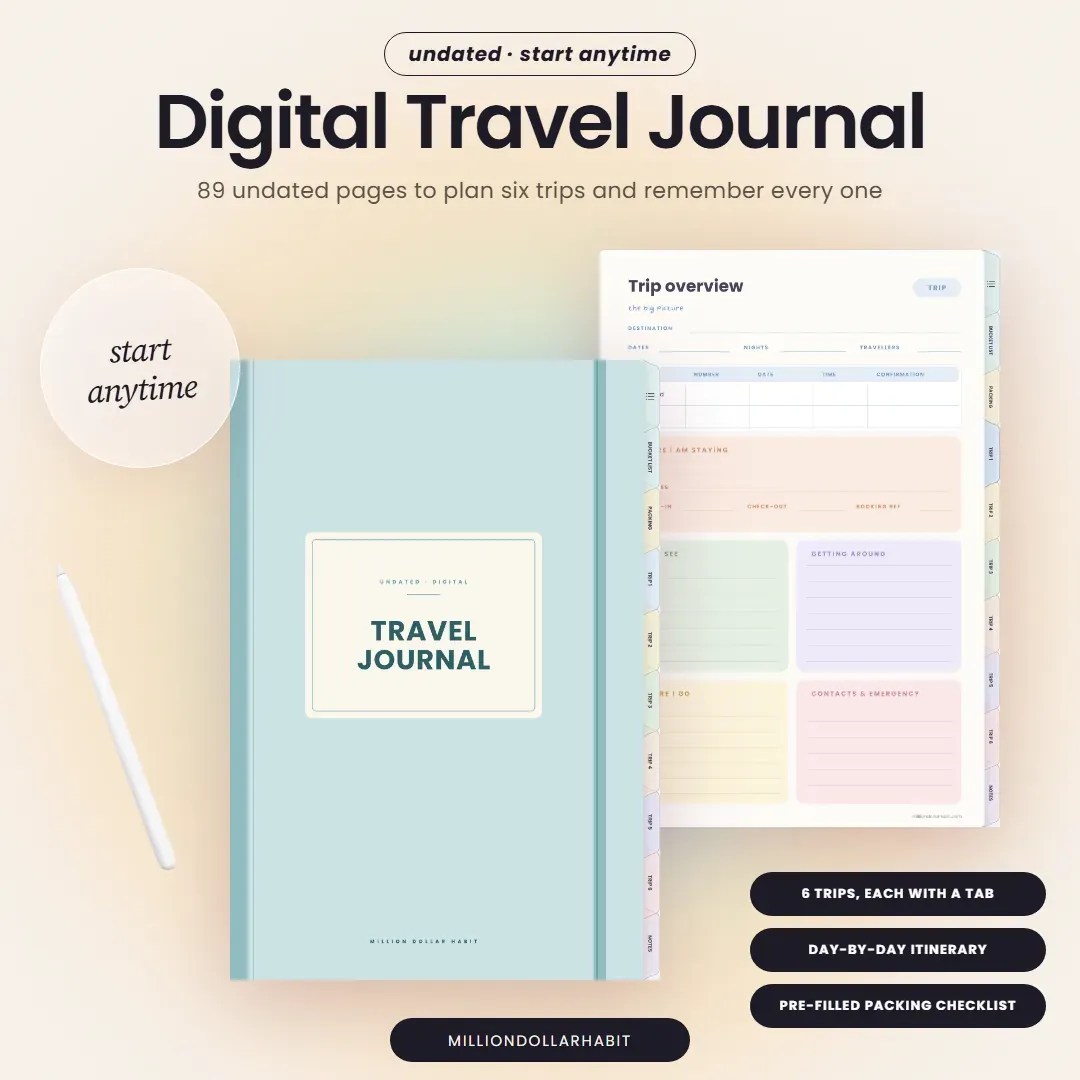
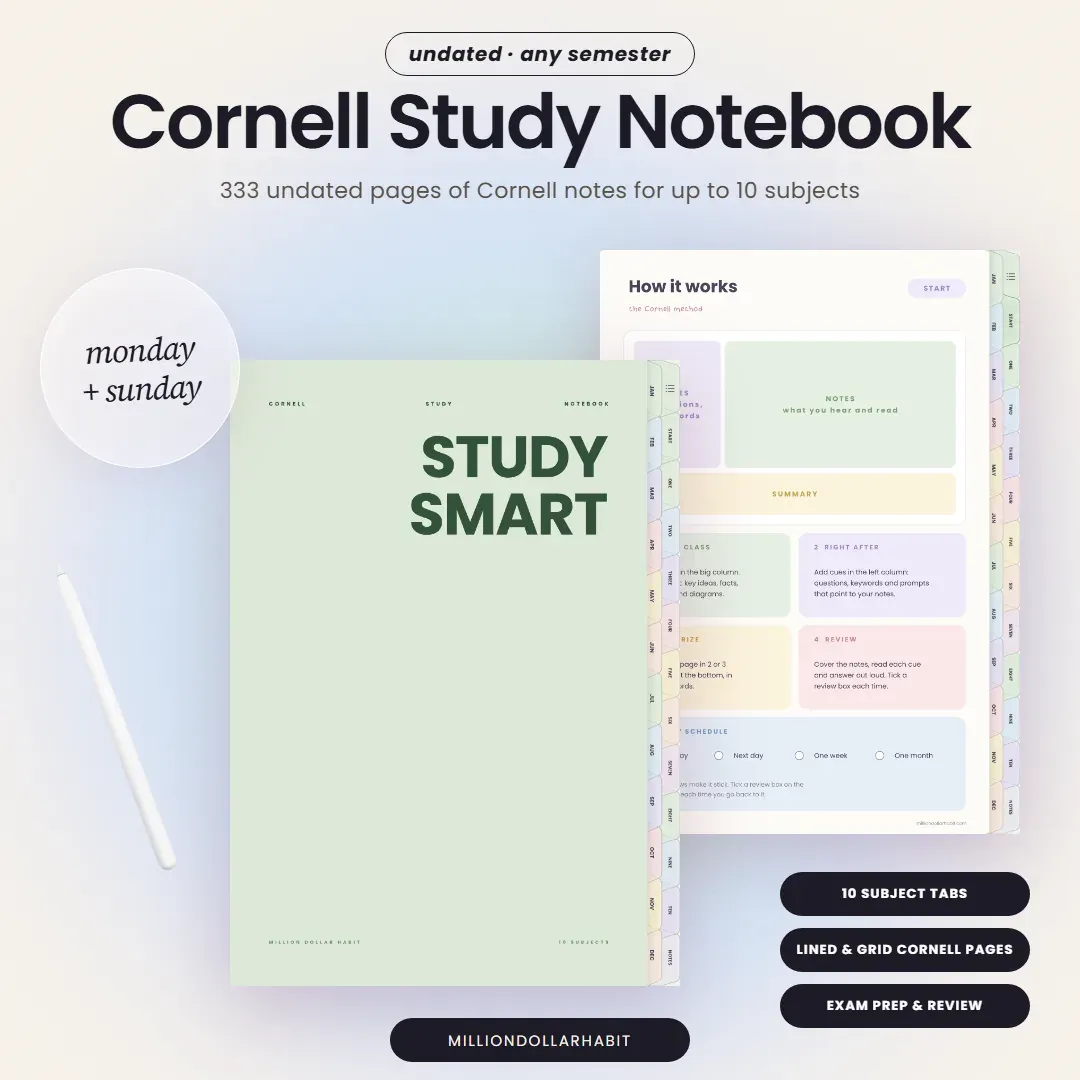
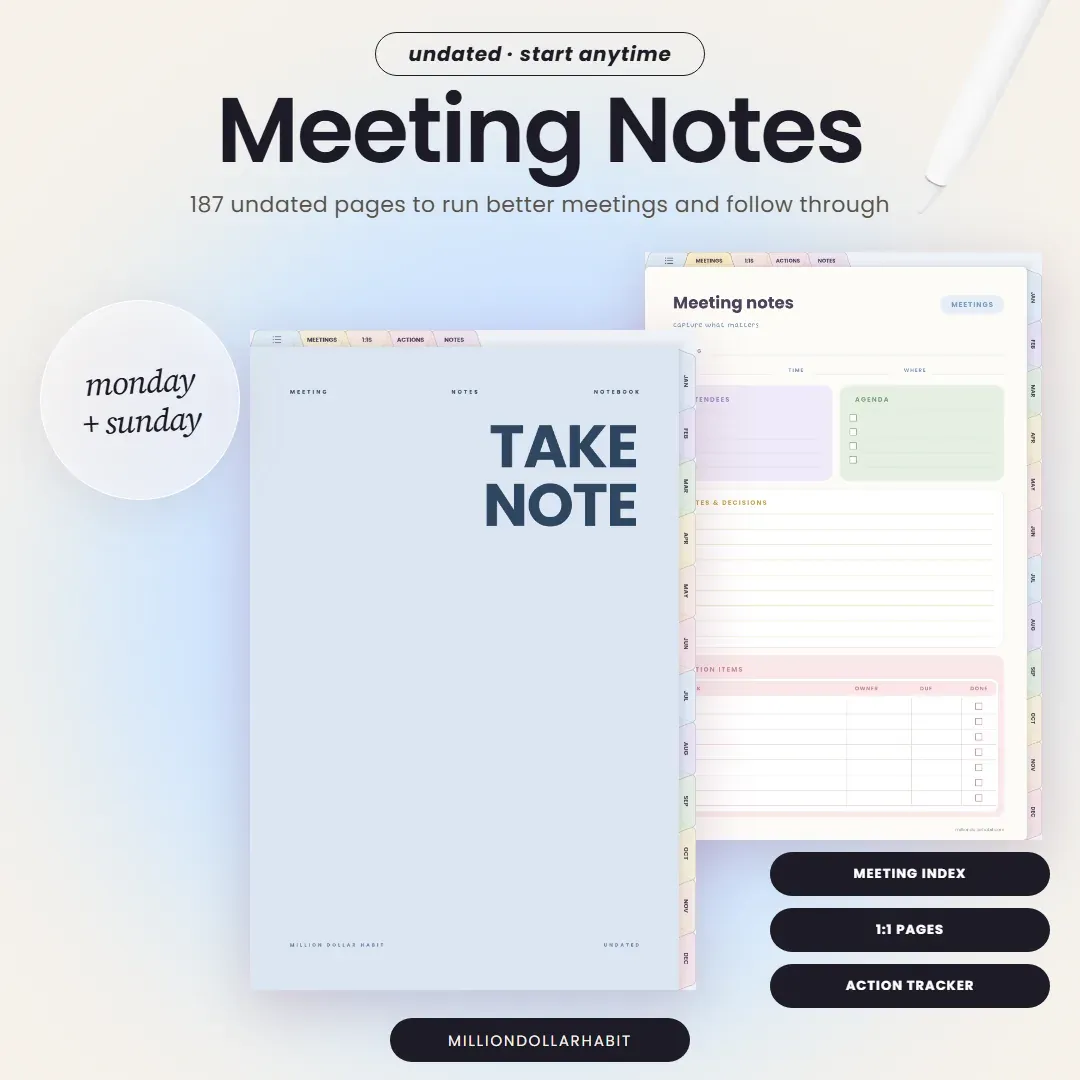
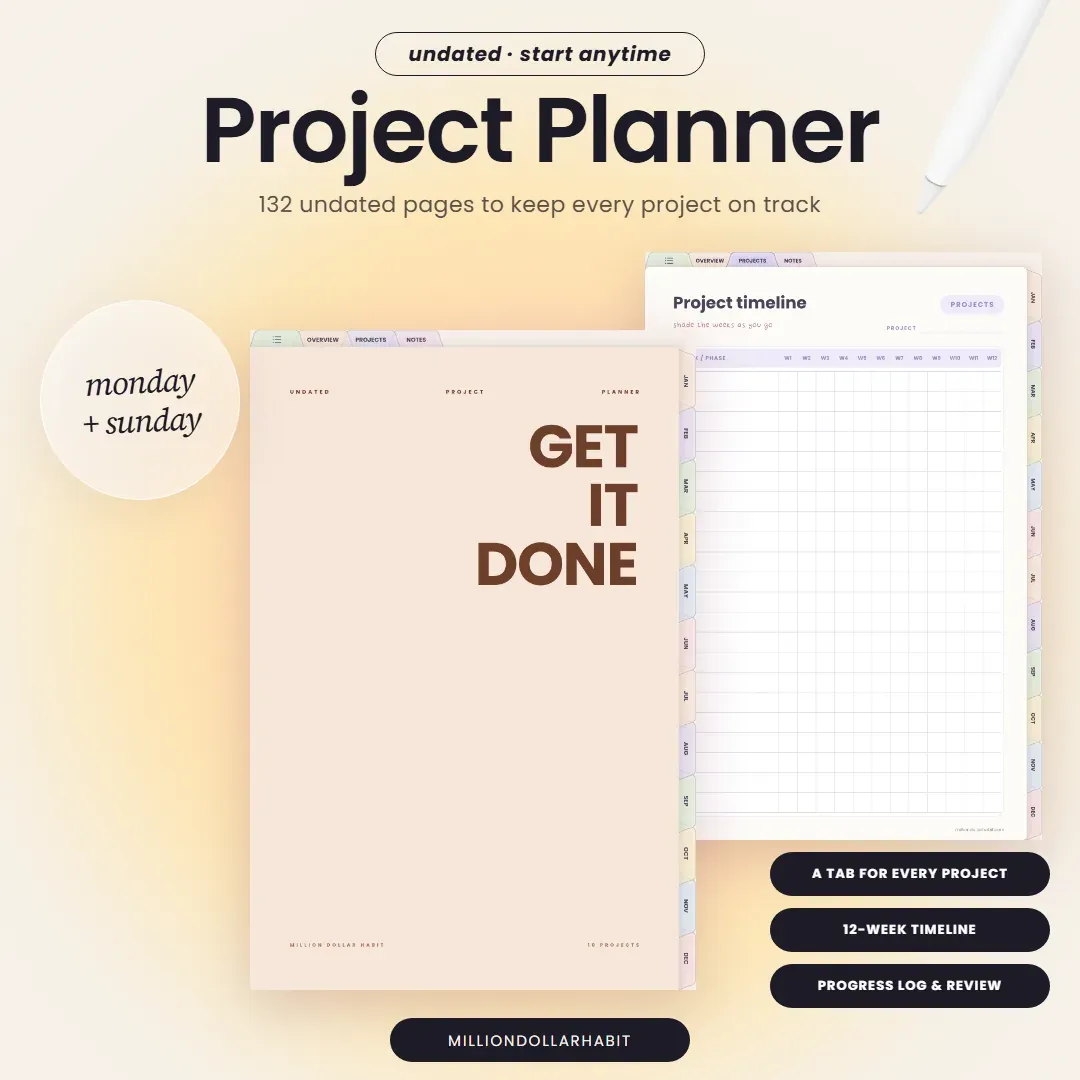
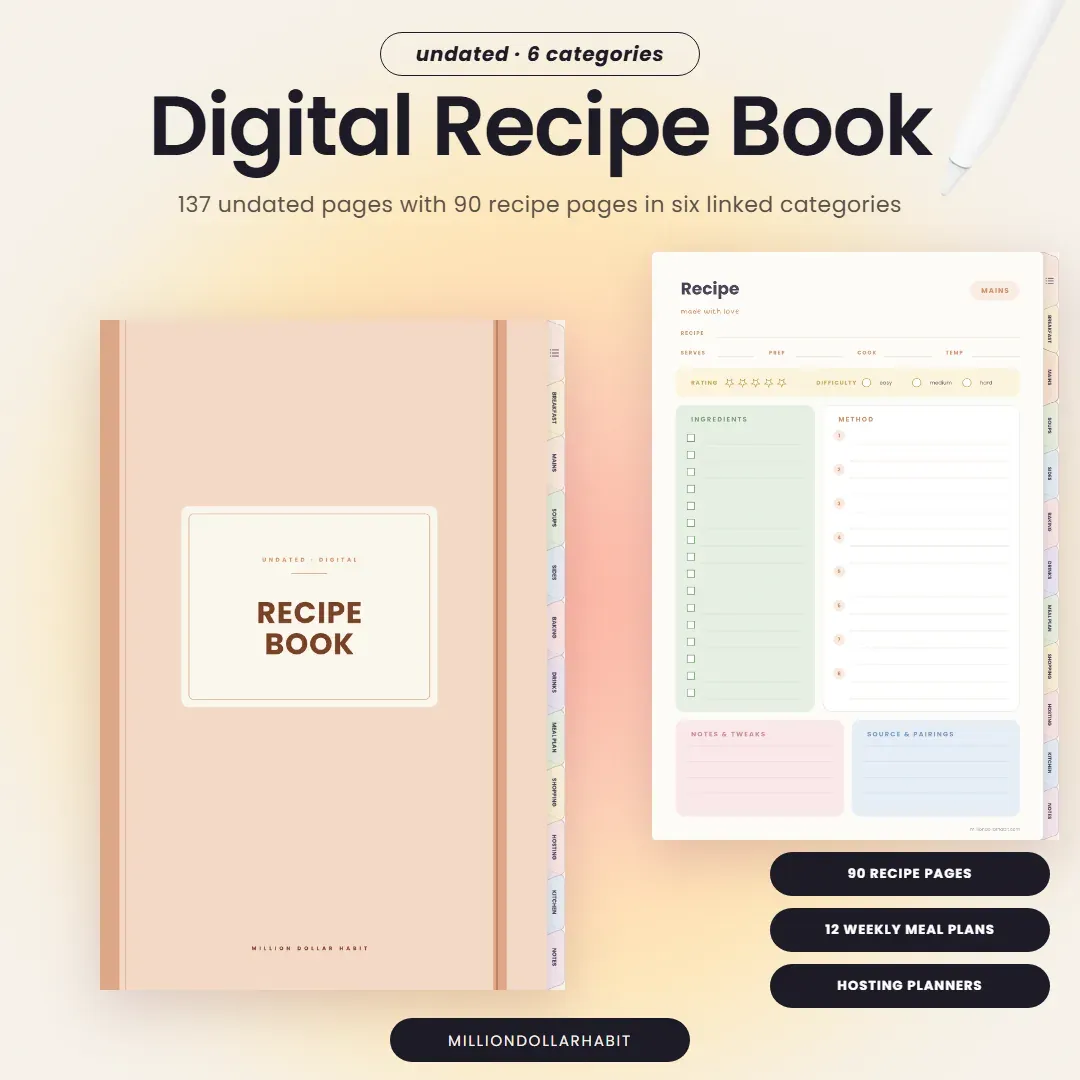
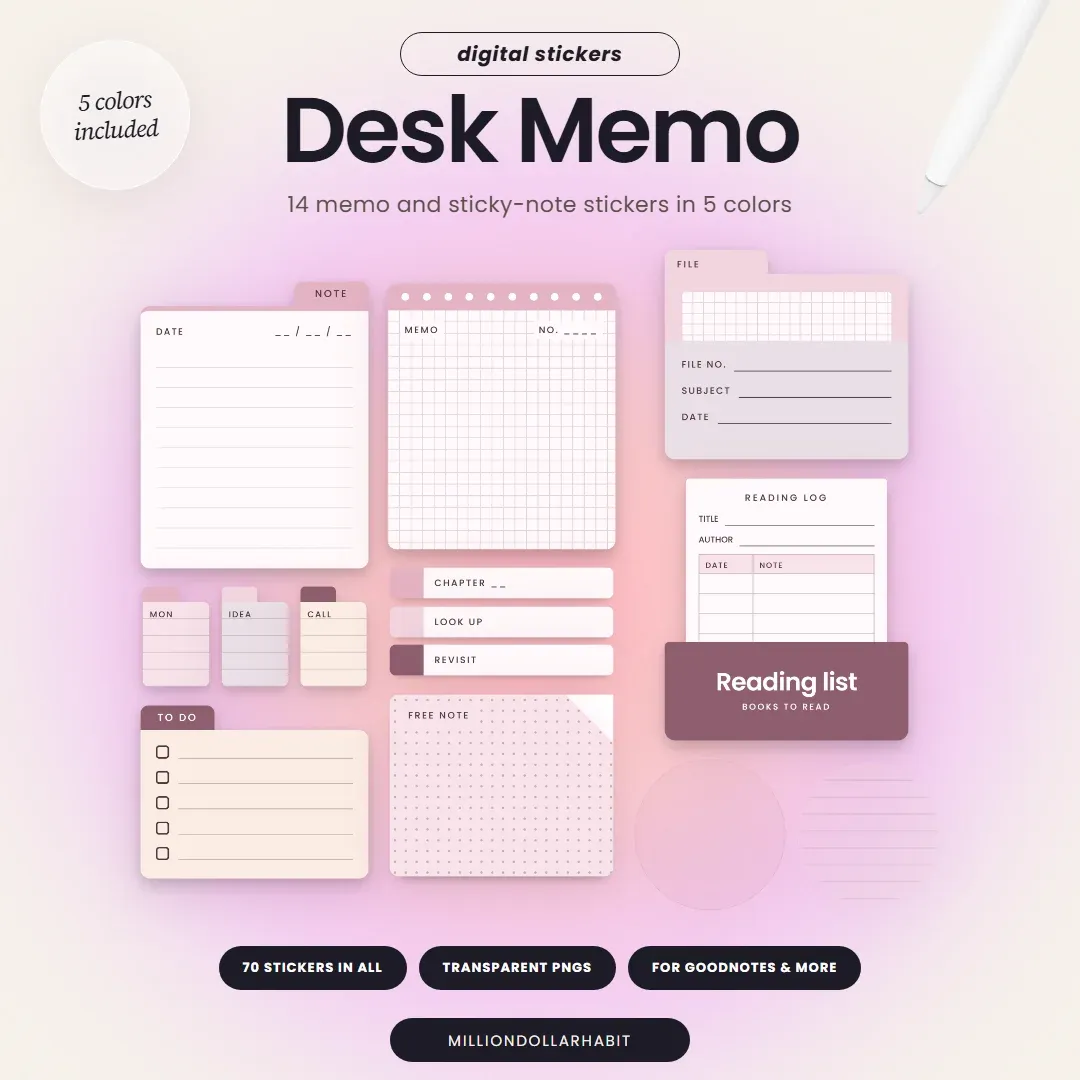
11 new dated planners for January to December 2027, 8 undated notebooks you can start any day, and 4 sticker kits to make them yours. Find the one that fits how you plan.
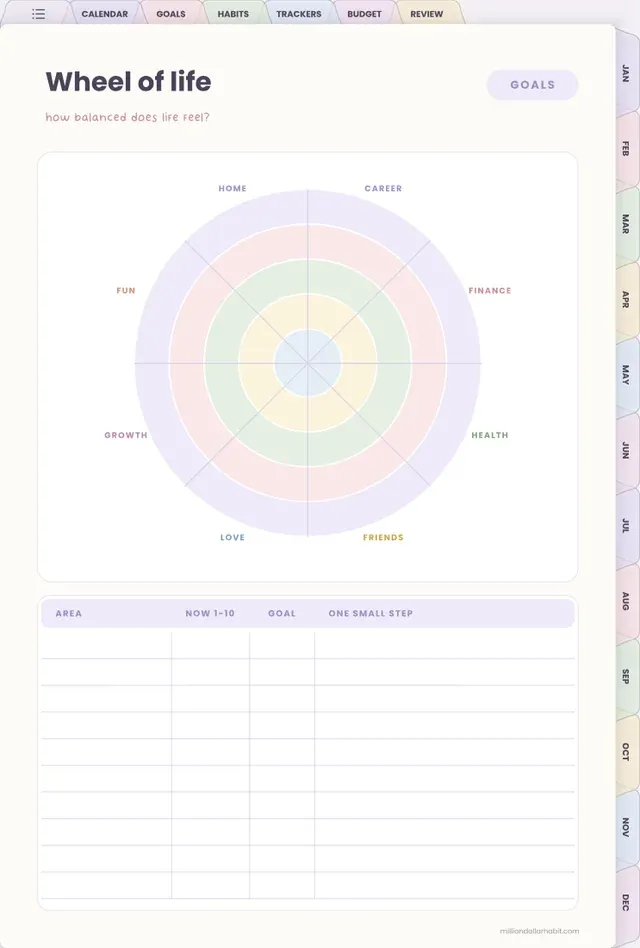
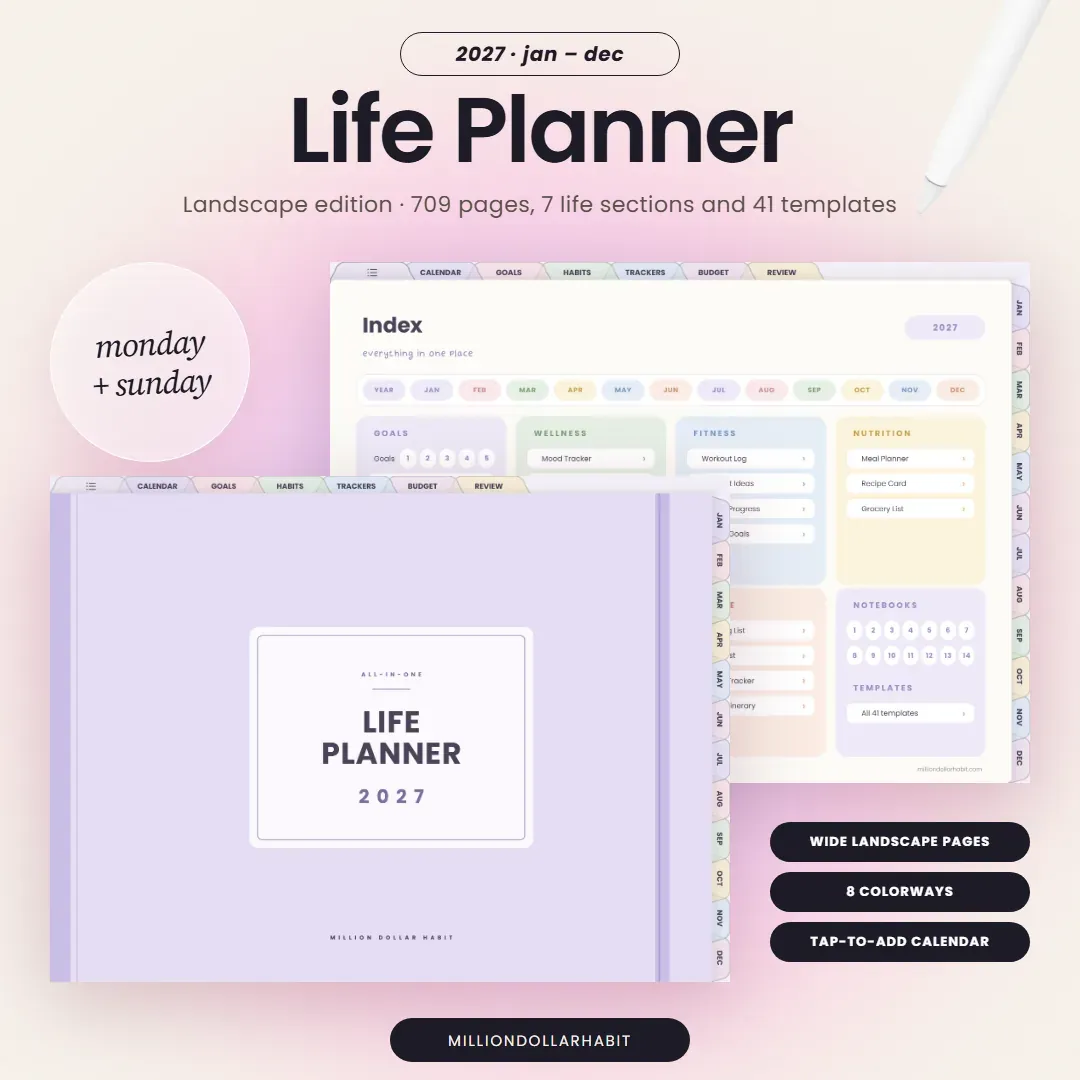
Your whole life in one dated planner, January to December 2027: a daily page for every day, 7 life sections, 41 templates and 14 notebooks. Build your version with the Planner Creator.
709pages, dated 2027
8colorways
1 tapto Apple or Google Calendar
41templates and 14 notebooks
Every version included: 8 colorways, portrait + landscape, 3 weekly layouts, Monday + Sunday start, Apple and Google calendar shortcut.
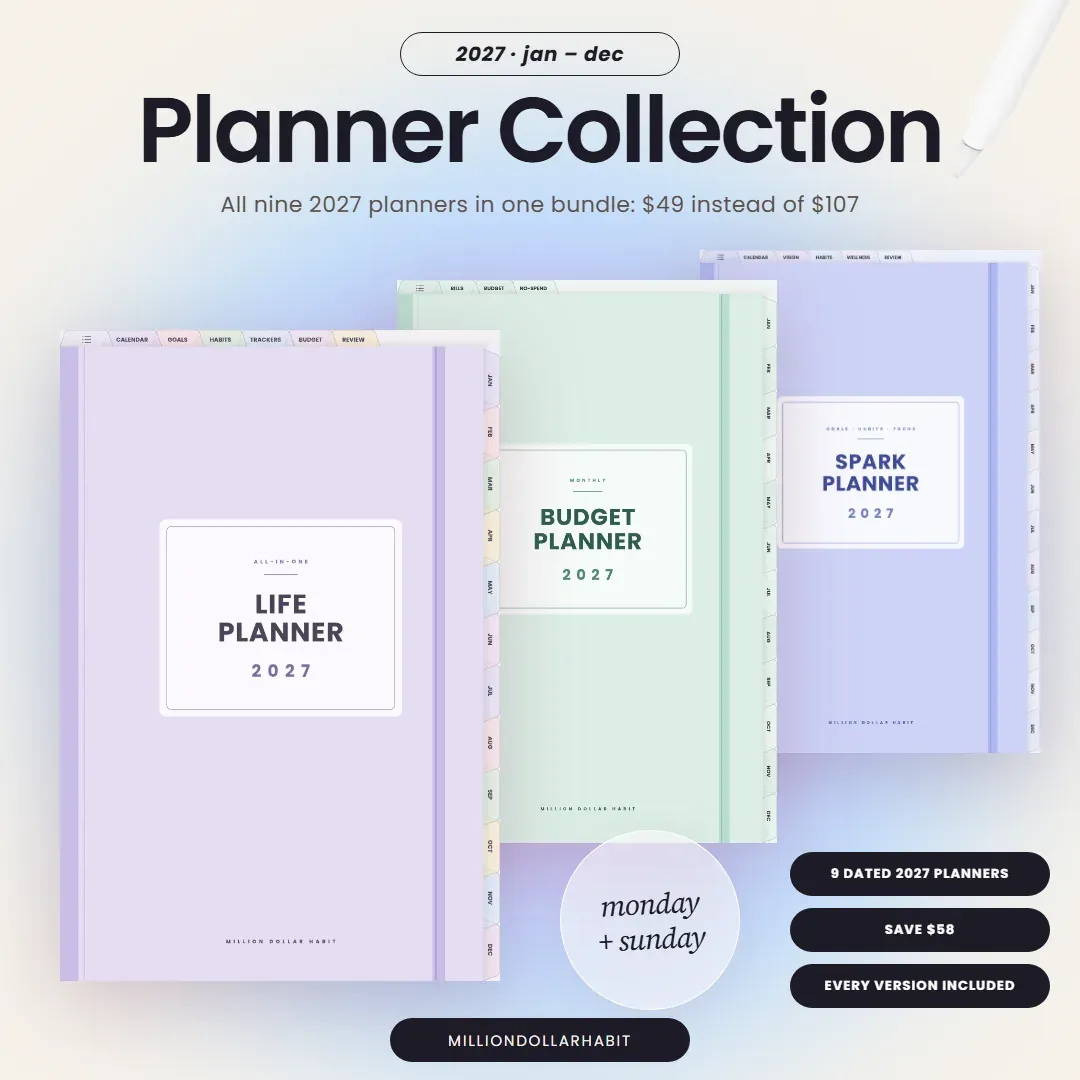
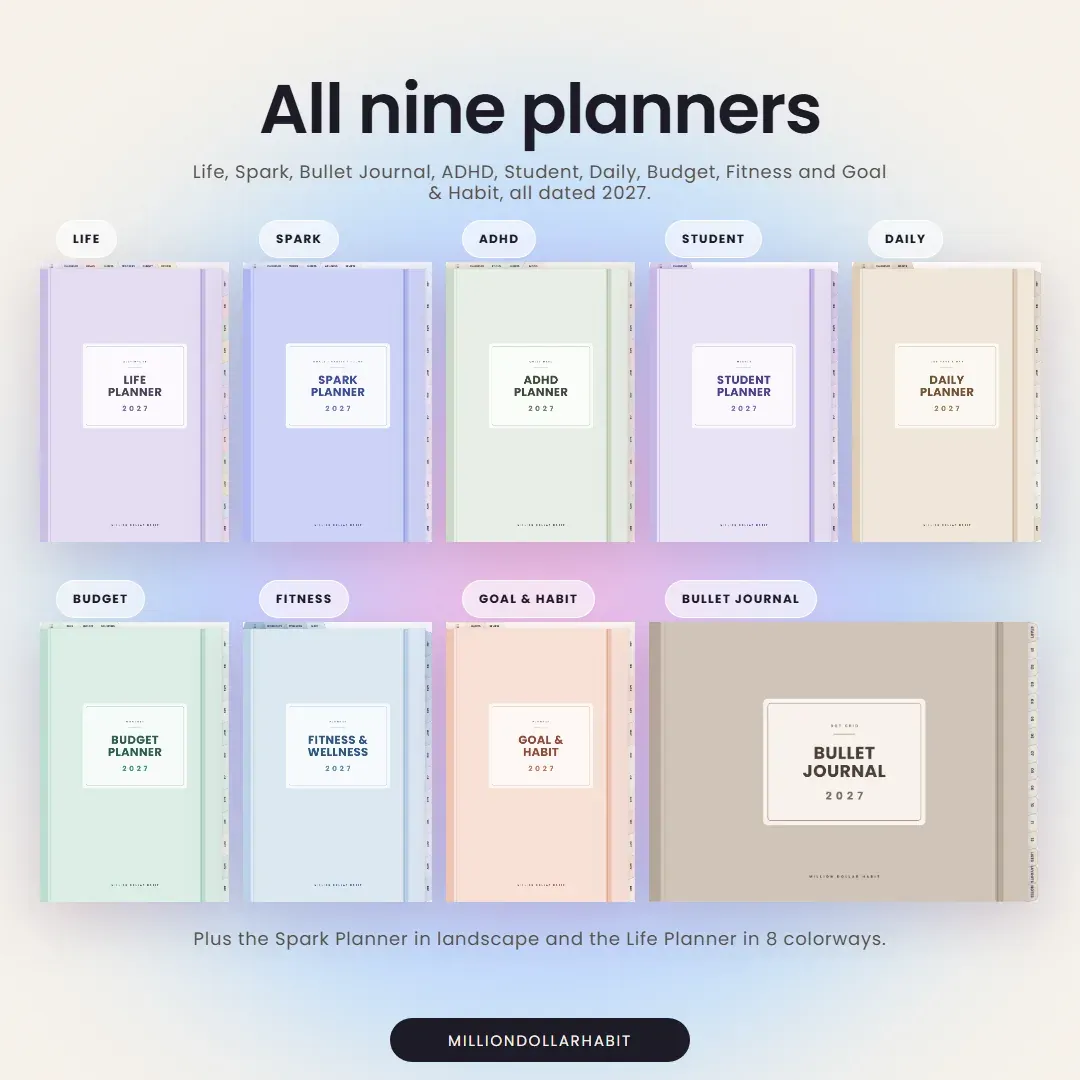
The 2027 Planner Collection has every planner in every version: the Life Planner’s 8 colorways, Spark in portrait and landscape, the Bullet Journal in 6 colors, the Daily Planner in 3 colors, and Monday and Sunday start throughout.
Your files are ready right after checkout. Save them to your iPad.
2Import
Open GoodNotes, tap Import and choose your Monday or Sunday start PDF.
3Plan
Tap any tab to jump around and write straight on the pages with Apple Pencil.
Questions
Good to know
Which 2027 planner is right for me?
Start with what you want to plan. The Life Planner covers everything in one place. Spark is for big goals, Quiet Mind for ADHD brains, Student for school, Daily for one page a day, Goal & Habit for routines, Budget for money and Fitness for training and meals. Can’t choose? The 2027 Planner Collection has all nine.
Are the planners dated?
Yes. Every 2027 planner is dated January to December 2027. The undated notebooks have no dates, so you can start them any day.
Monday or Sunday start?
Both. Every 2027 planner comes in Monday start and Sunday start, and both are included in one purchase.
Portrait or landscape?
The Life Planner comes in portrait and landscape through the Planner Creator. The Spark Planner has a separate landscape edition. The Bullet Journal is laid out in landscape two-page spreads. The other planners are portrait.
Which apps do they work with?
They are hyperlinked PDFs made for GoodNotes on iPad with Apple Pencil, and they also work in Notability, Noteshelf, ZoomNotes and Xodo. They don’t work in Notion or OneNote.
How do I get my planner after I buy it?
You get your download right after checkout. Save the PDF to your iPad, import it into GoodNotes and start planning. For the Life Planner, you build your version in the Planner Creator first.
In their own words
Loved by planners
Here's what our customers are saying about our planners
★★★★★4.9Trusted by 45,000+ customers worldwide
★★★★★
Switched from three abandoned apps to this one and hit every weekly goal for the past two months.
★★★★★
The habit tracker guilt‑tags me just enough to get off Instagram and do the workout.
★★★★★
Icons and stickers drop in perfectly; my week now looks like a curated mood board
★★★★★
Haven’t bought a new “perfect” notebook in two months, which is a record for me.
★★★★★
The muted palette feels like a cozy café; planning doesn’t feel like work anymore
★★★★★
Switched from three abandoned apps to this one and hit every weekly goal for the past two months.
★★★★★
The habit tracker guilt‑tags me just enough to get off Instagram and do the workout.
★★★★★
Icons and stickers drop in perfectly; my week now looks like a curated mood board
★★★★★
Haven’t bought a new “perfect” notebook in two months, which is a record for me.
★★★★★
The muted palette feels like a cozy café; planning doesn’t feel like work anymore
★★★★★
I recommend it for the Focus Modes that hide non‑essential lists during deep work sessions.
★★★★★
Love how the minimal layout makes my messy notes look intentional instead of chaotic
★★★★★
I highly recommend them to anyone needing better organization. These Notion templates are fantastic!
★★★★★
I love that we get lifetime updates for the Life Dashboard, my favorite
★★★★★
I recommend it for the Focus Modes that hide non‑essential lists during deep work sessions.
★★★★★
Love how the minimal layout makes my messy notes look intentional instead of chaotic
★★★★★
I highly recommend them to anyone needing better organization. These Notion templates are fantastic!
★★★★★
I love that we get lifetime updates for the Life Dashboard, my favorite

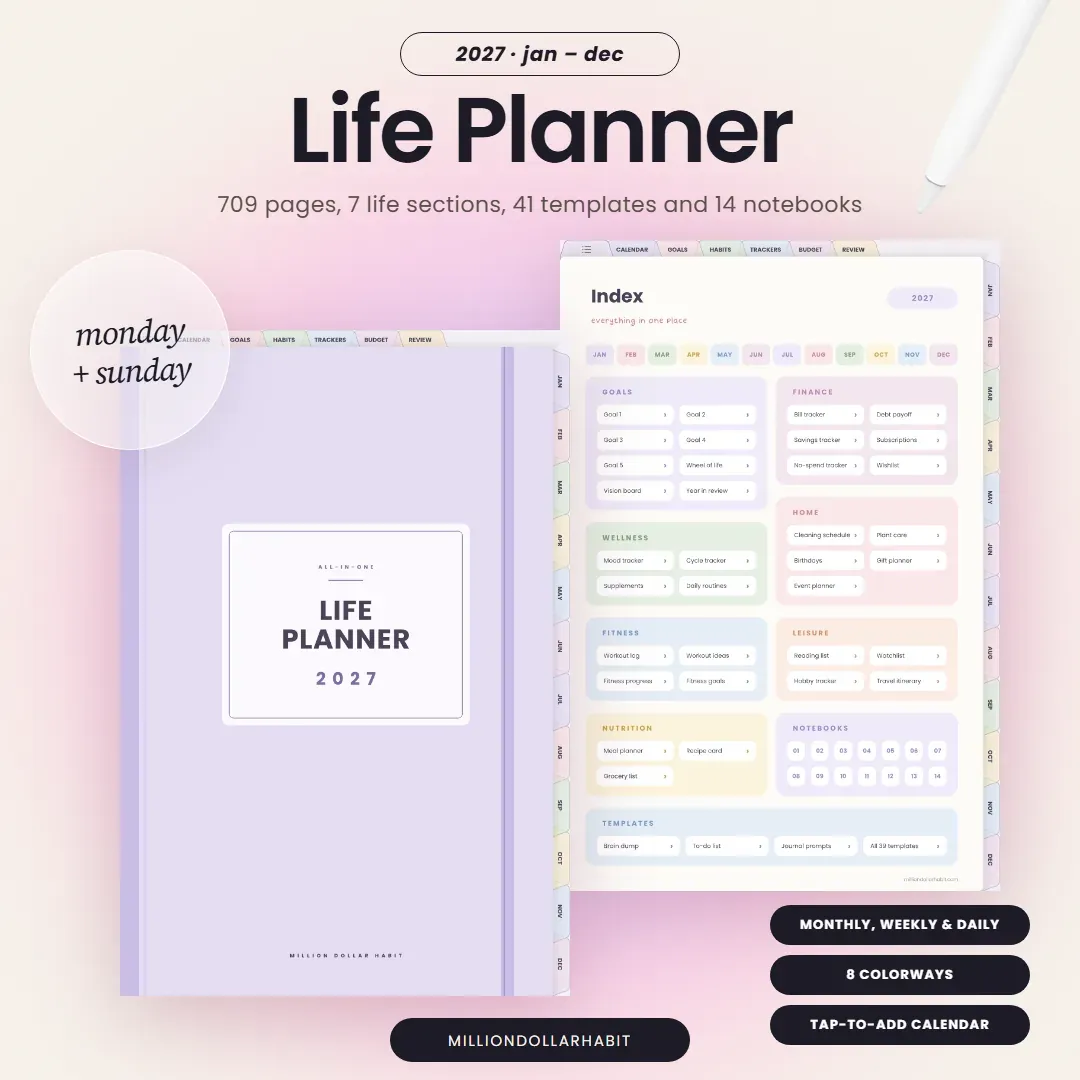 Plan your whole life 2027 All-in-One Life Planner A daily page for every day, 7 life sections, 41 templates and 14 notebooks, in 8 colorways. $20 See it →
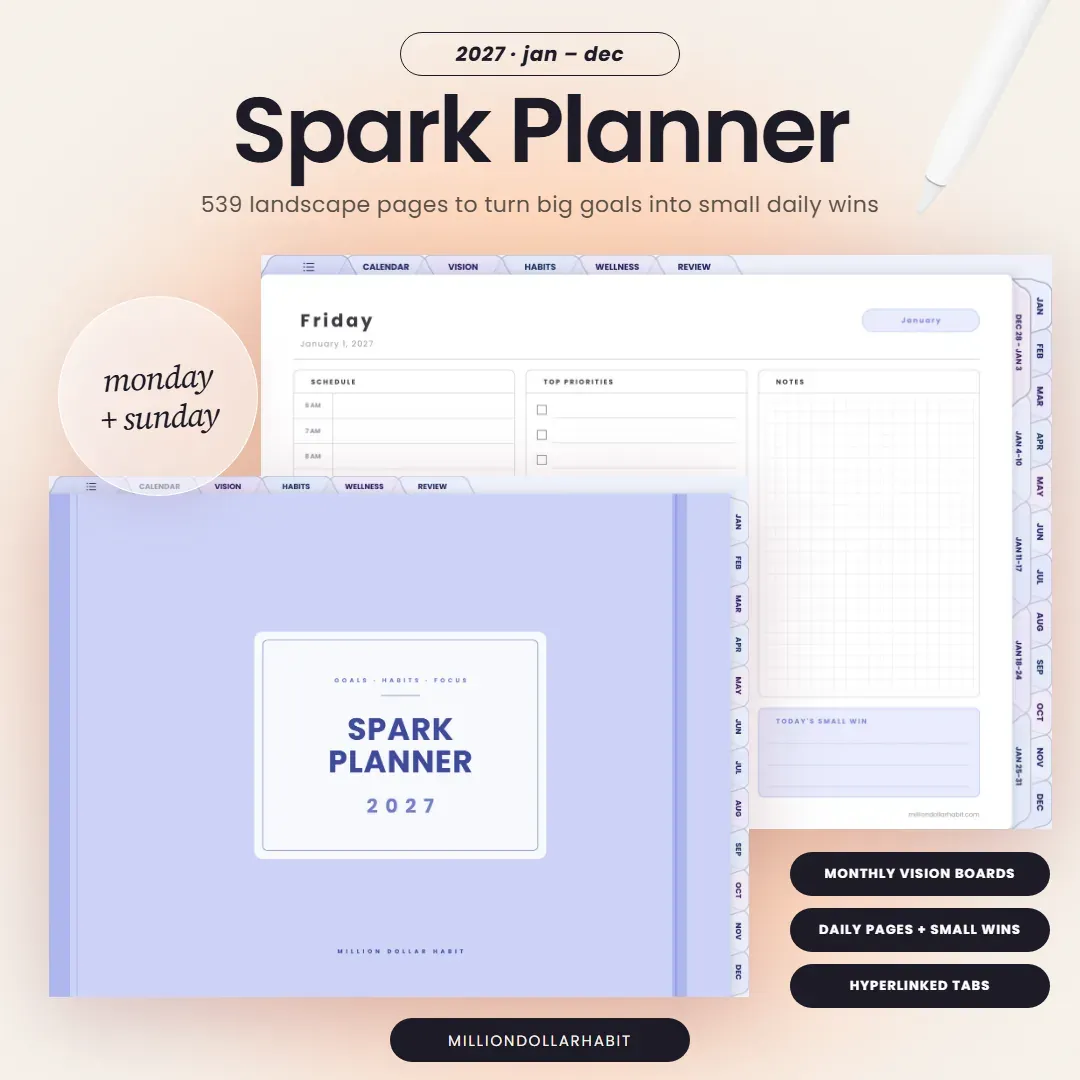
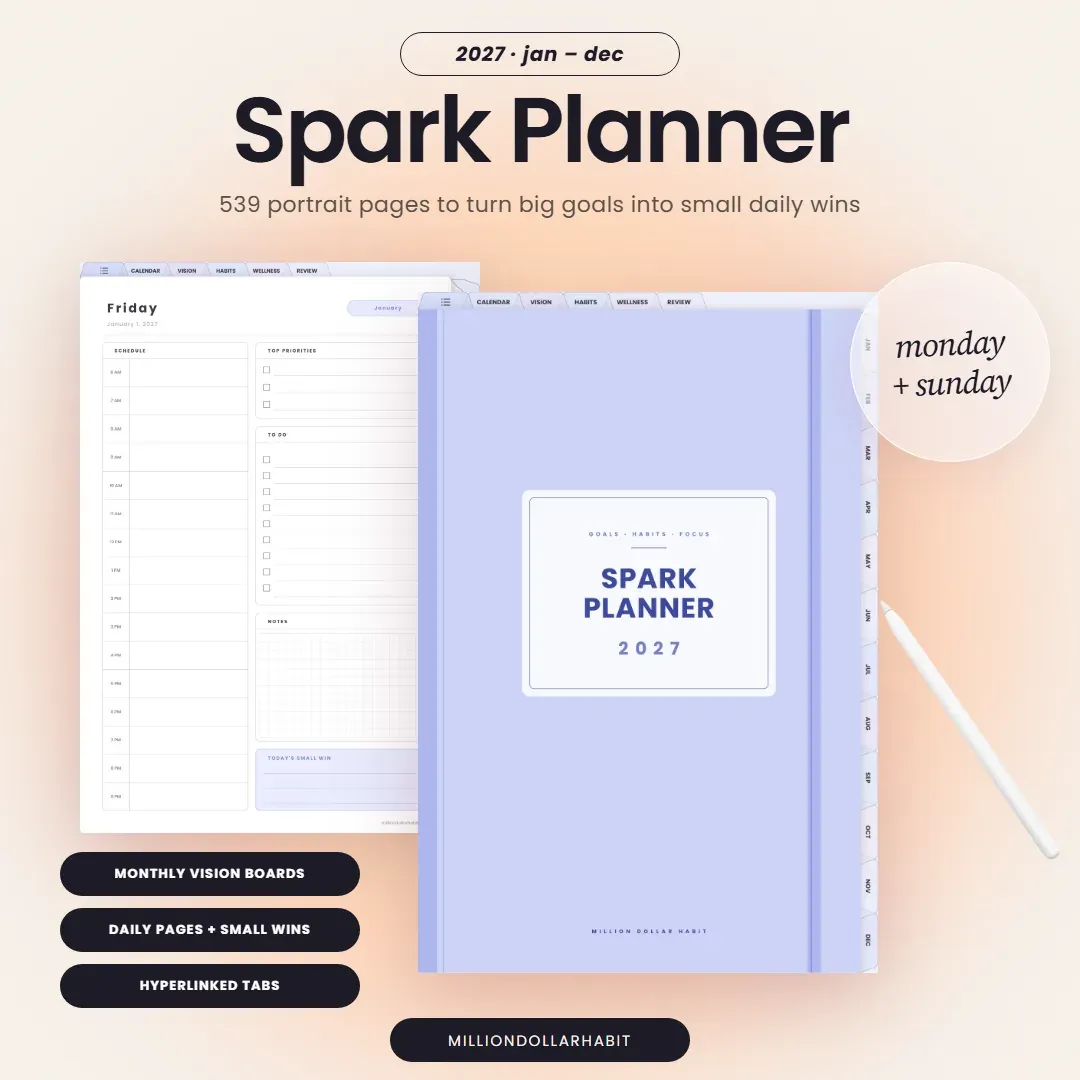 Hit your big goals 2027 Spark Planner Monthly vision boards, weekly focus pages, daily priorities and quarterly reviews. $12 See it →
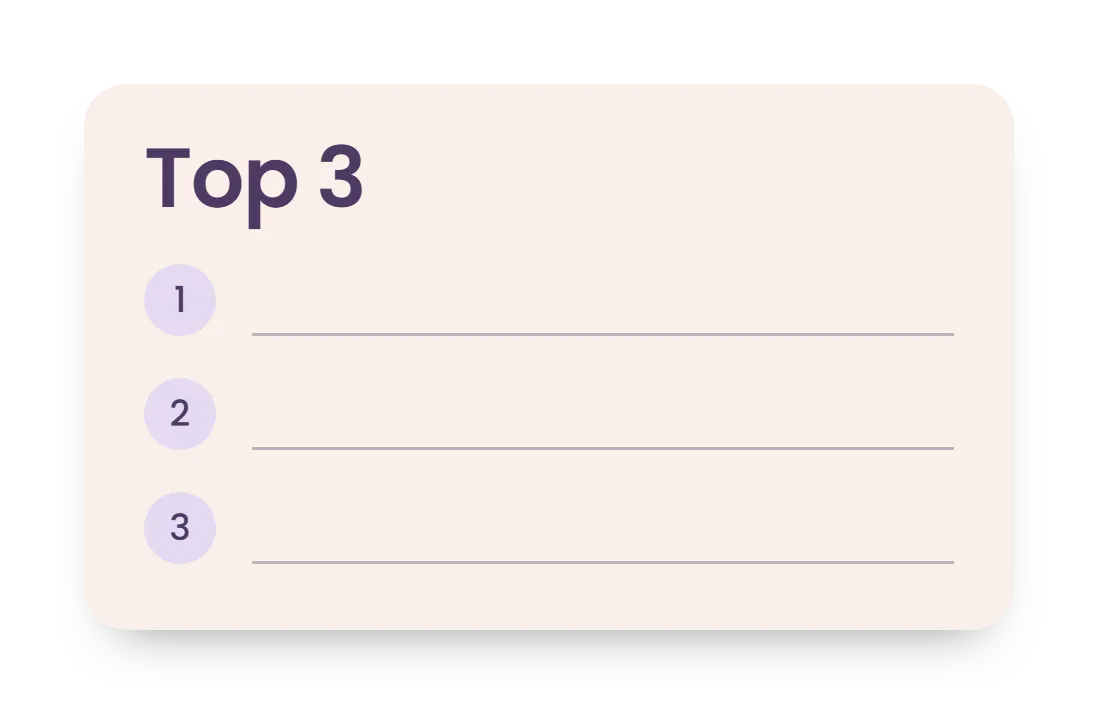
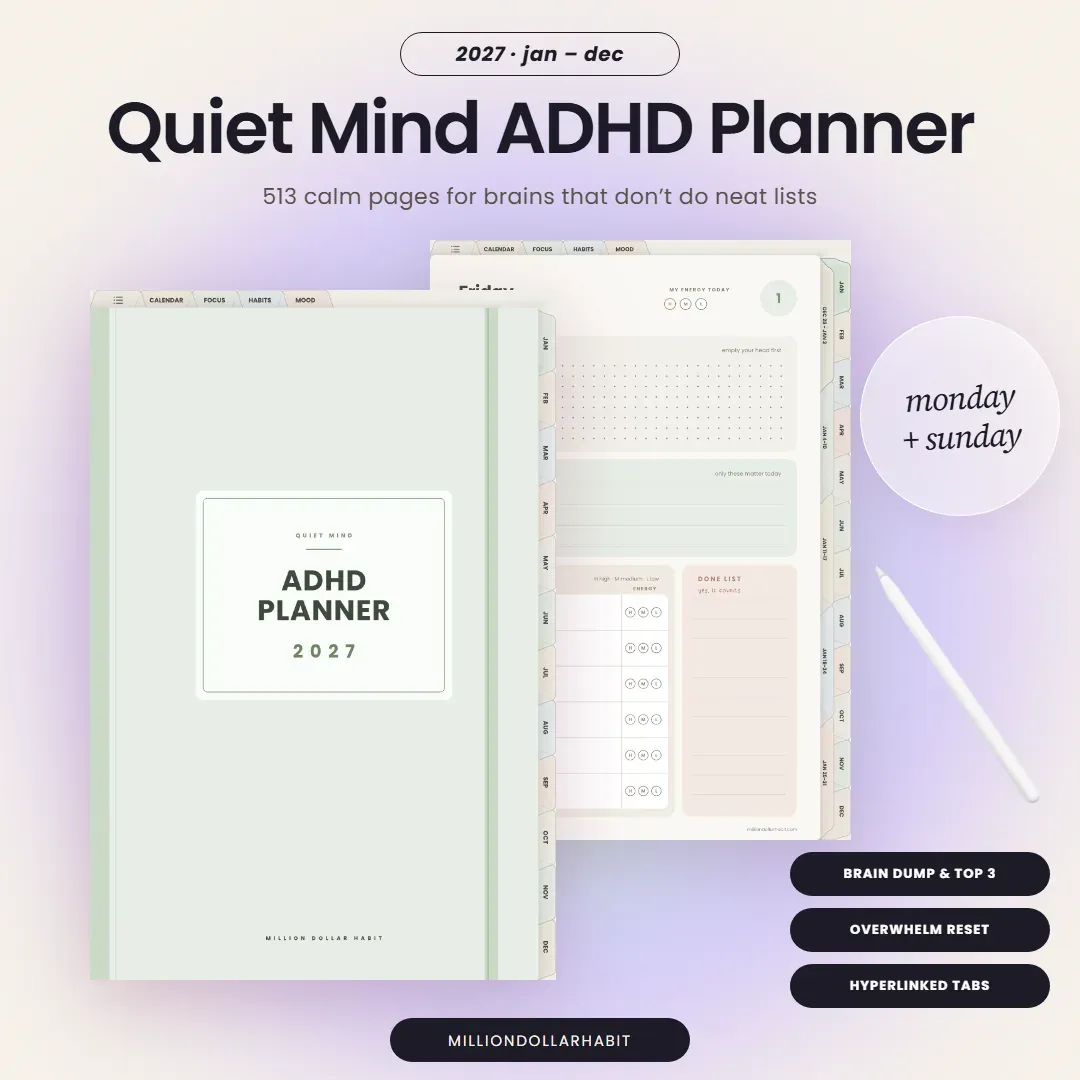 Plan with ADHD 2027 Quiet Mind ADHD Planner Daily brain dumps, a Top 3, energy-tagged time blocks and a dopamine menu. $12 See it →
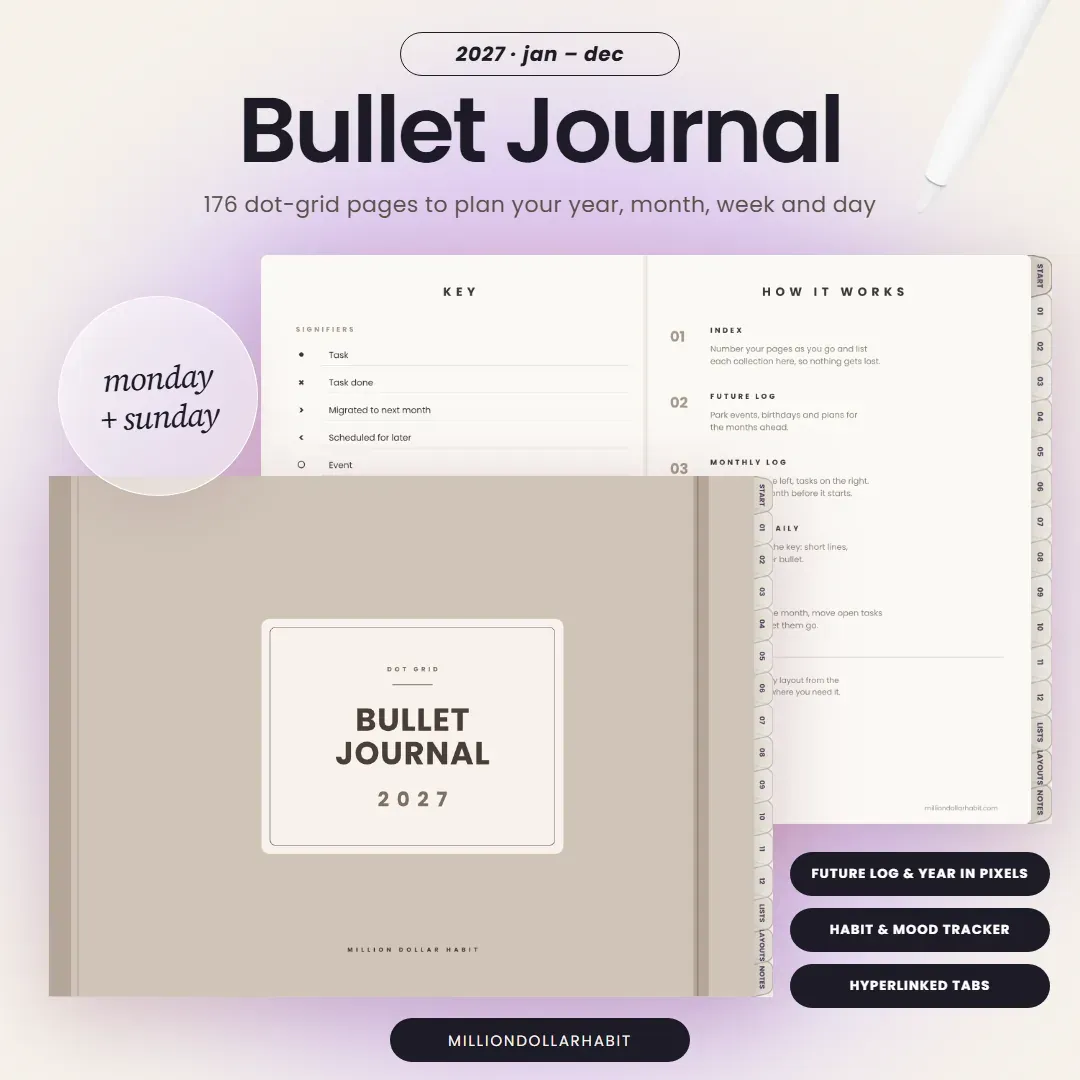 Bullet journal digitally 2027 Bullet Journal Landscape dot grid spreads with a future log, monthly logs and weekly spreads. 6 colors. $15 See it →
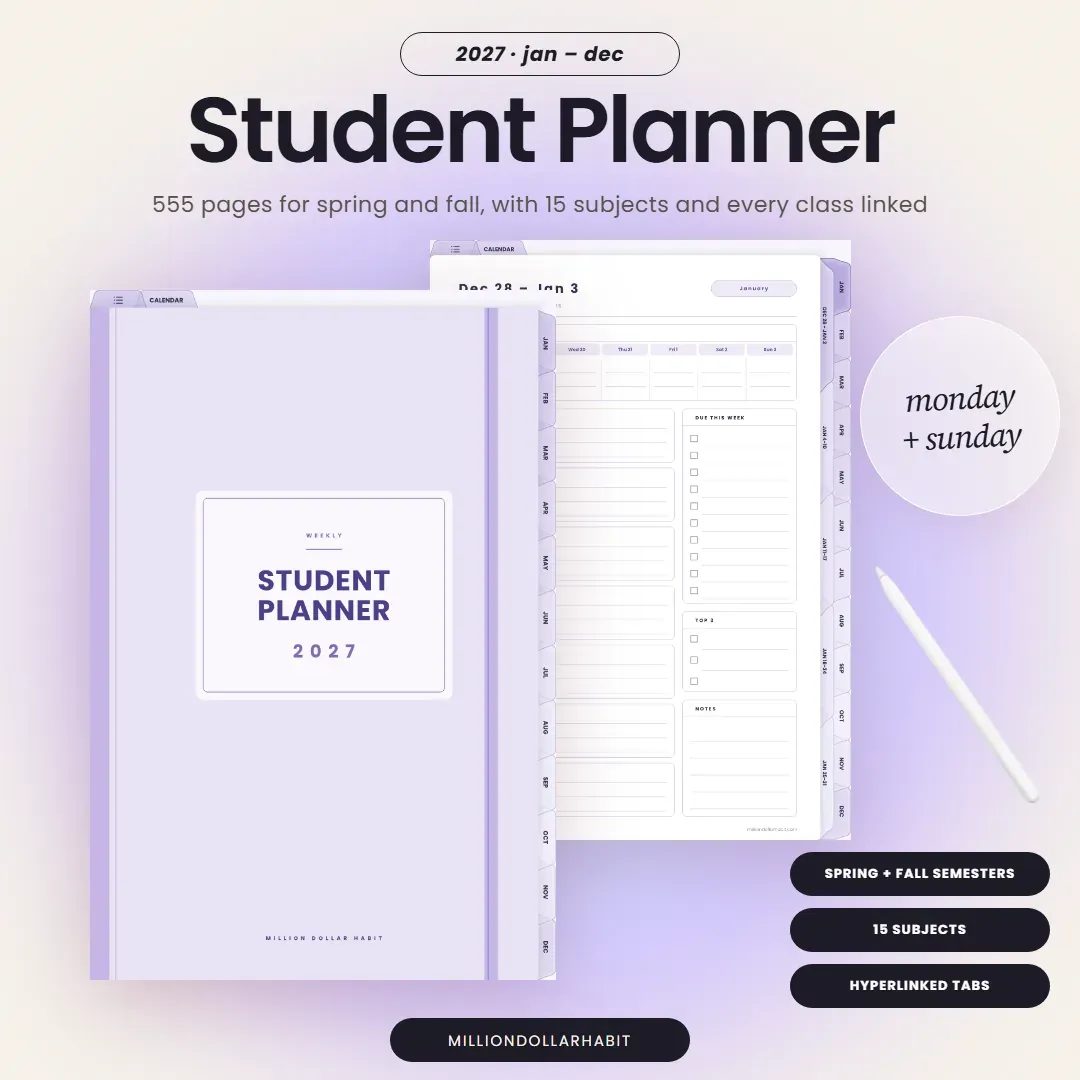 Get through the semester 2027 Student Planner Spring and fall semesters with 15 subjects, assignments, exams, grades and GPA. $12 See it →
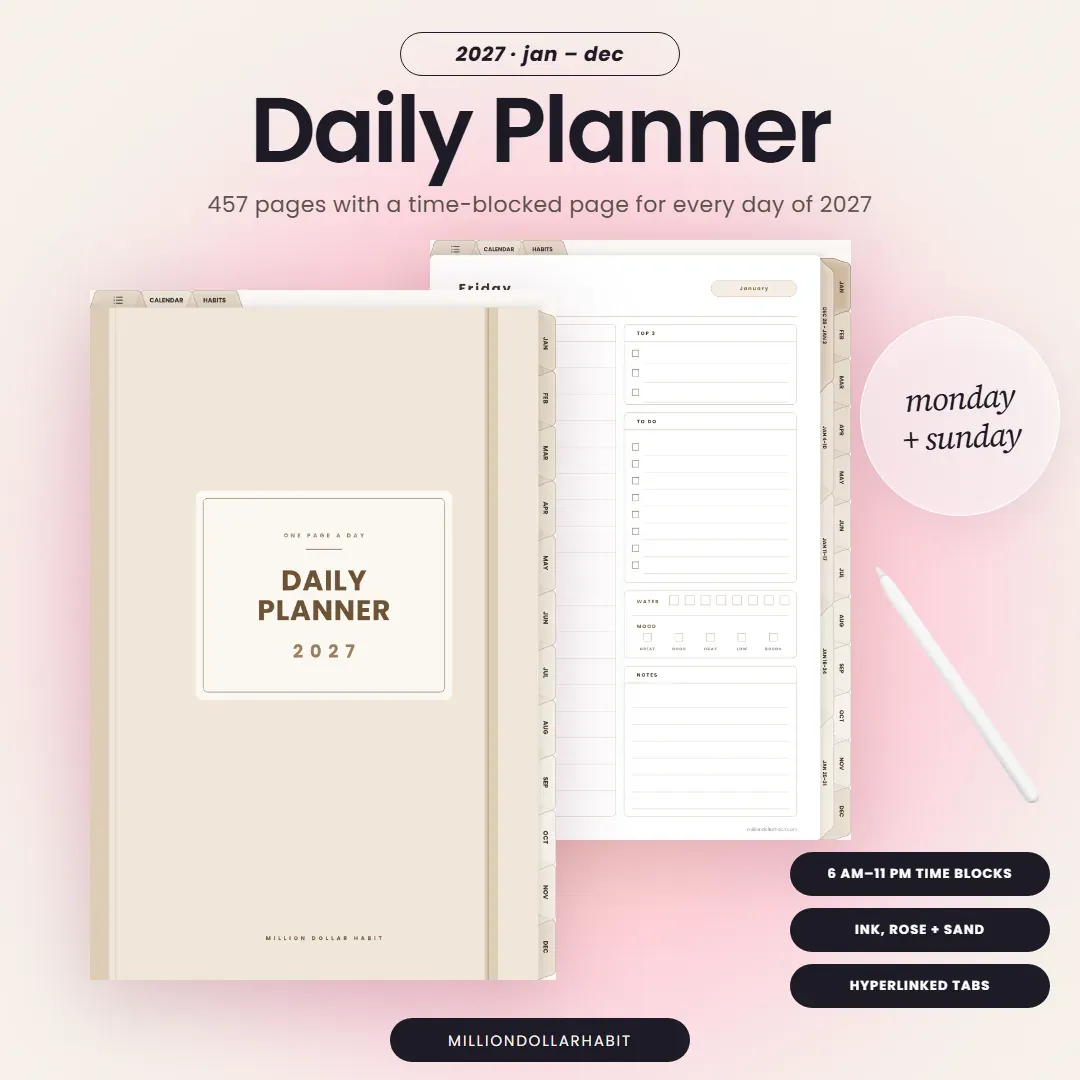 Plan one day at a time 2027 Daily Planner A time-blocked page for every day with a Top 3, to-do list, water and mood check. $9 See it →
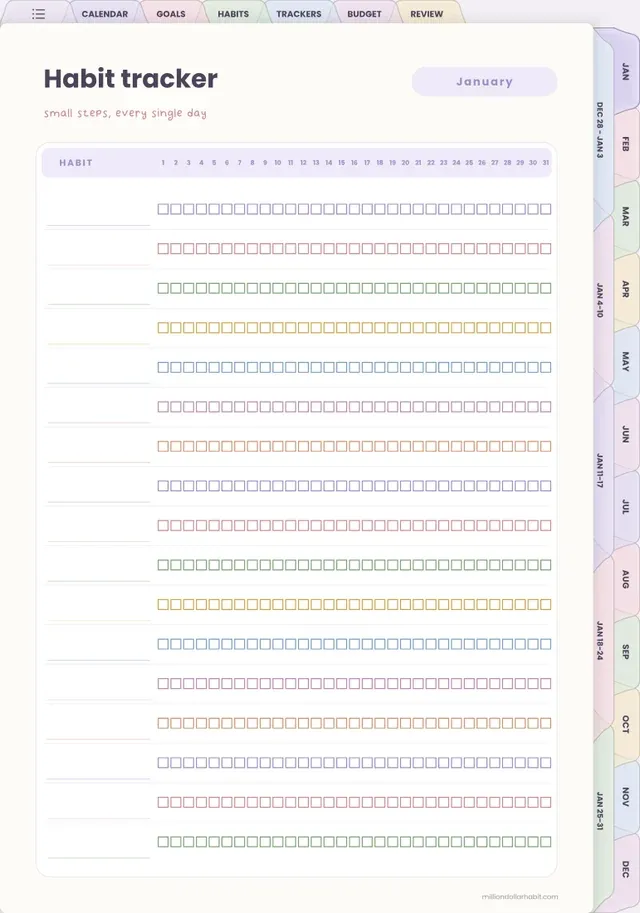
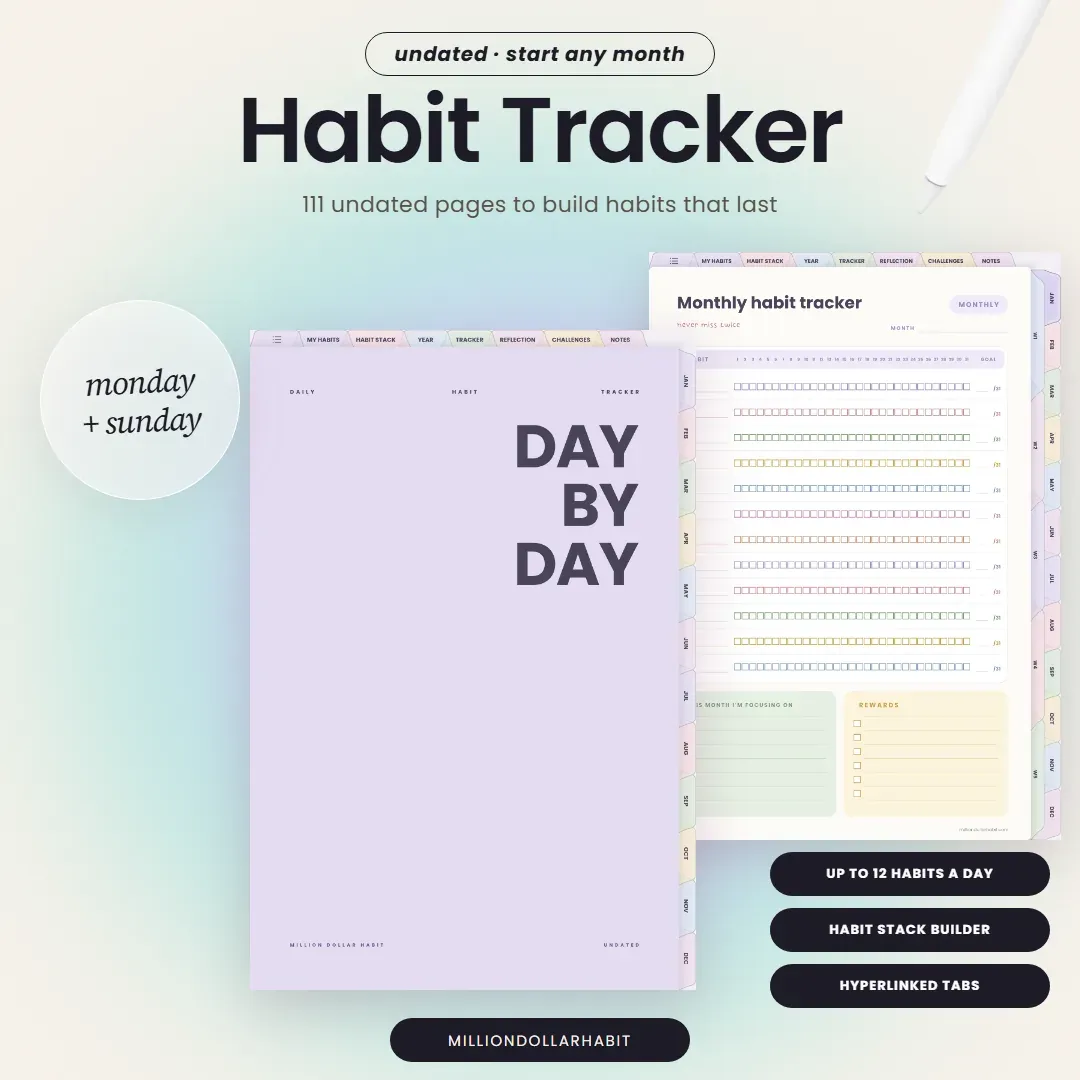
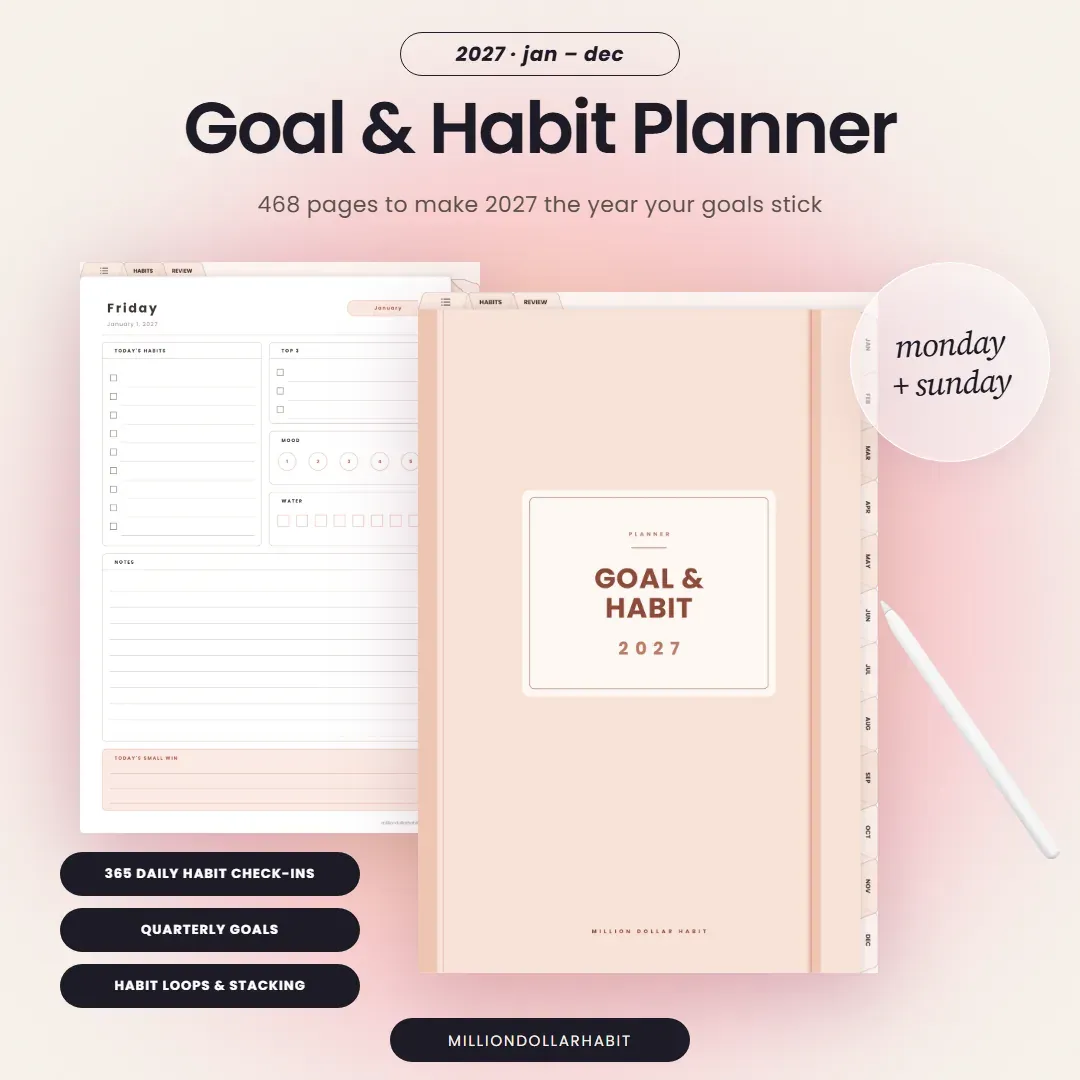 Build better habits 2027 Goal & Habit Planner Quarterly goals, daily habit check-ins, monthly trackers and weekly reviews. $9 See it →
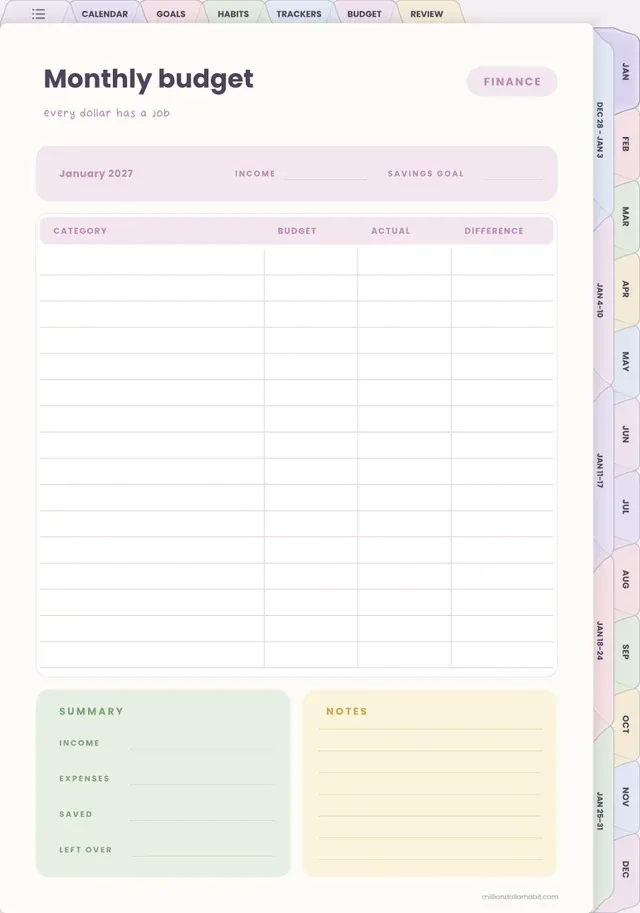
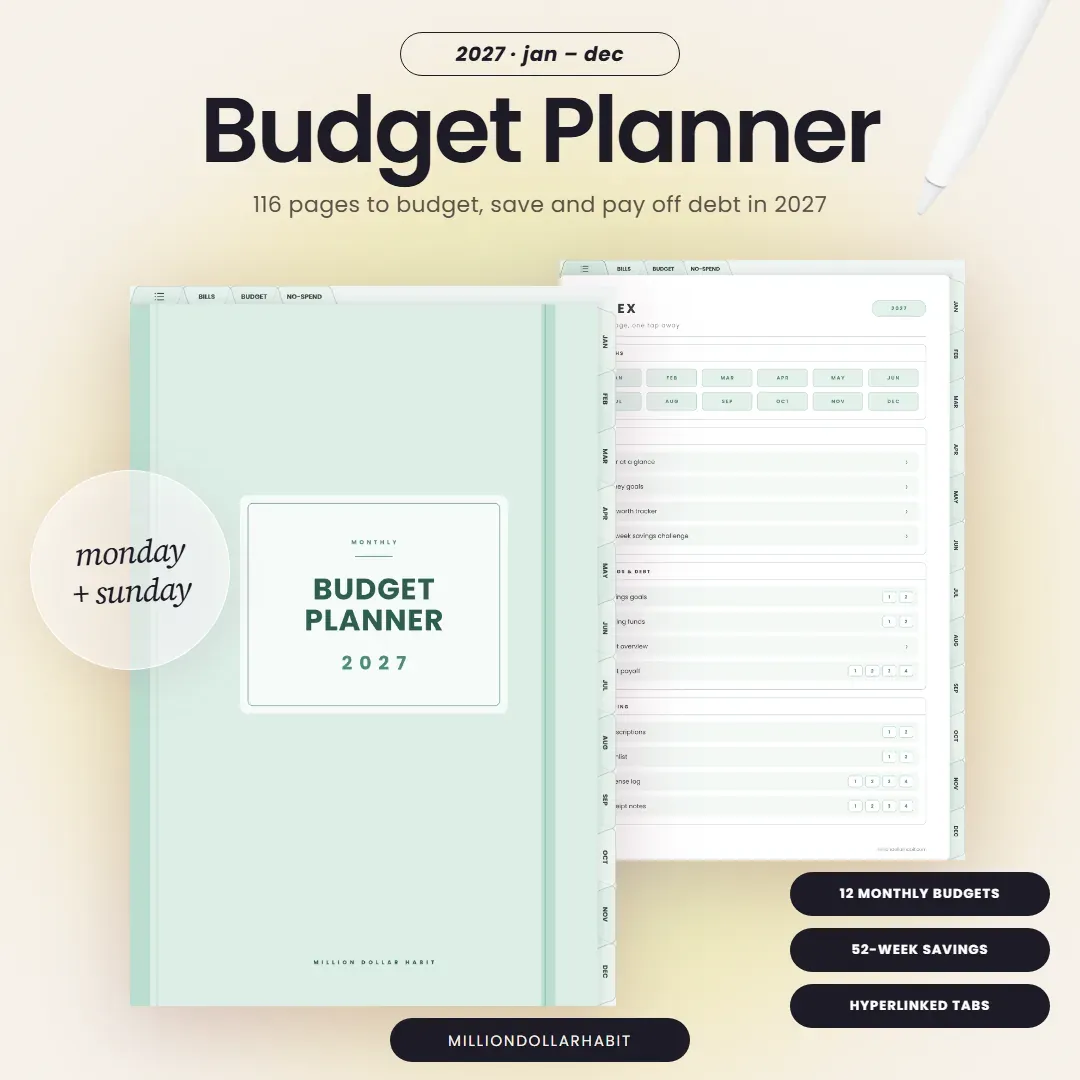 Take control of money 2027 Budget Planner Monthly budgets, a bills calendar, weekly spending logs, savings and debt payoff. $9 See it →
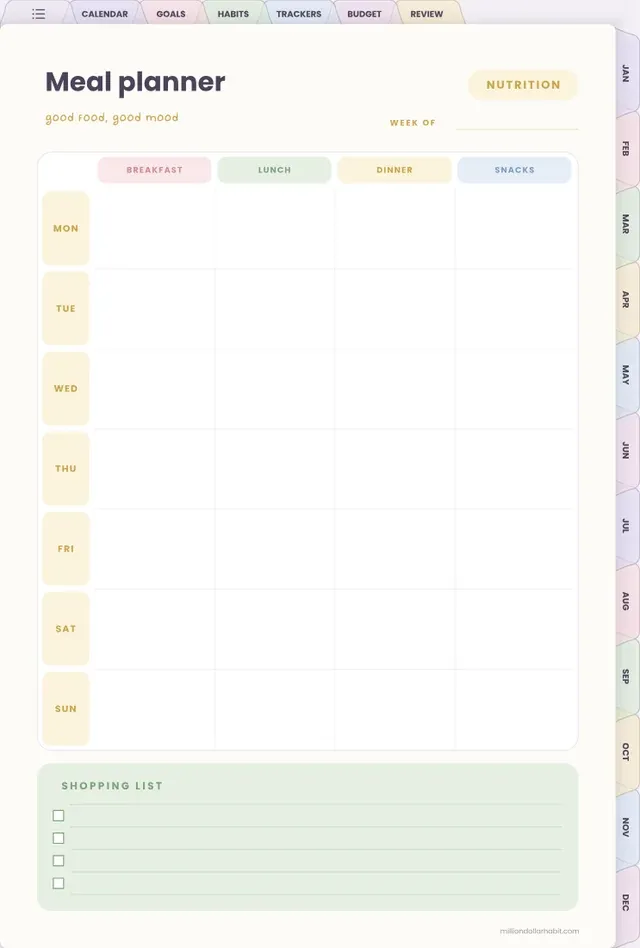
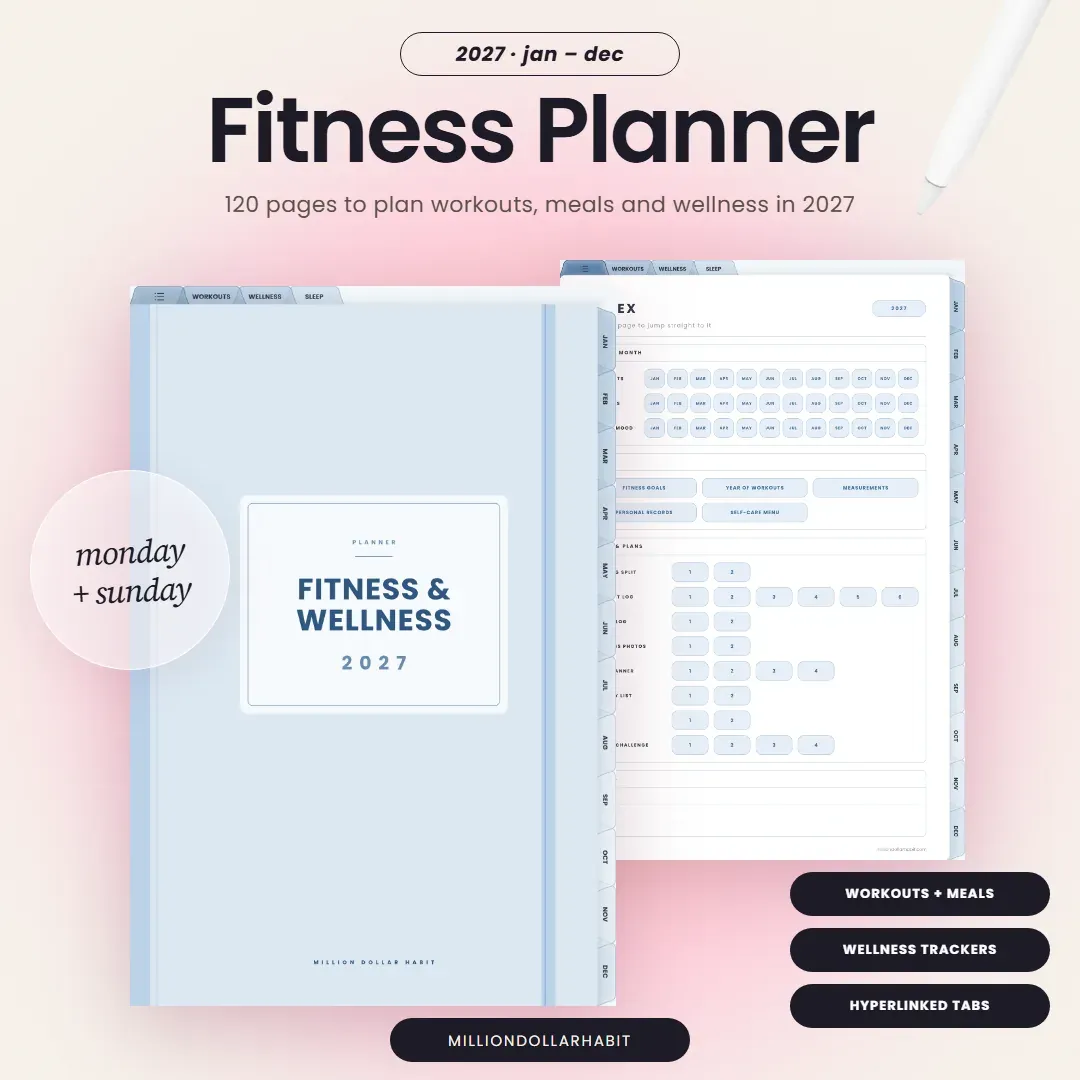 Train and eat well 2027 Fitness & Wellness Planner Monthly workout plans, weekly workout and meal plans, logs and wellness trackers. $9 See it →