OneNote Templates

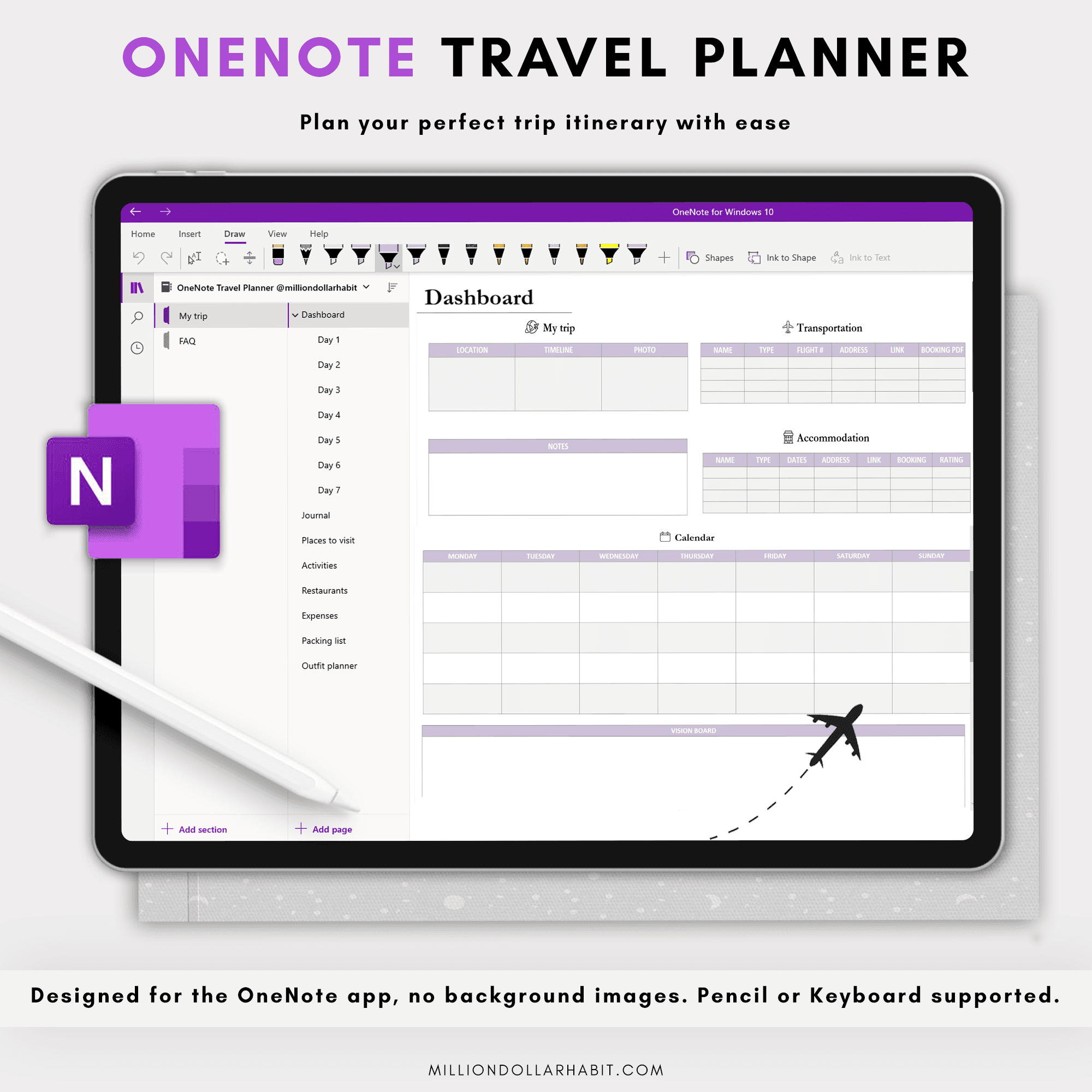
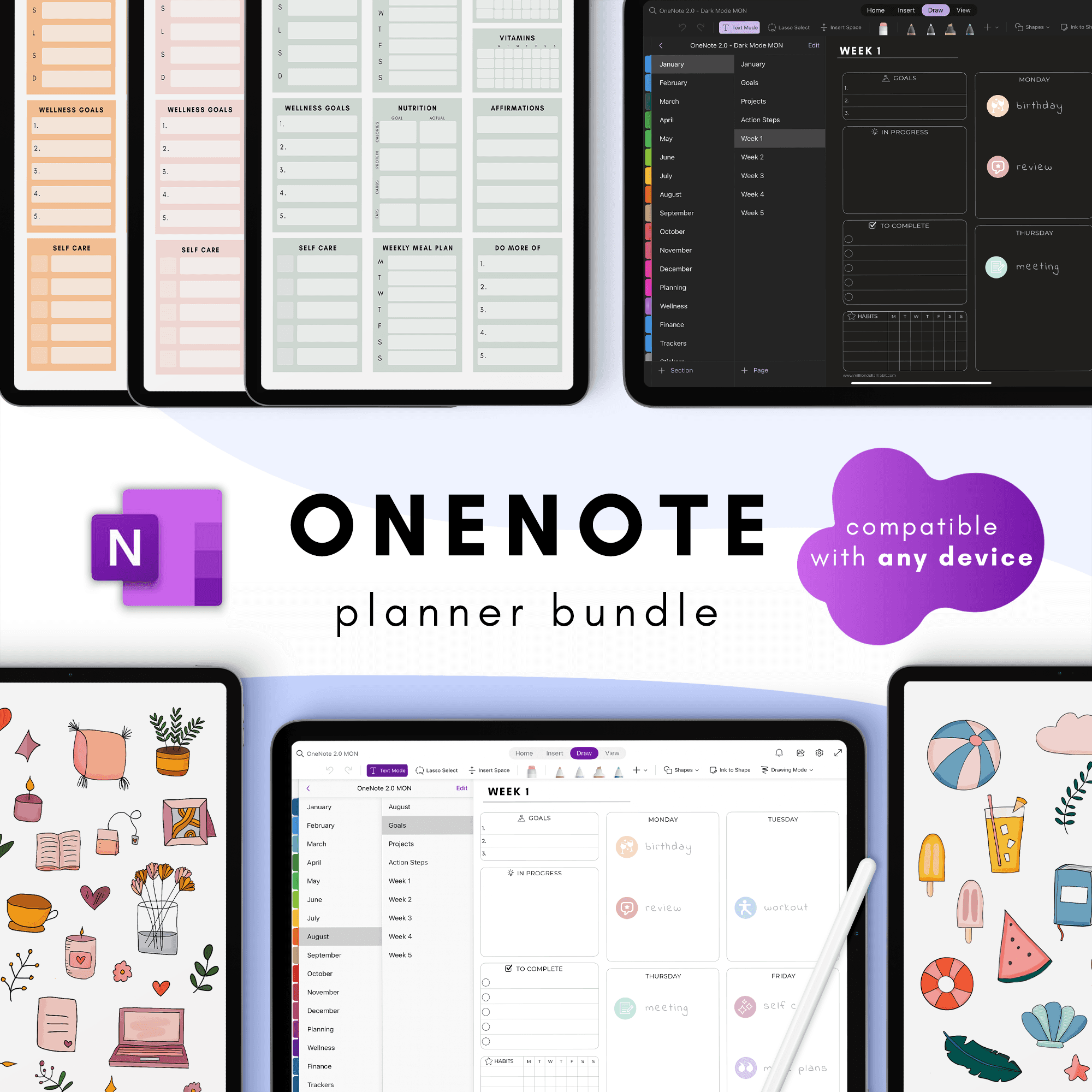
If you live in OneNote already, these planners let you bring a full planning system into the app you use every day. You don’t have to switch tools or learn something new – just add a planner notebook and start using the pages.

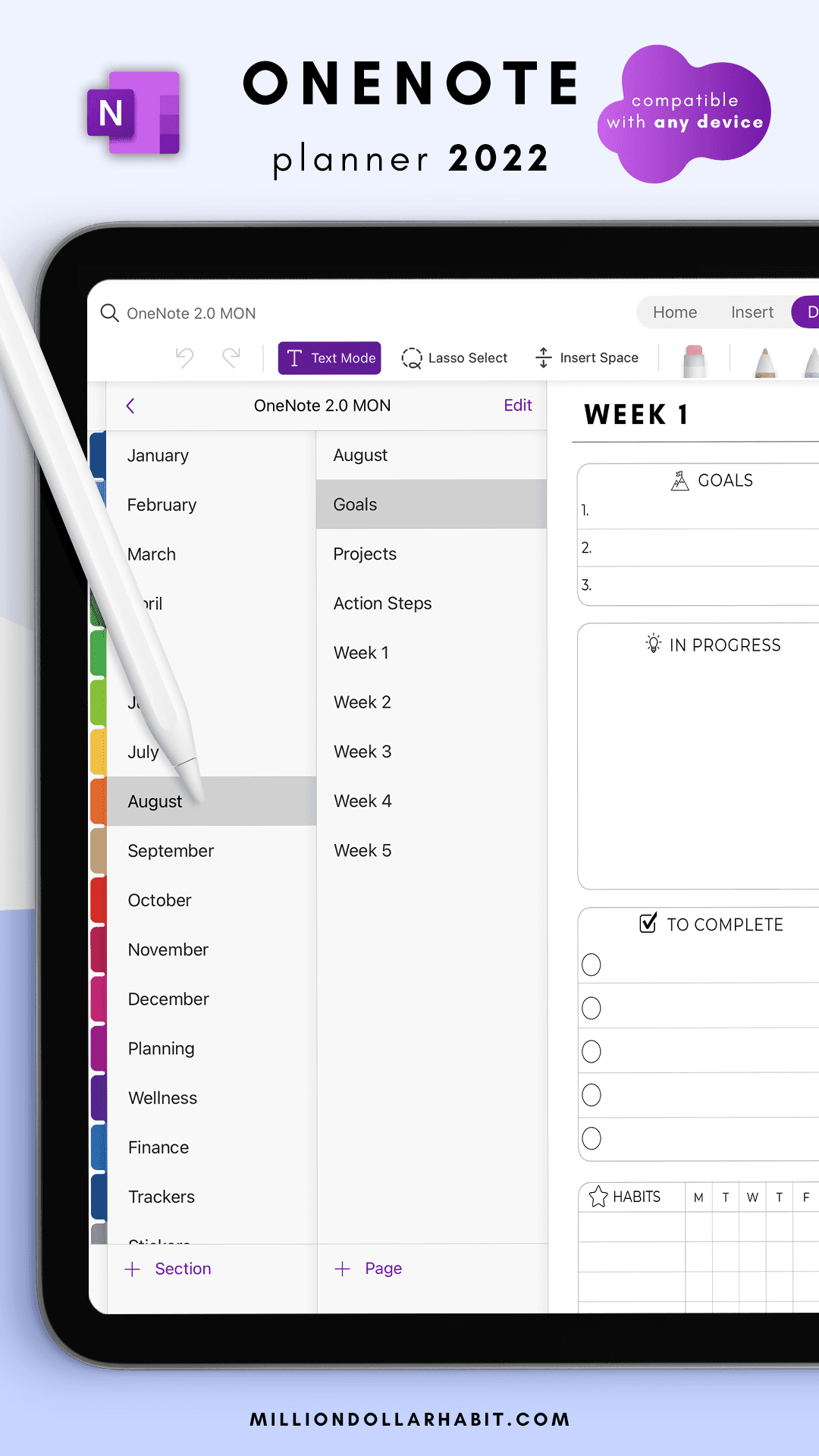
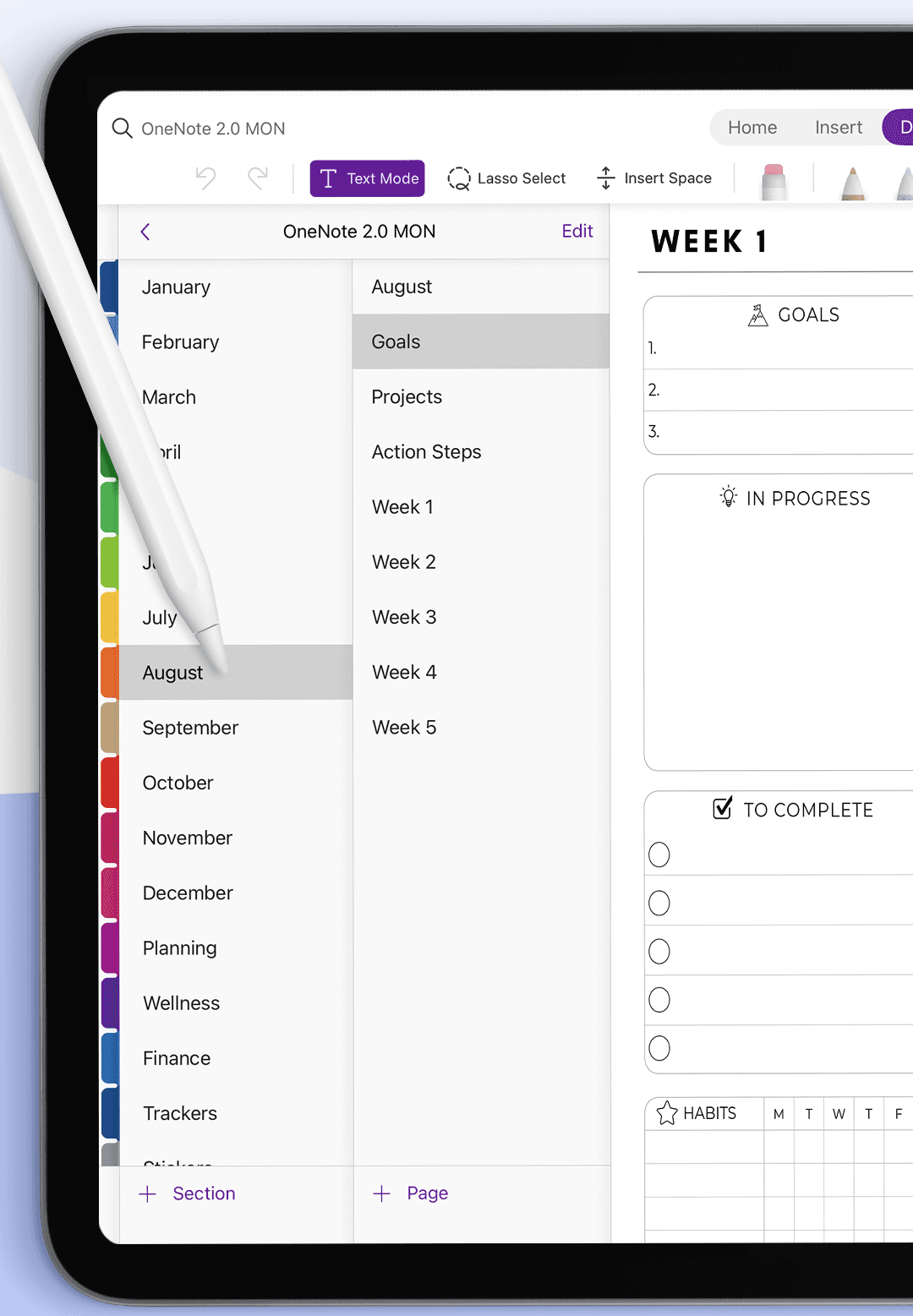
Layouts are designed to work with sections and tabs, so you can jump between yearly views, monthly spreads and daily pages in a few clicks.
Why plan in OneNote?

Keep notes and plans in the same place

  • Sync across your devices with your existing Microsoft account

  • Use handwriting, typing and file attachments together

  • Stay organized without managing multiple apps

Choose the planner format that matches how you think – yearly overview, detailed daily planning or something in between.
Digital stickers for goonotes on a weekly planner (Background Removed)

MILLION DOLLAR HABIT

Digital planners, templates and stickers for GoodNotes,
Notion and iPad planning.

Terms of Service

© 2025 Neda Mrvaljević PR Edukativni centar Planerium Beograd. All rights reserved.

MILLION DOLLAR HABIT

Digital planners, templates and stickers for GoodNotes,
Notion and iPad planning.

Terms of Service

© 2025 Neda Mrvaljević PR Edukativni centar Planerium Beograd. All rights reserved.

MILLION DOLLAR HABIT

Digital planners, templates and stickers for
GoodNotes, Notion and iPad planning.

© 2025 Neda Mrvaljević PR Edukativni centar Planerium Beograd.