Desktop · iPad · Phone
Latest drop: August 2026
Free Monthly Wallpapers for Your Tech
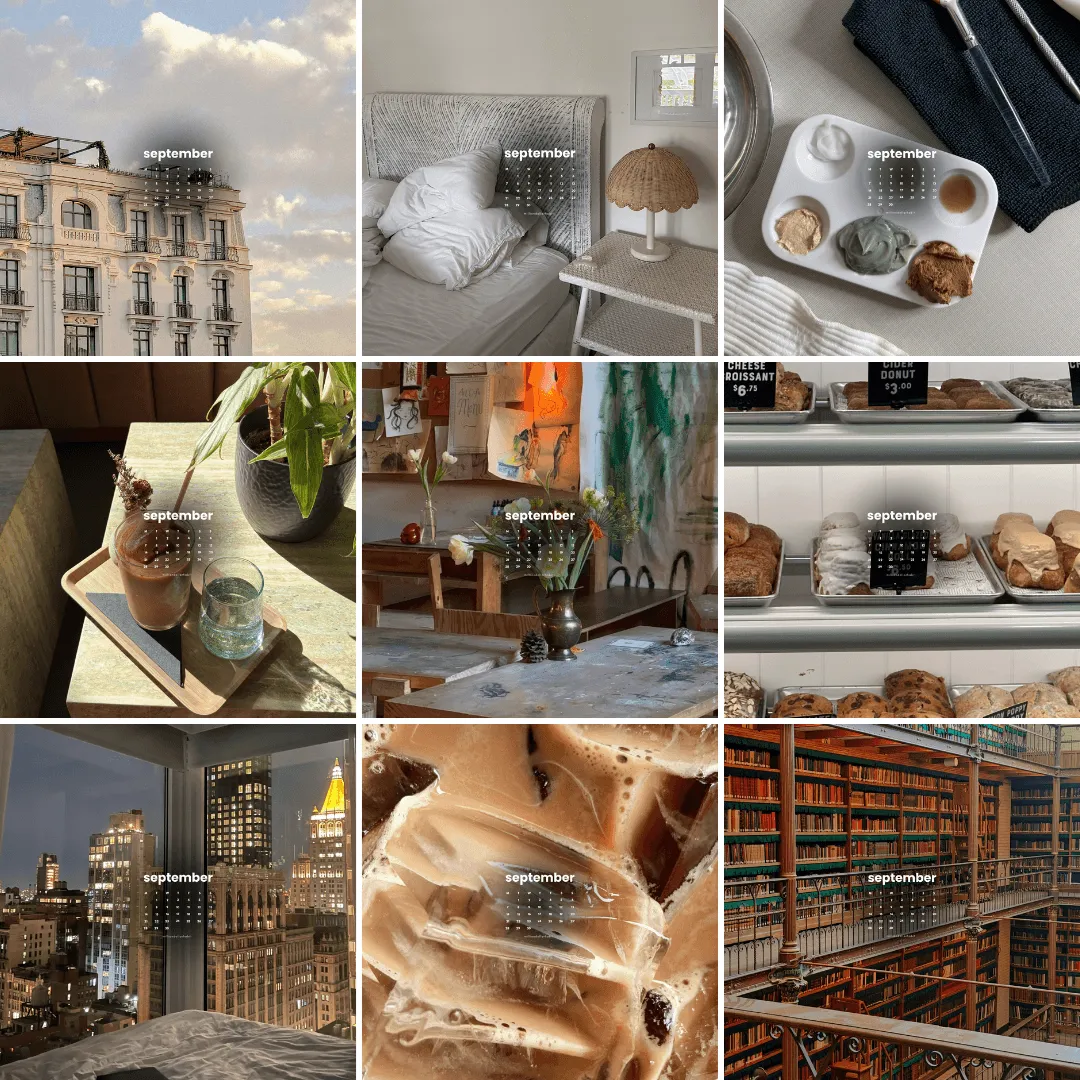
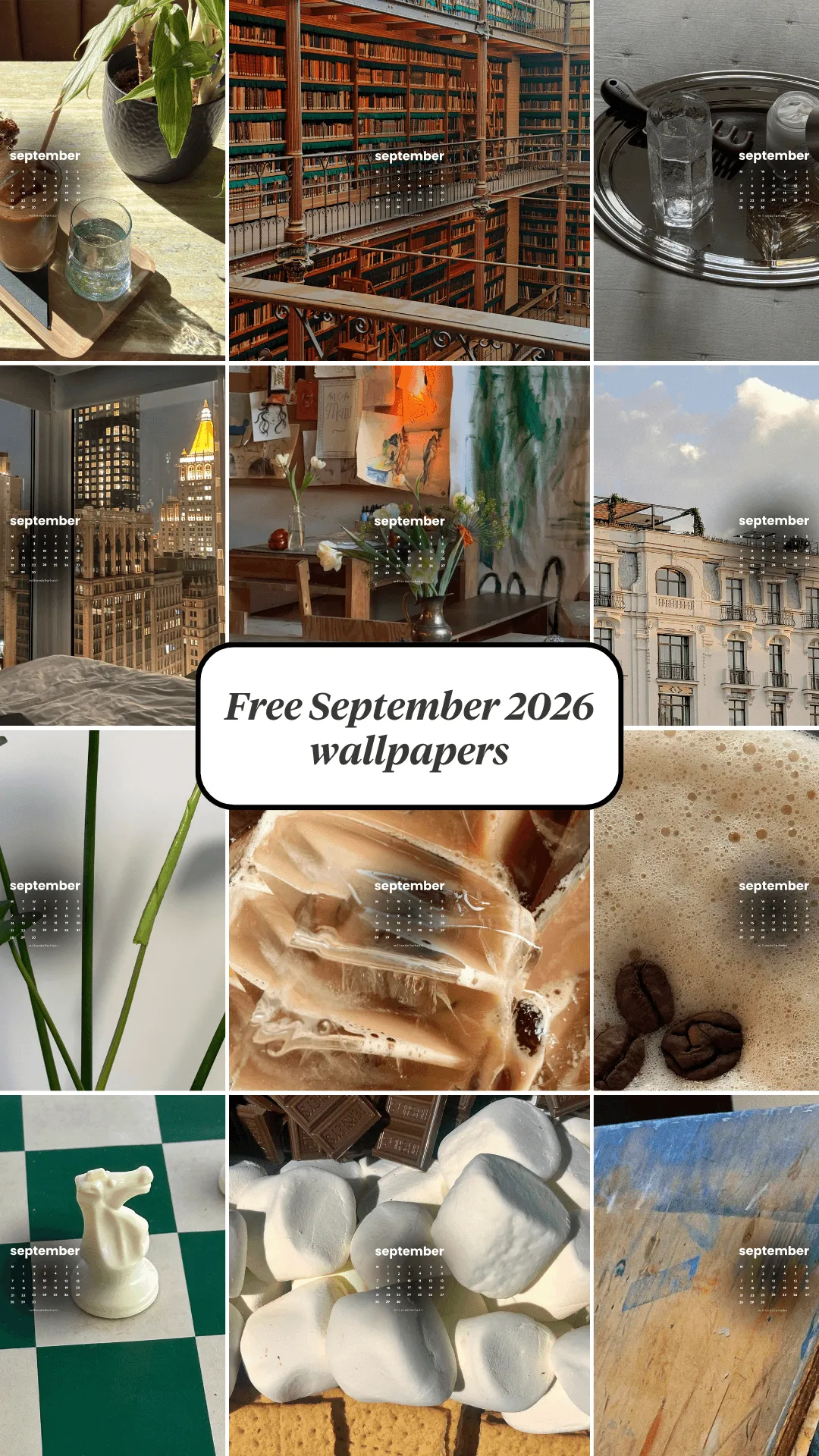
This is your all-in-one wallpaper library from Million Dollar Habit – clean, minimal, planner-friendly wallpapers for every month of the year.
August 2026 Wallpapers – Free Download
Monthly wallpapers for desktop, iPad and phone – all inside one always-updated library.
What you’ll find here
Every wallpaper pack is built for people who:
- Live in digital planners, notes apps and calendars
- Want screens that look good and stay functional
- Use more than one device (phone + iPad + laptop)
Each monthly set usually includes:
-
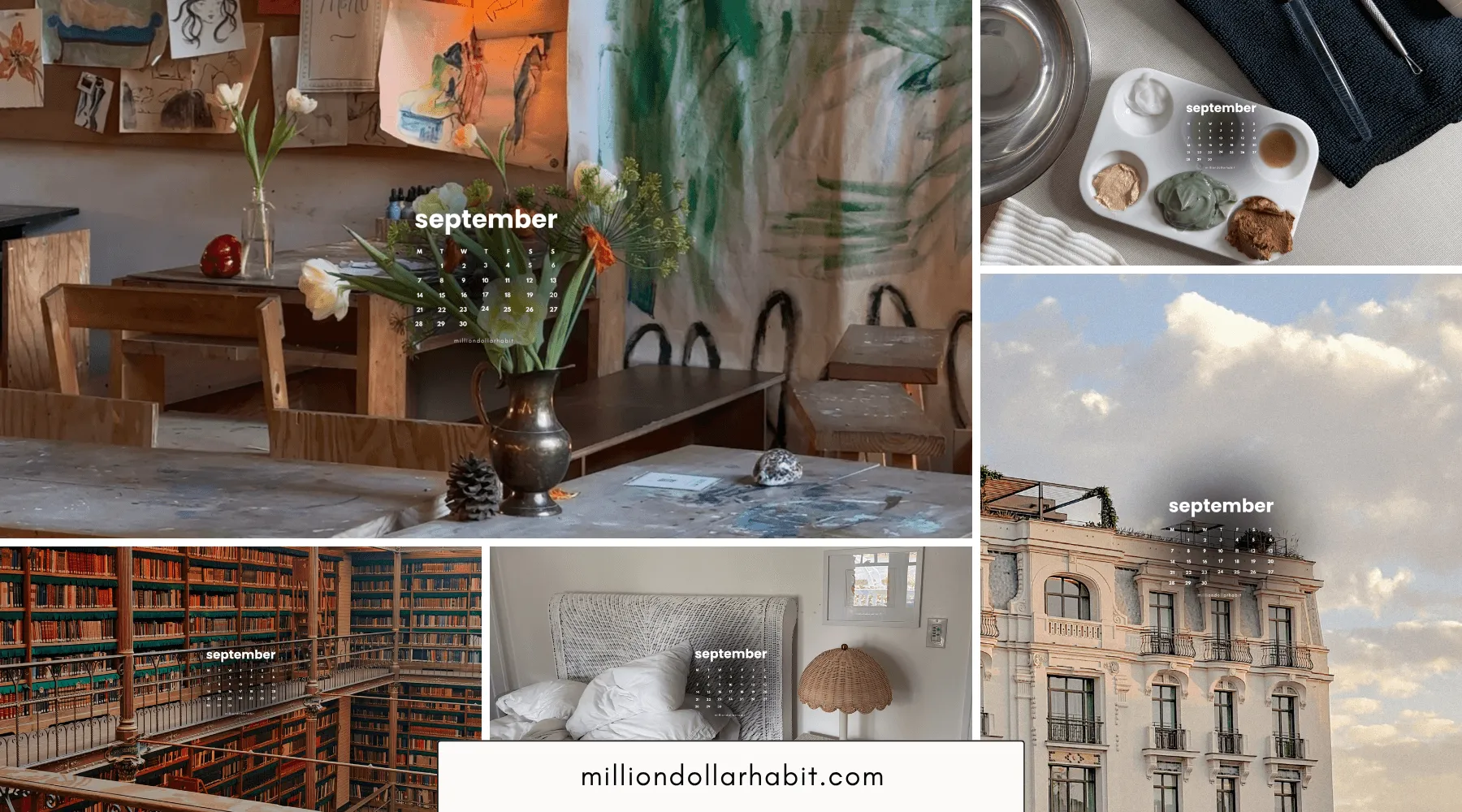
Desktop wallpapers – high-res, wide formats
-
iPad / tablet wallpapers – perfect for split-screen with planners
-
Phone wallpapers – lock screen + home screen friendly
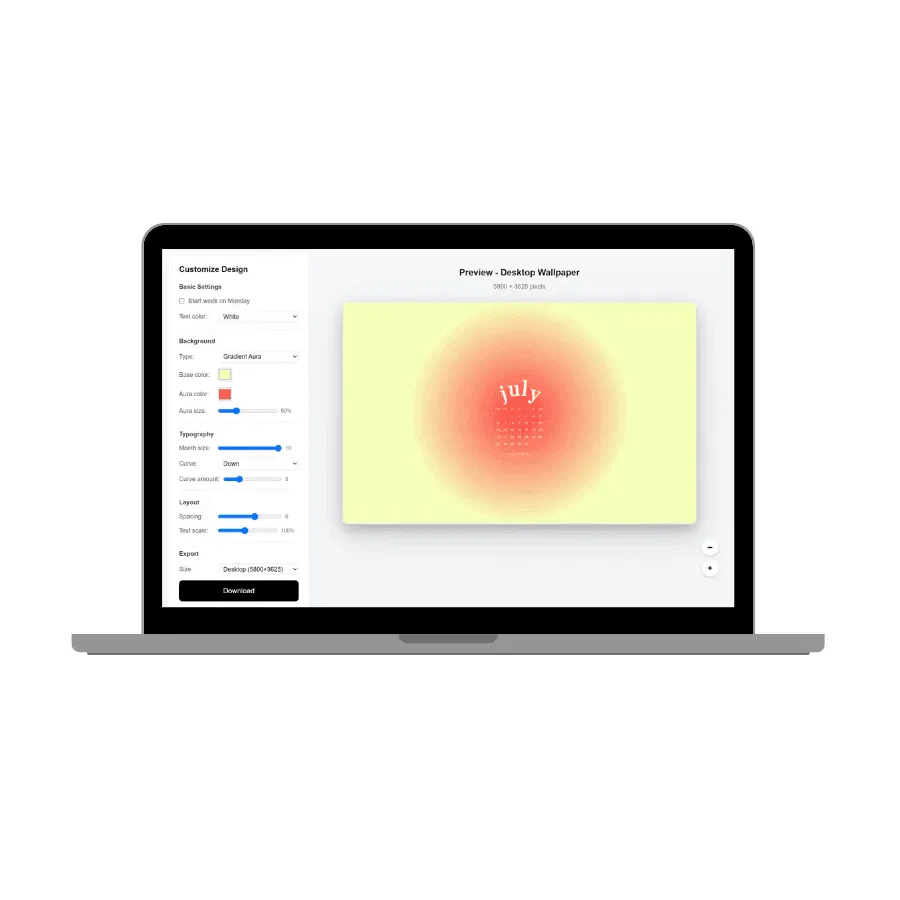
Aesthetic Wallpaper Studio
Create your own custom monthly wallpapers for free.
- Background
- Typography
- Device sizes
How to use the wallpapers
The flow is simple:
-
Open the wallpaper library
-
Pick the right size for your device (desktop / iPad / phone).
-
Save the image and set it as your wallpaper in your device settings.
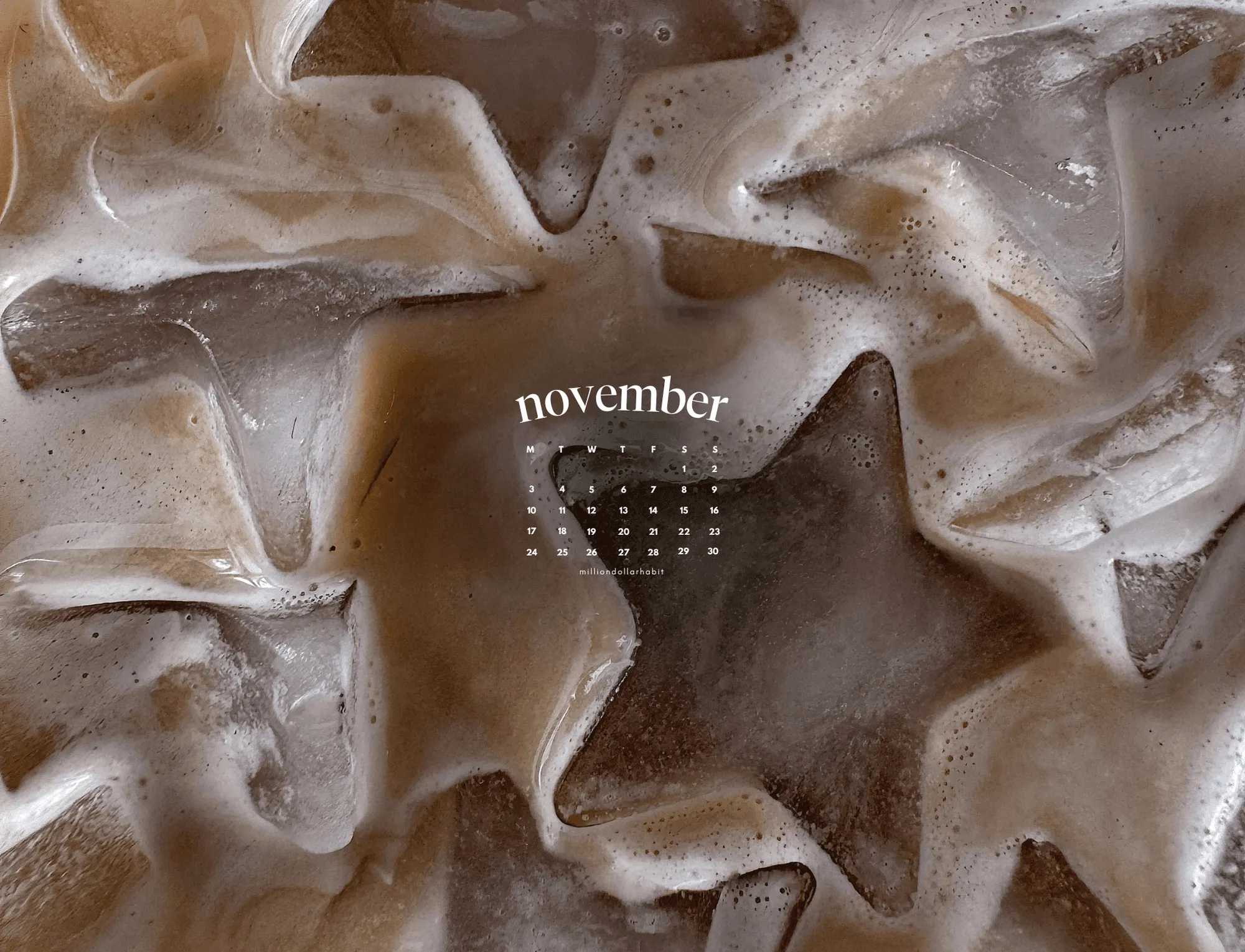
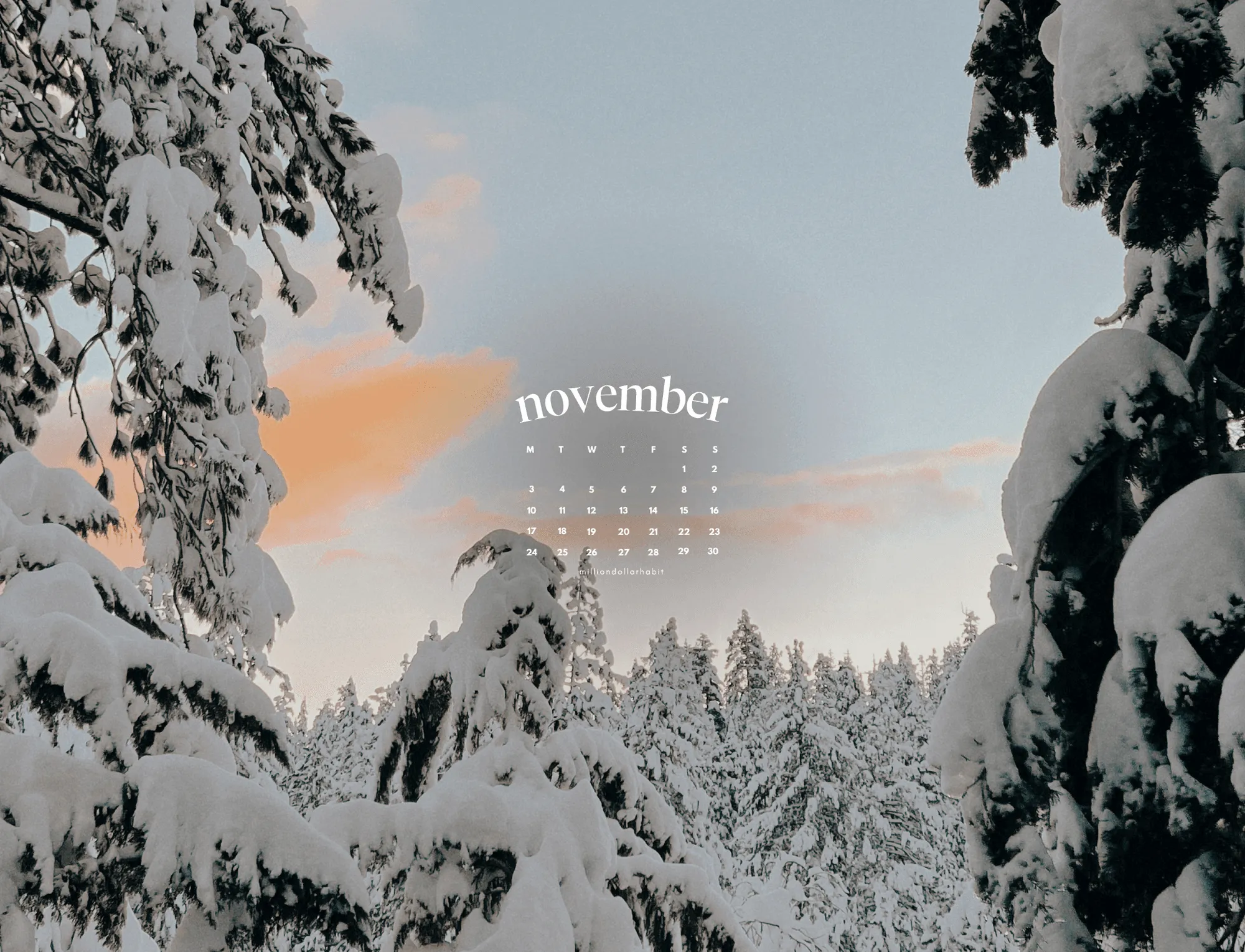
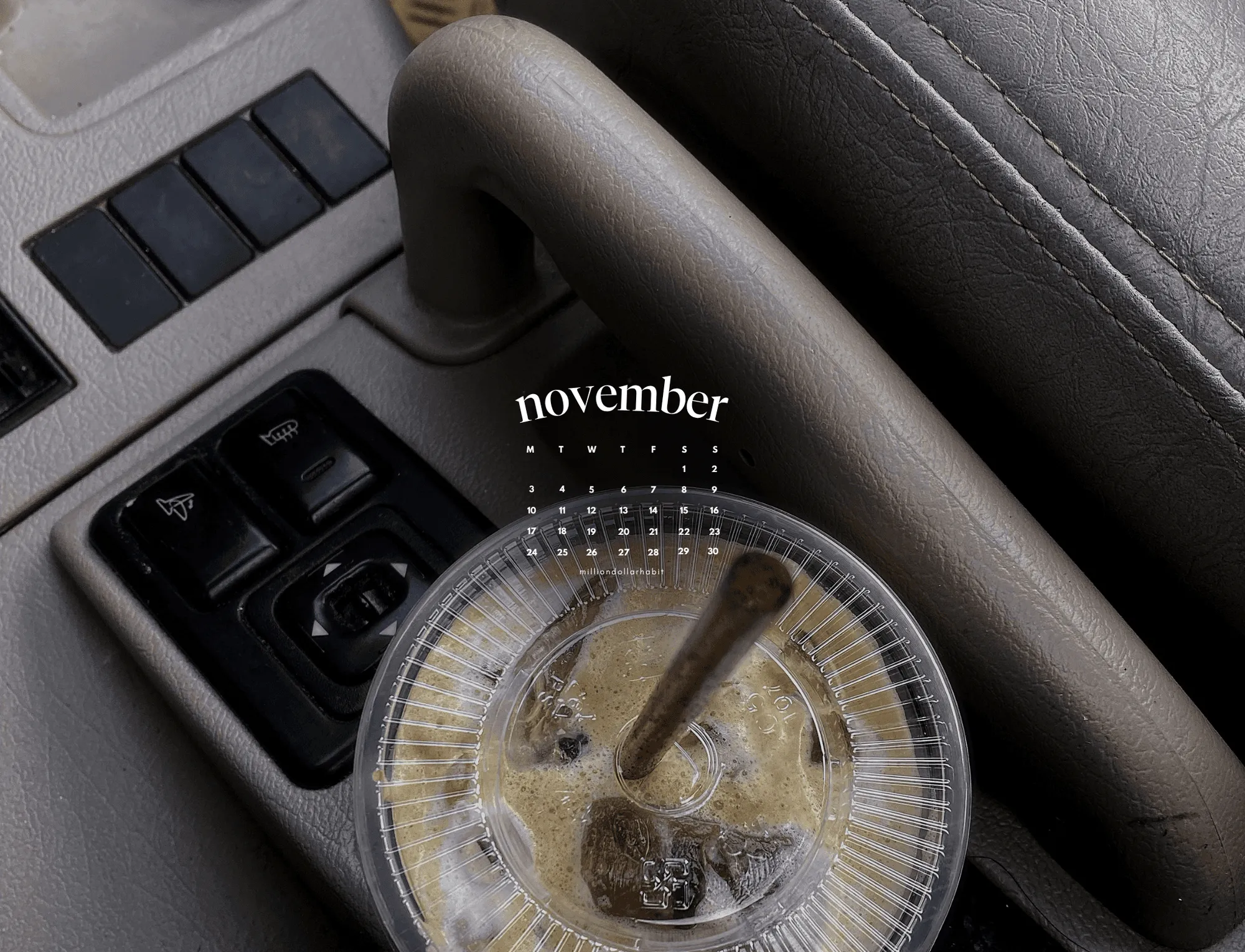
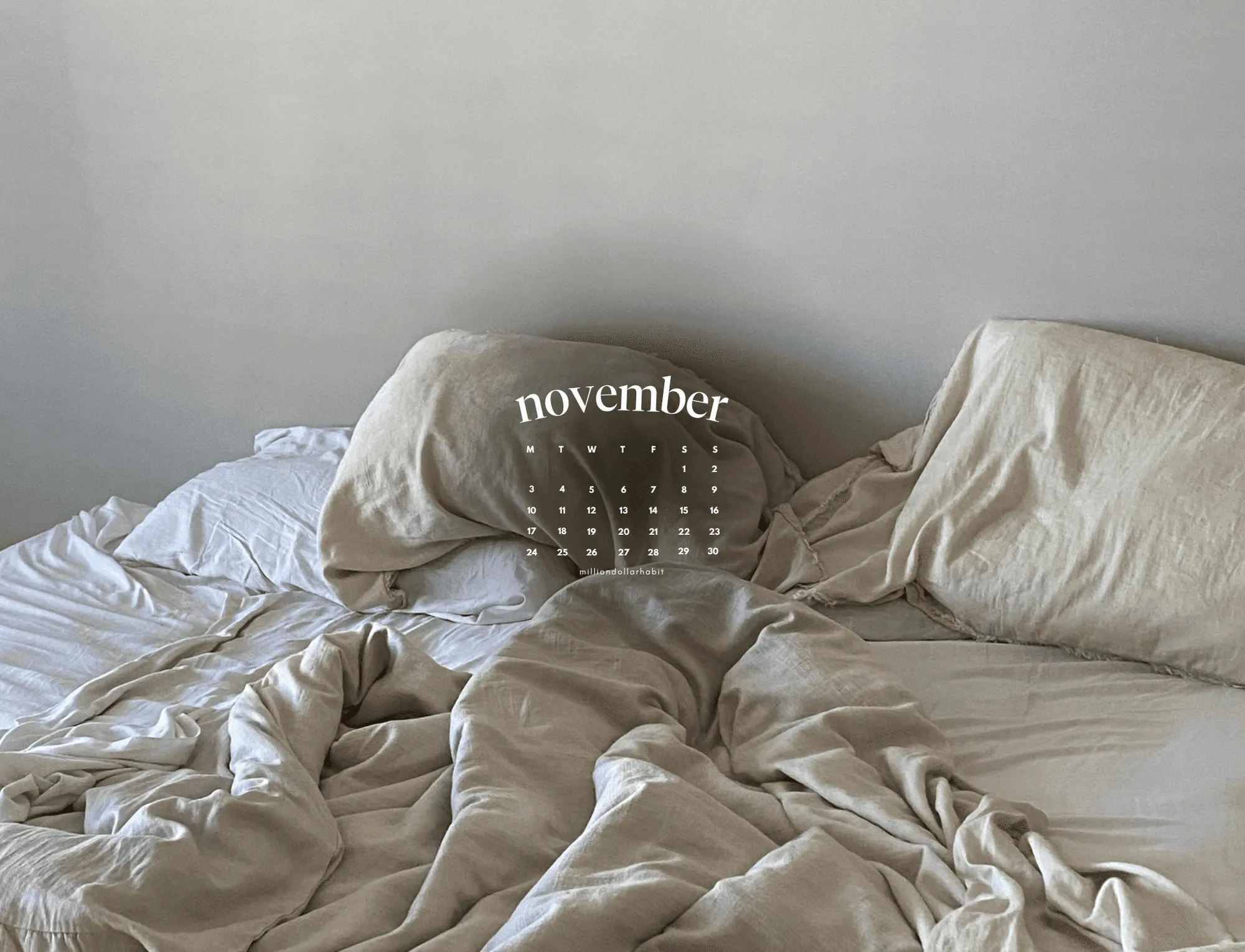
Previous Month's Wallpapers
Open the library-
-
-
-
-
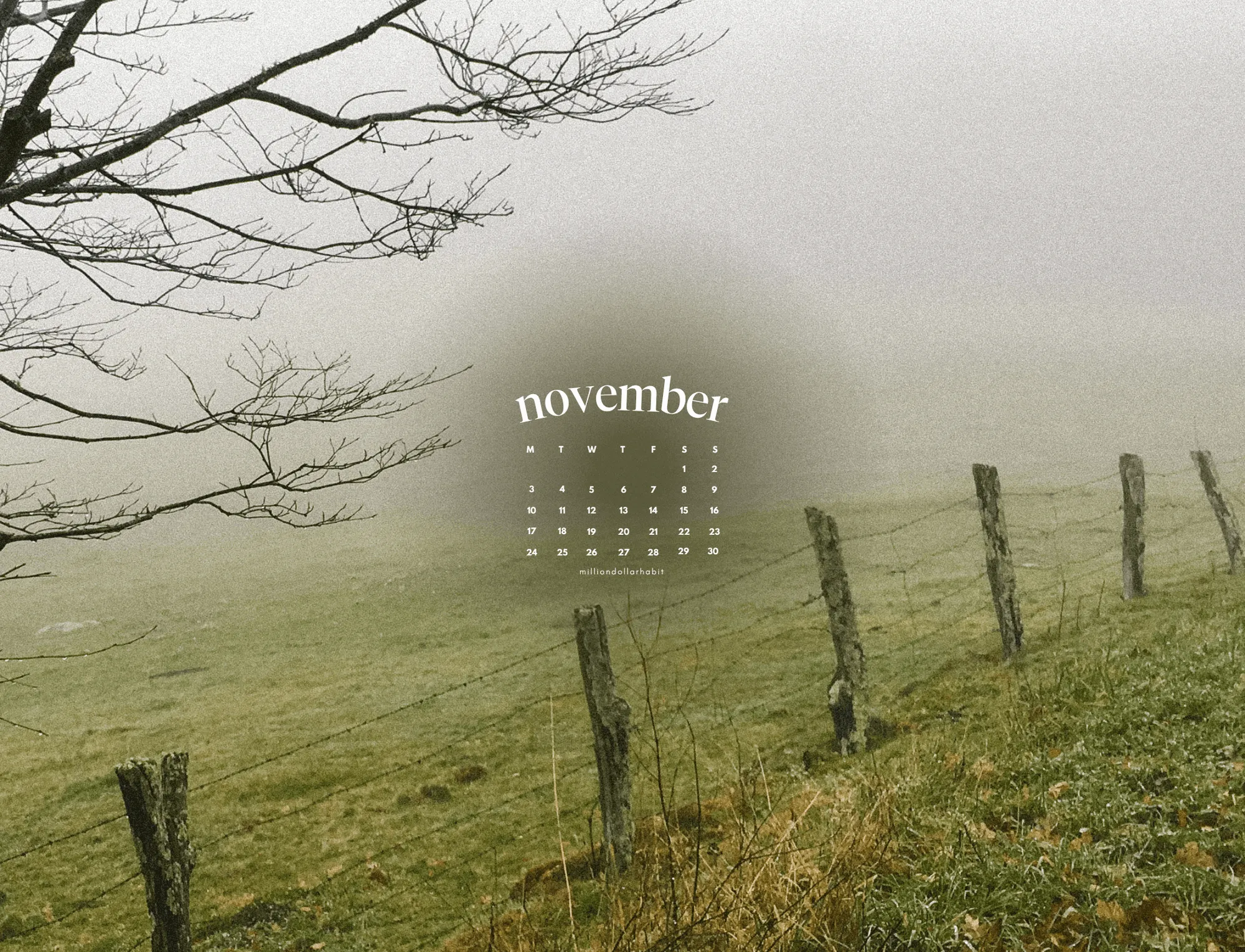
-
Set up this month’s screens
Pick your month, pick your devices, and give your tech a clean start.
Download Free Monthly Wallpapers
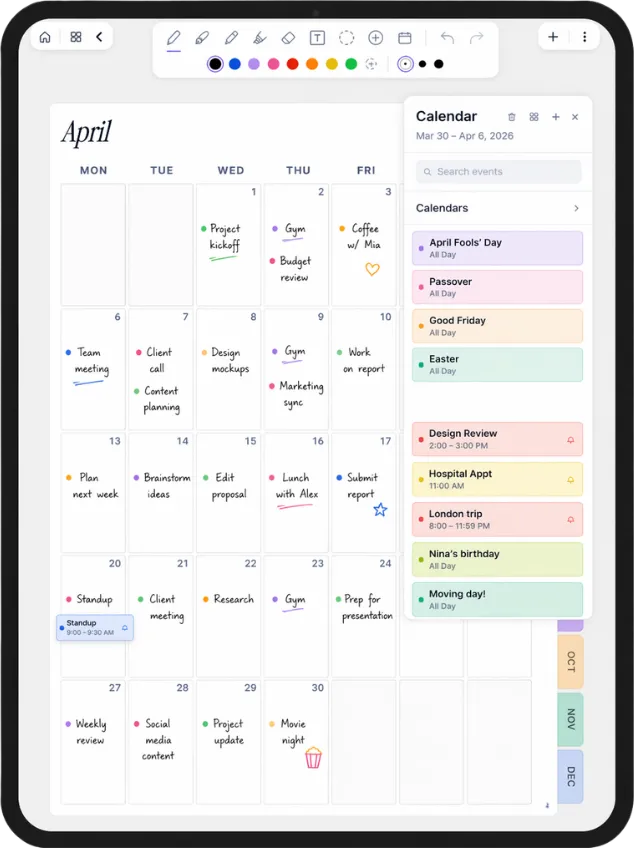
A planner that knows your calendar
You came here for something that looks good on your iPad. Plannora is a planner you write on with Apple Pencil, with your Apple Calendar live on the page. Join the waitlist for early access.
- Your events appear on the page by themselves
- Paper feel with Apple Pencil
- Launching soon on iPad
Want More?
Goodnotes / Notability / Noteshelf
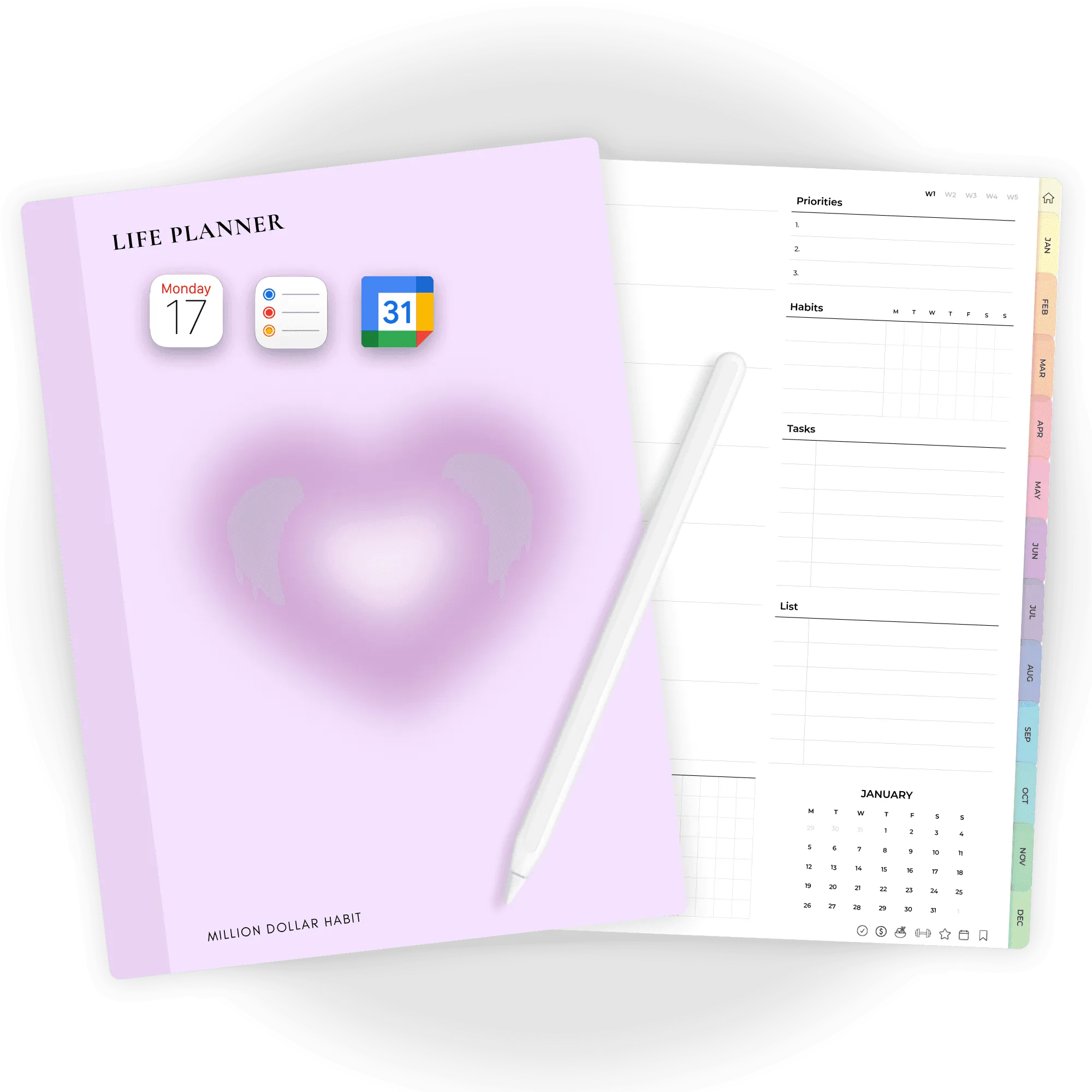
2026 Digital Life Planner
Designed to help you organize your life, set meaningful goals, and track progress with ease, this all-in-one 2026 digital life planner keeps everything in one place so you stay focused, productive, and in control all year long.
Check out our digital productivity shop, premium templates, and planner bundles for deeper habit tracking and daily success.
Get a Free Digital PlannerFAQ
Are the wallpapers free?
Yes. The wallpapers are free for personal use. Simply type $0 and download.
Which devices can I use the wallpapers on?
You can use them on:
Your phone
iPad / tablet
Laptop and desktop
All your own devices at the same time
How will I know when a new month is available?
You can:
Check this page – the Current Drop bar at the top always shows what’s live now.
Join the Million Dollar Habit email list to get a quick heads-up when a new month is added and when new planning tools launch.
Do I need a new download every month?
No. You get access to the same wallpaper library on Google Drive, which is updated over time.
When a new month is added, it appears alongside the previous months in that library.
Can I use these in my own products or templates?
No. These wallpapers are for personal use only.
Please don’t:
Resell them
Upload them elsewhere as your own
Include them in products, templates, or freebie libraries