14 free aesthetic Notion templates: planners, habit trackers, travel, finance, students and more. Duplicate into your free Notion account in one click.
Last updated June 2026 · Free to duplicate · Runs on the free Notion plan
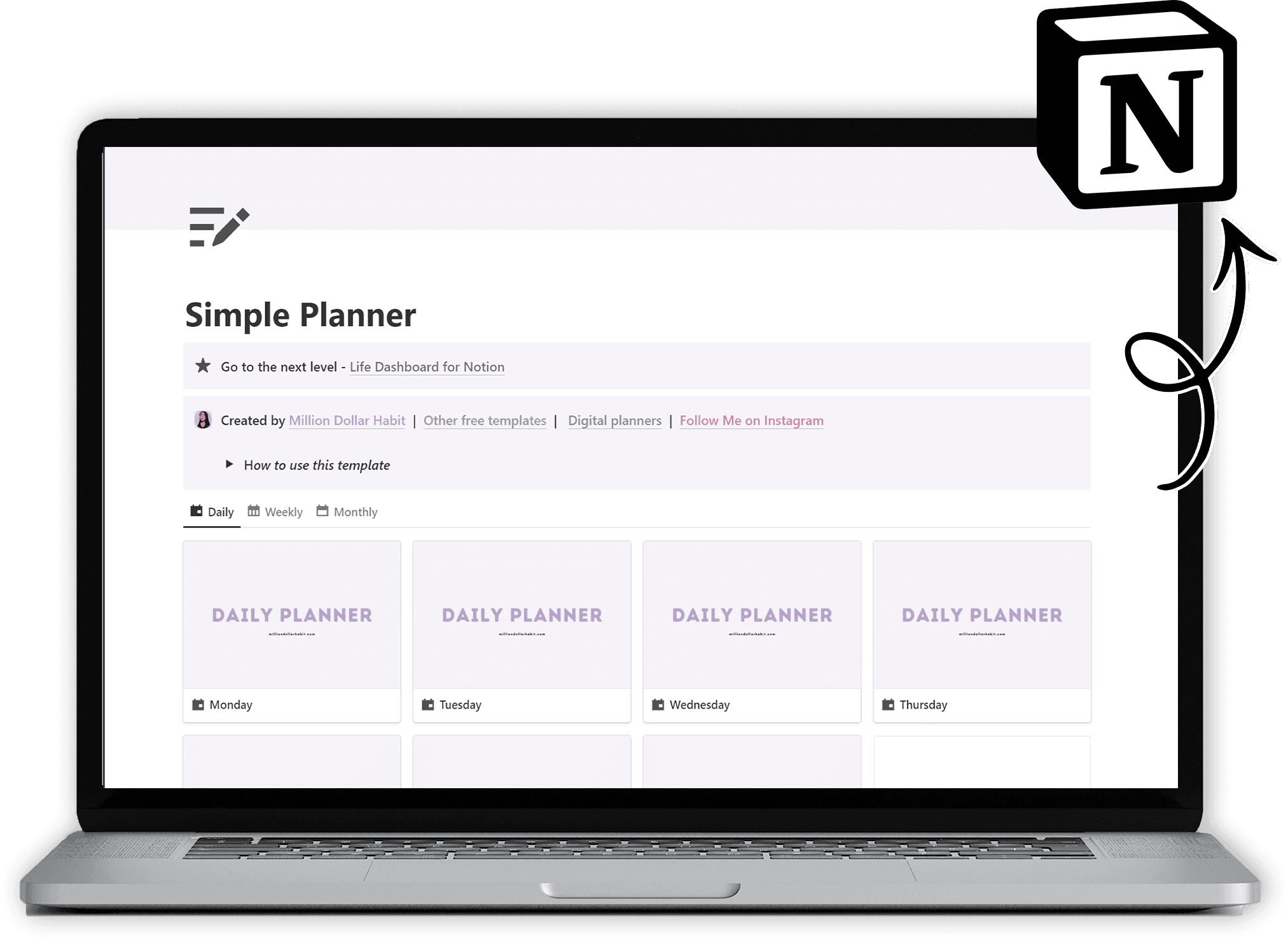
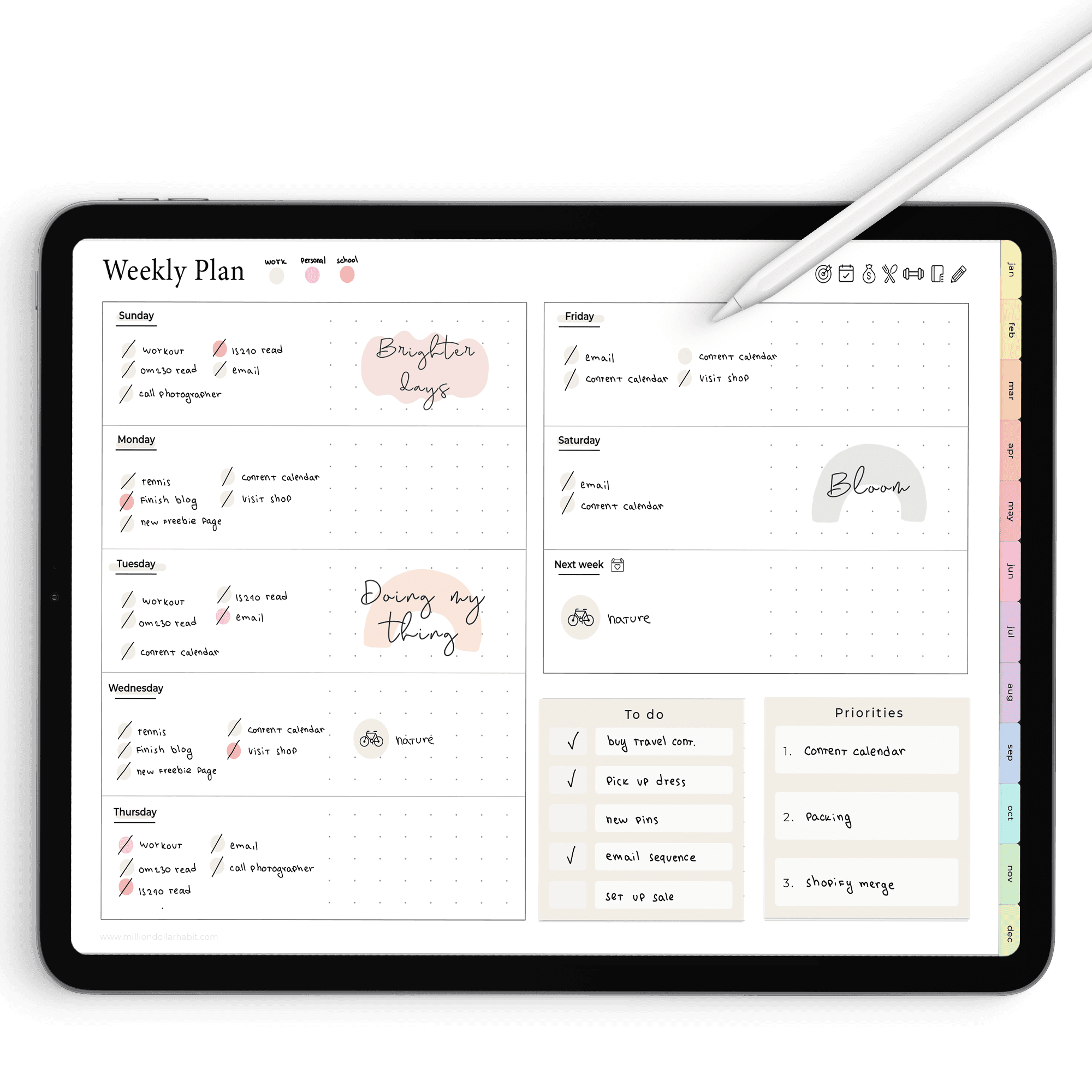
Free Notion template
Get the whole free Notion library
One email and I'll send you the entire free library, every template below, ready to duplicate into your own Notion. Plus new templates as I make them.
What's inside the Free Notion Template Library
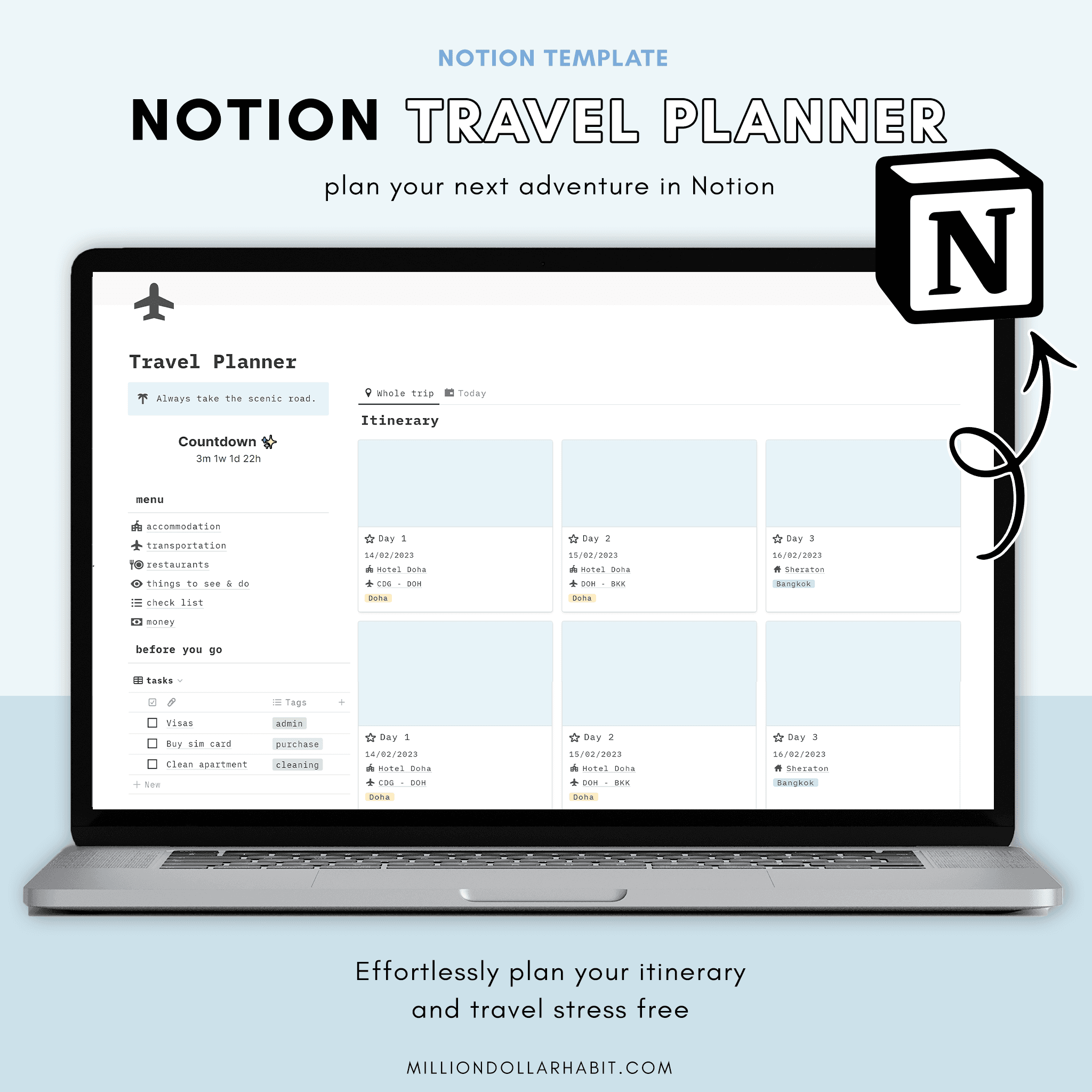


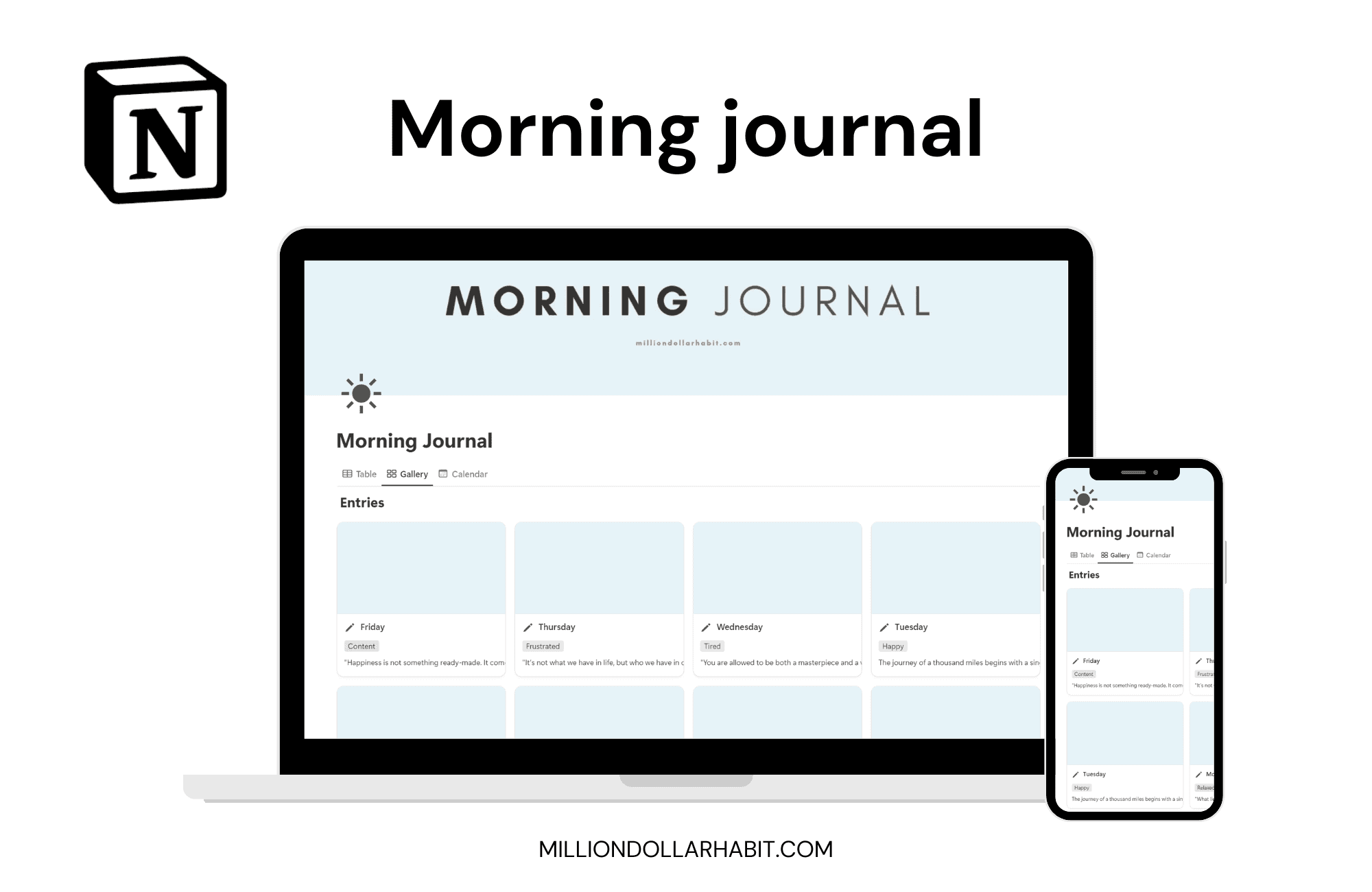

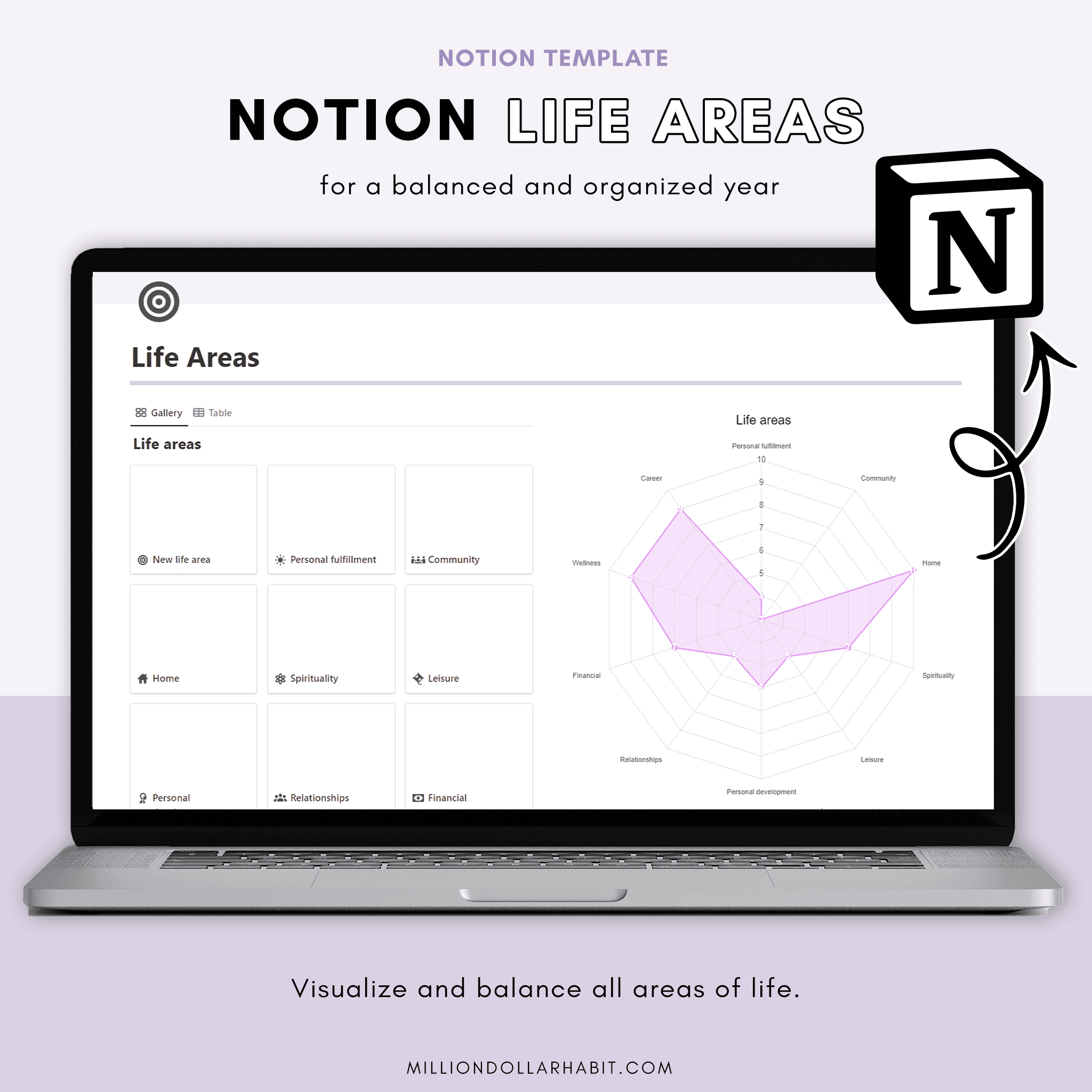


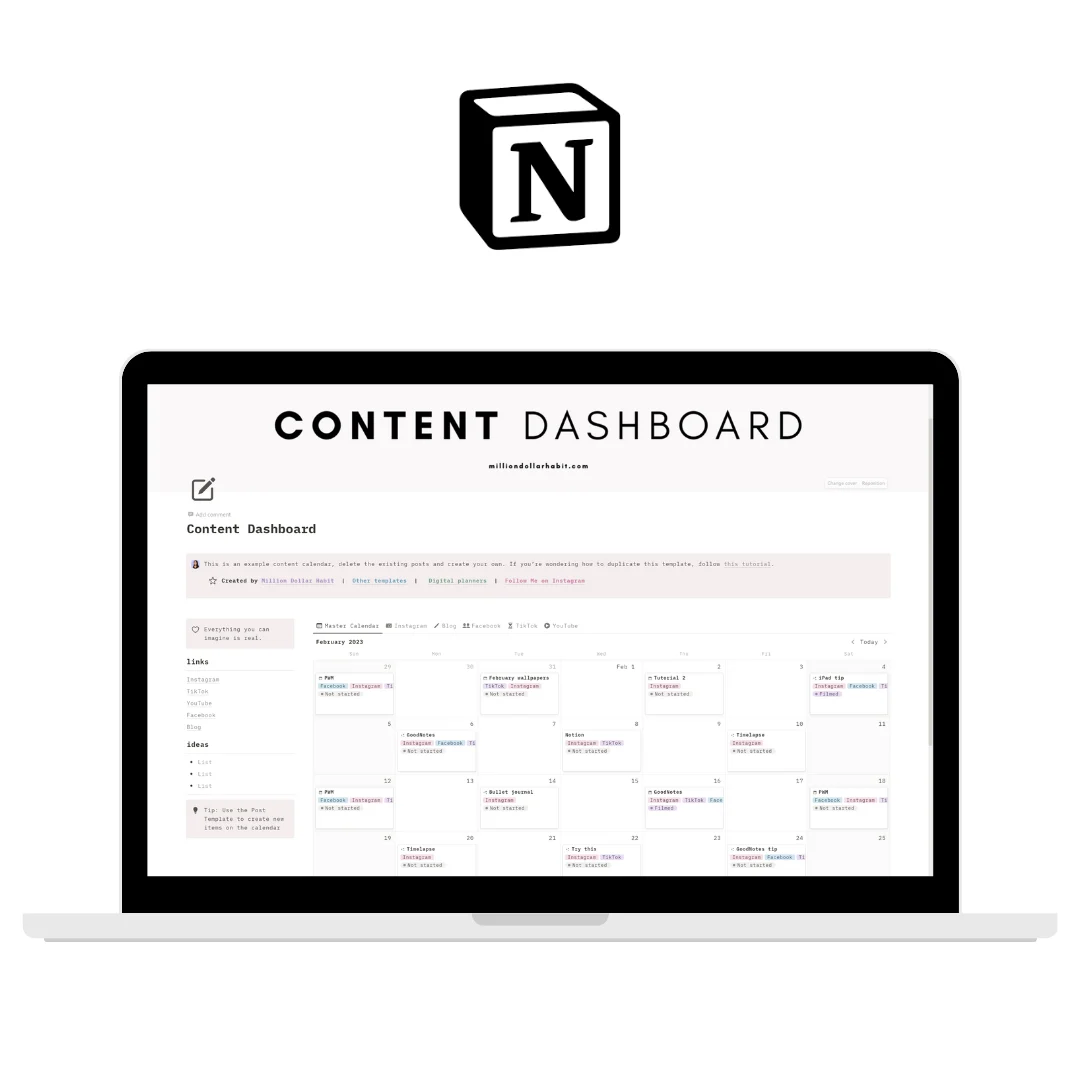
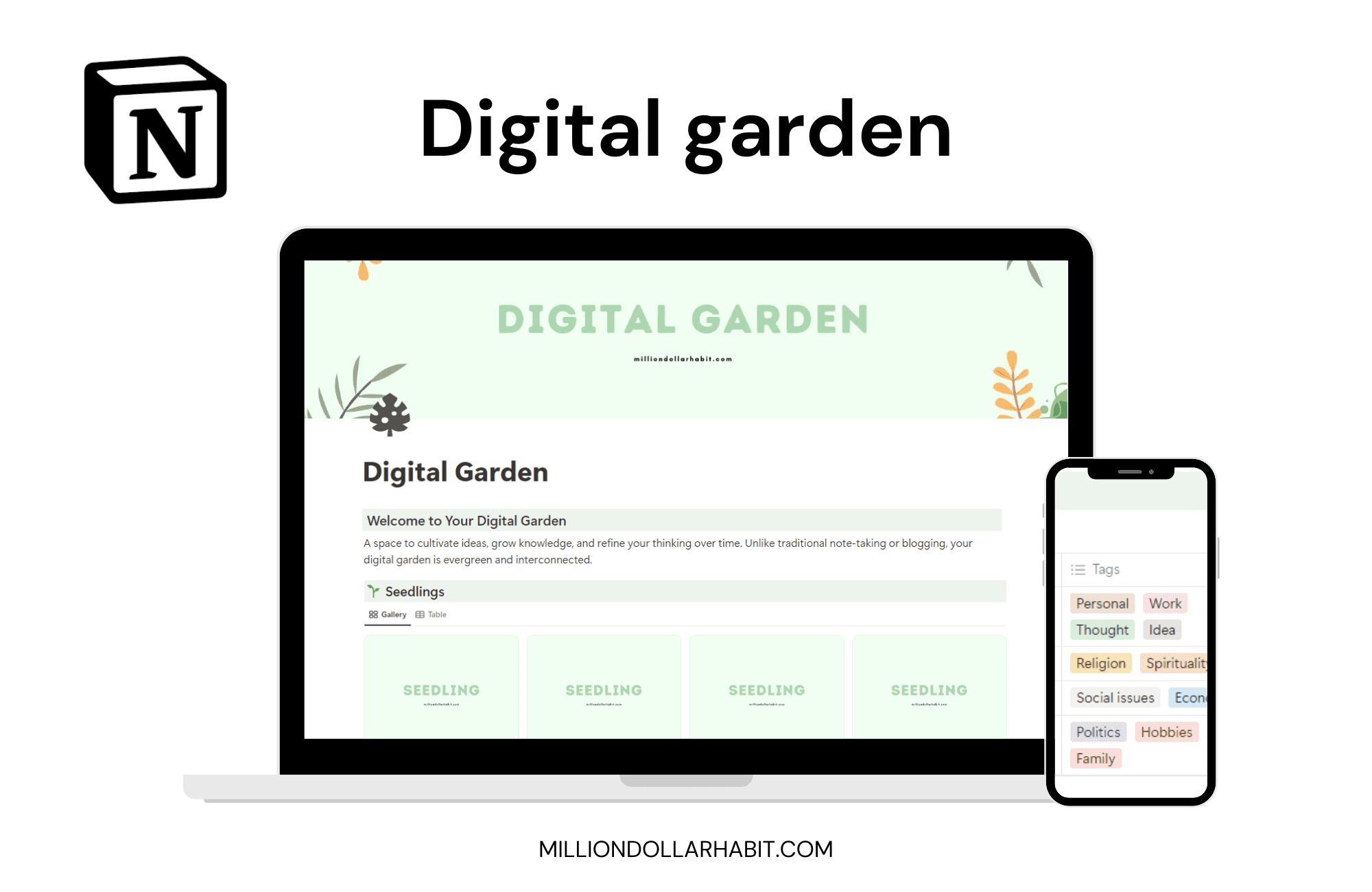

By Neda, founder of Million Dollar Habit. I've been designing aesthetic Notion templates and digital planners since 2018. 45,000+ customers use my templates, and my work has been featured by Notion and GoodNotes.
Instant download
Get the full free Notion templates
Pop in your email and I'll send you the whole free Notion library: planners, trackers, dashboards and more. You'll also get occasional honest tips and new templates, never any spam.
Why People Love These
Free Notion Templates
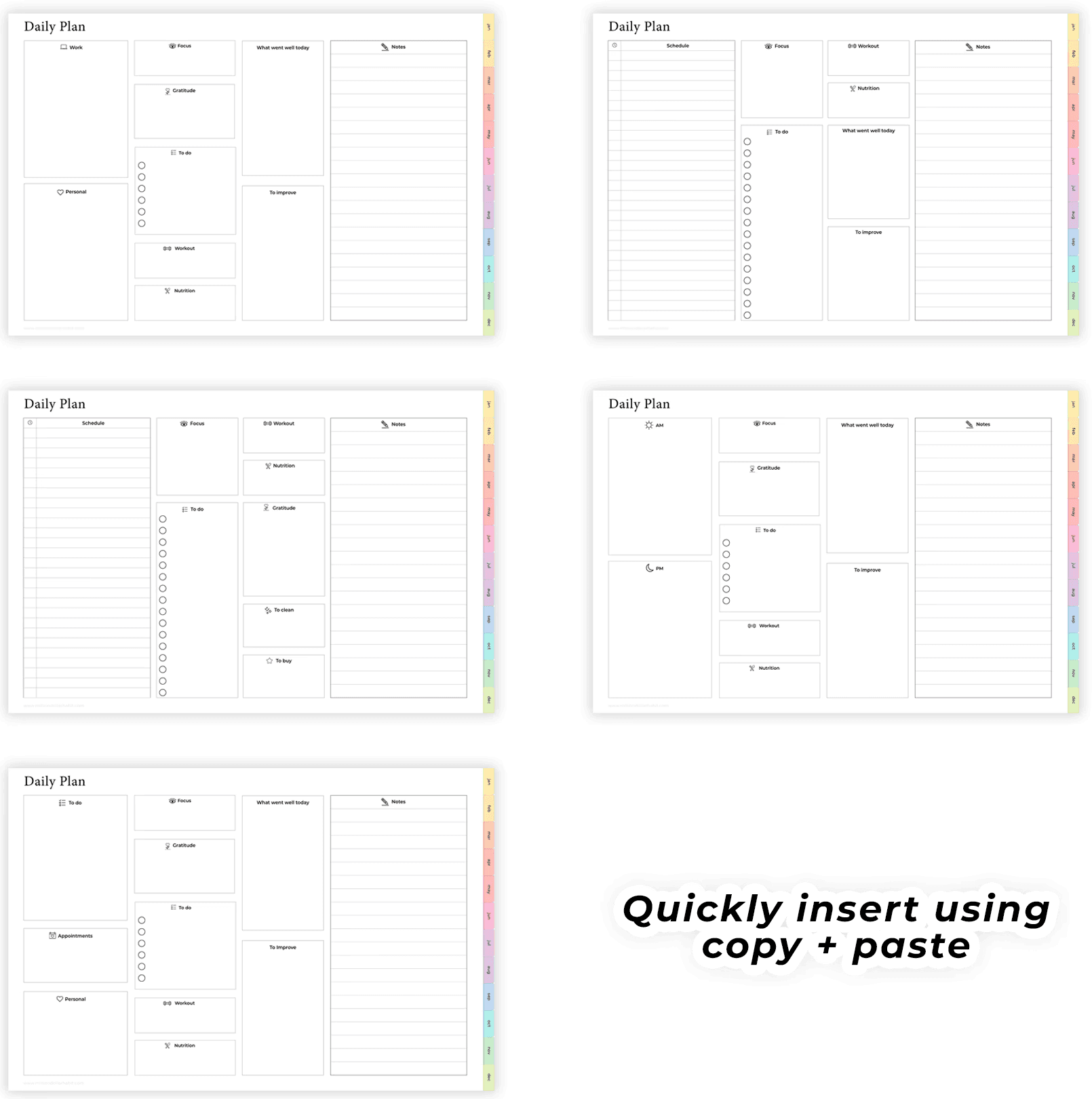
No stripped-down demos, no locked features. These are the real, aesthetic Notion templates I use myself, yours to duplicate and keep all year on the free Notion plan. Each one comes pre-filled with examples, so you start with something that already works instead of a blank page staring back at you.


Drop your email above and I'll send the whole free library straight to your inbox
Open any template and hit Duplicate to copy it into your own Notion
Use it anywhere: desktop, iPad or phone, all on the free plan
Every section comes pre-filled with examples, so you're never starting from scratch
Make it yours: rename, recolor and rearrange in seconds
Drop your email above and I'll send the whole free library straight to your inbox
Open any template and hit Duplicate to copy it into your own Notion
Use it anywhere: desktop, iPad or phone, all on the free plan
Every section comes pre-filled with examples, so you're never starting from scratch
Make it yours: rename, recolor and rearrange in seconds

Want More?
These free templates are great on their own. When you're ready for one calm home that connects your tasks, goals, habits, money and wellness, that's the Life Dashboard.
Want it all in one place?
The free templates each do one job well. When you're ready for one calm home that connects your tasks, goals, habits, money and wellness, that's the Life Dashboard.
See the Life Dashboard
FAQ
Is this a digital planner or a Notion workspace?
These are Notion templates, not PDF planners. They live entirely inside Notion and use databases, properties, views, and automations that are native to the app.
Is this suitable for beginners?
Yes. These Notion templates are designed to be beginner-friendly, with clear structure and intuitive layouts, no advanced Notion knowledge required.
Is this compatible with GoodNotes or iPad PDF planners?
No. Notion templates are not compatible with GoodNotes or other PDF-based planner apps. If you’re looking for an iPad planner, check out the GoodNotes planners instead.
How do I add the template to my Notion account?
After purchase, you’ll receive a link: Open the link in Notion Click “Duplicate” in the top-right corner Choose the workspace where you want to use it The template will be added instantly.
Are there multiple versions coming?
Yes. New Notion templates, layouts, and updated versions are released regularly. Subscribers will be the first to know when new versions or expansions go live.
Do I need Notion Pro or a paid plan?
No. Most Notion templates work perfectly on the free Notion plan. If a feature requires a paid plan (like advanced automations), it will always be clearly stated.
Can I use Notion templates on iPad and mobile?
Yes. Notion templates work on: Desktop (Mac & Windows) iPad iPhone Android devices For the best experience, we recommend using Notion on desktop or iPad.
What are Notion templates?
Notion templates are pre-built pages and dashboards designed to help you plan, organize, and track different areas of your life or business inside Notion. They save you time by giving you a ready-to-use structure you can customize.