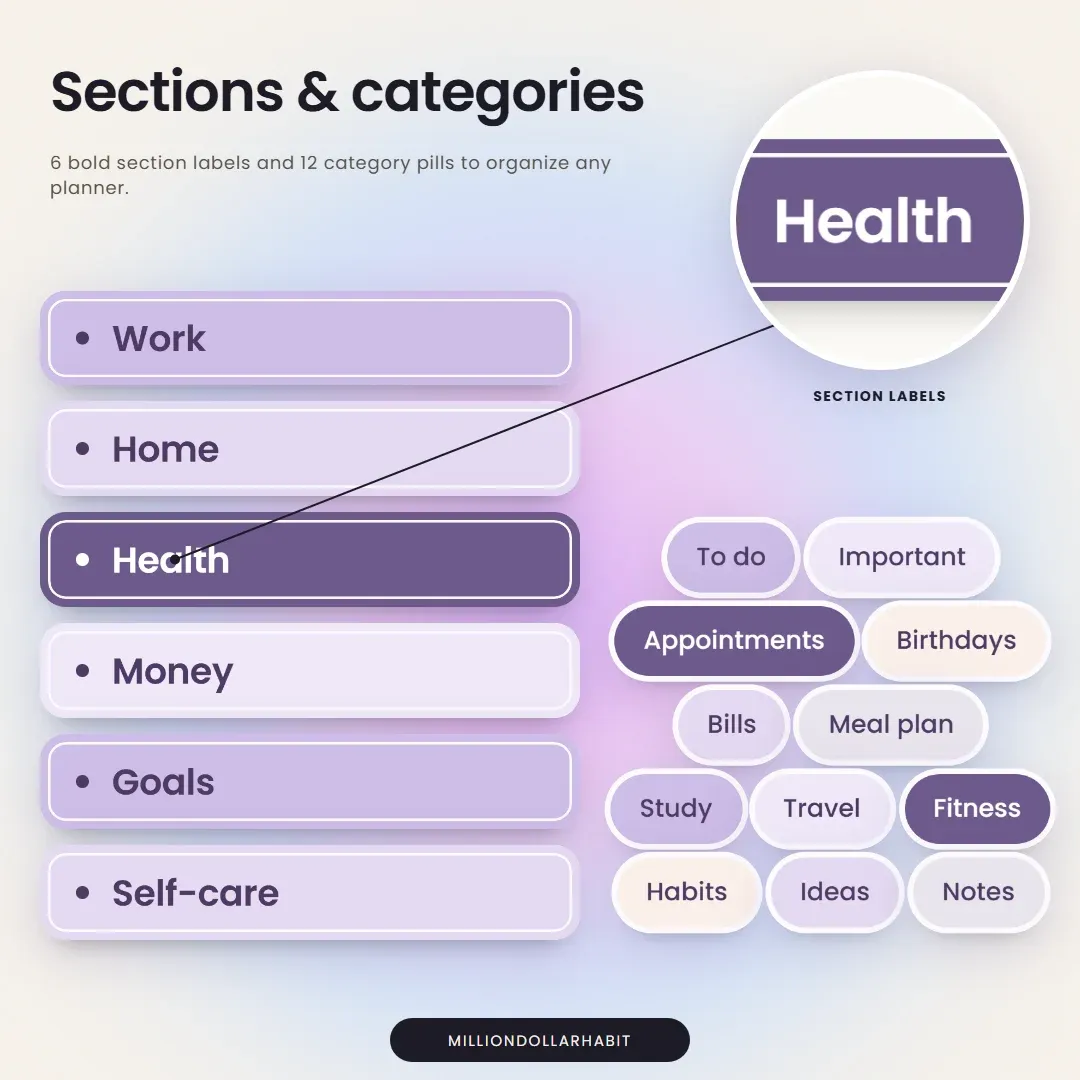
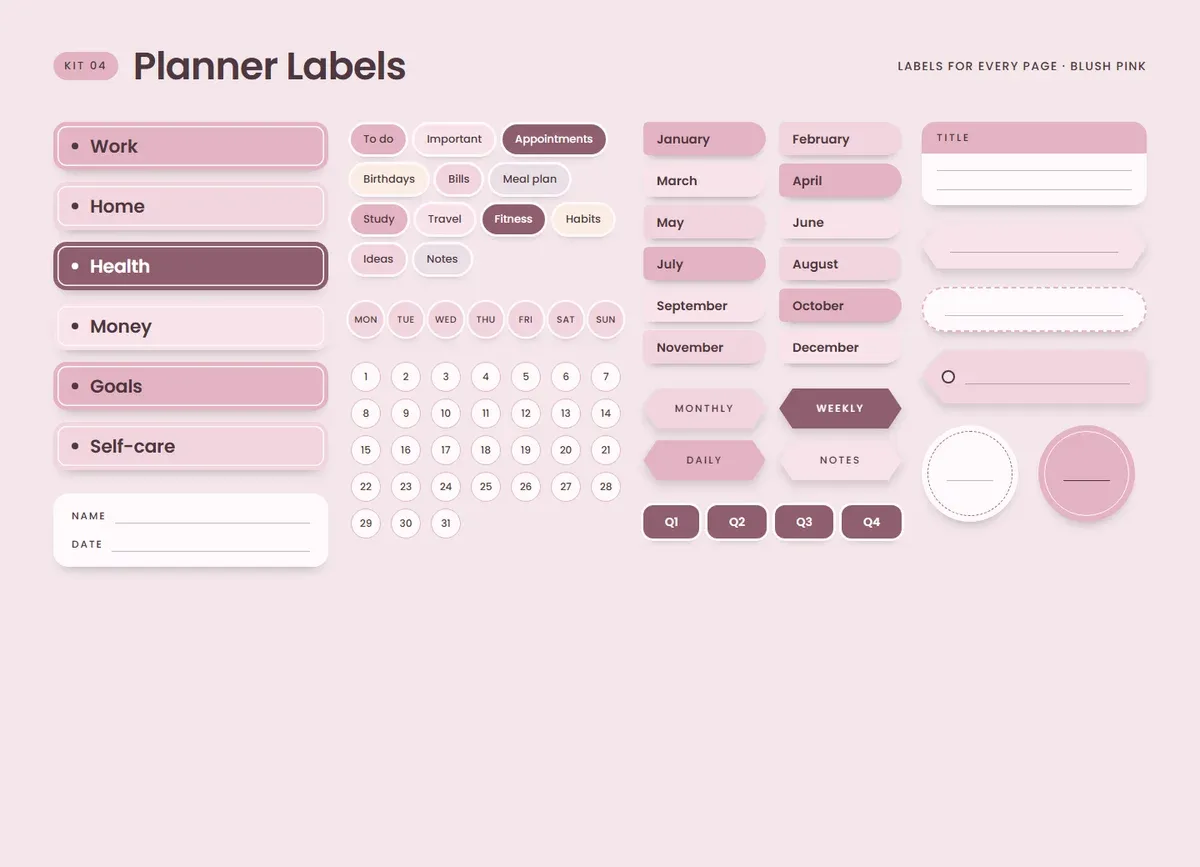
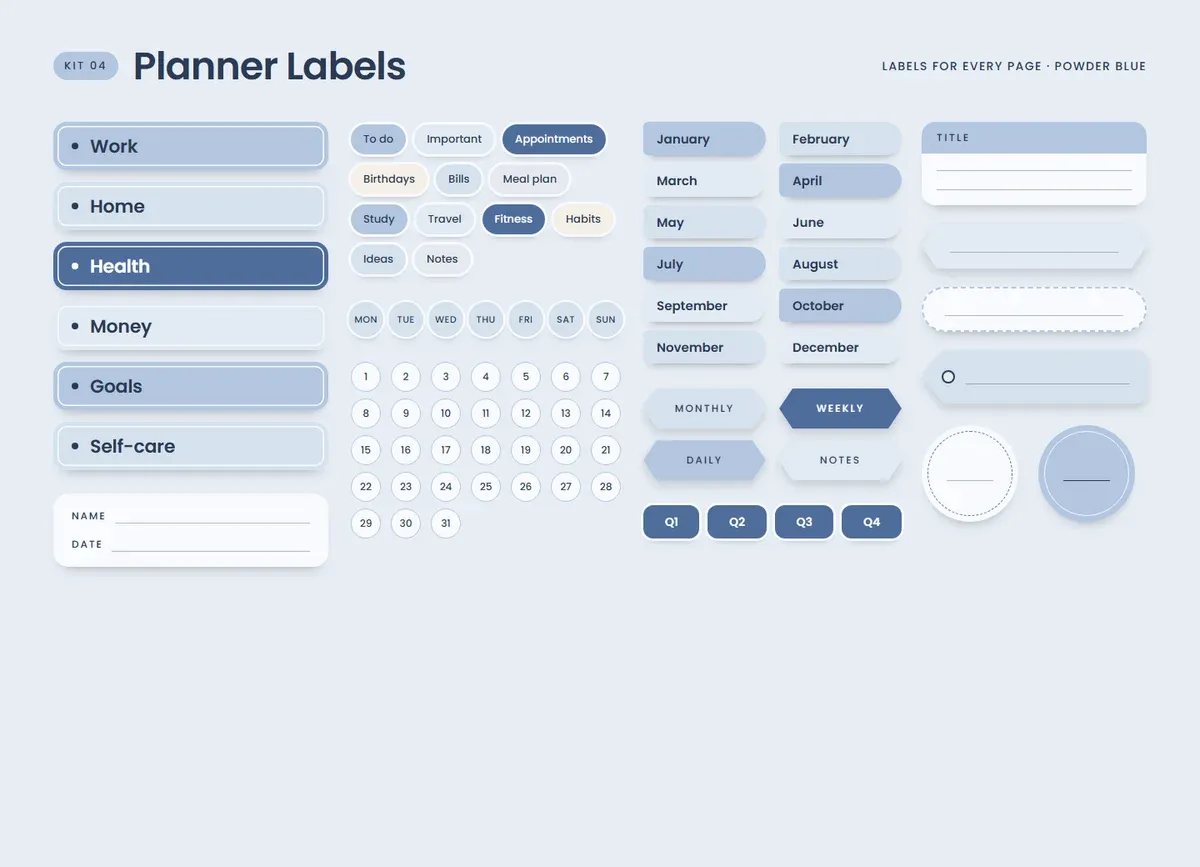
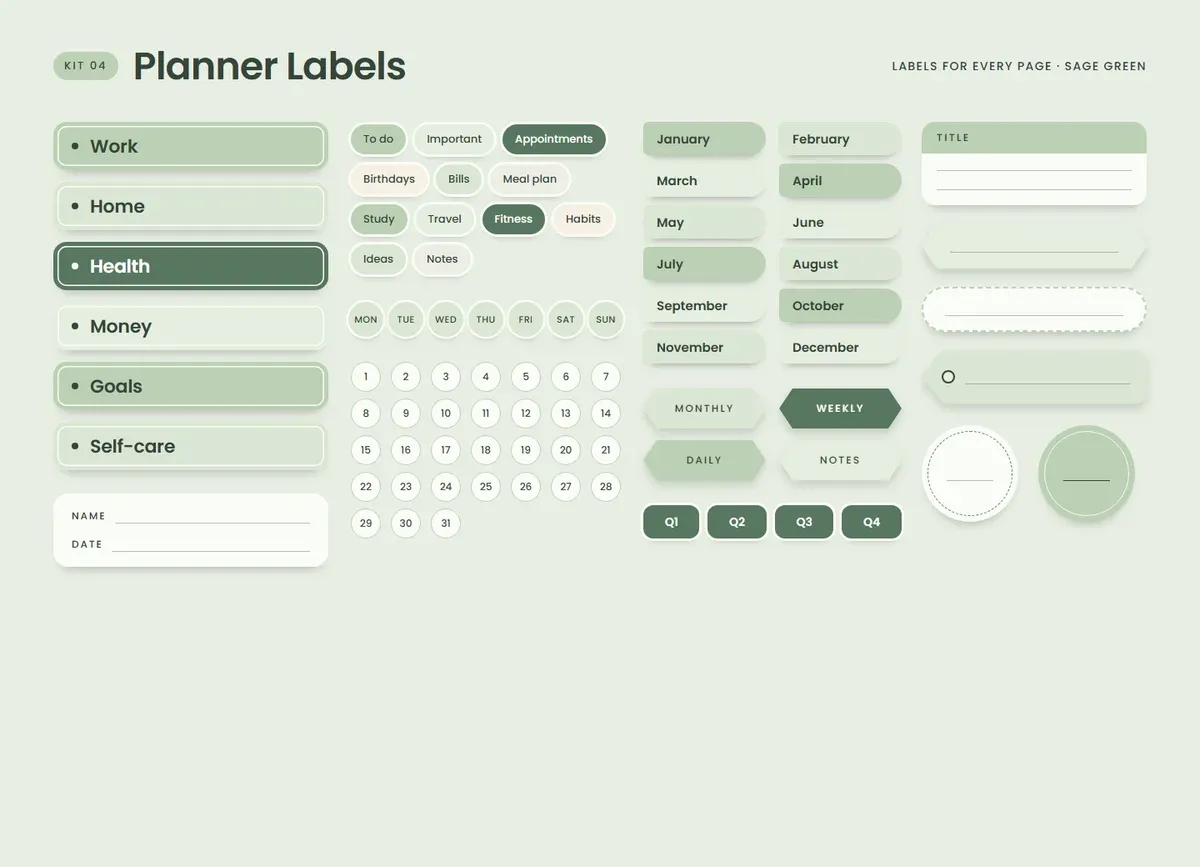
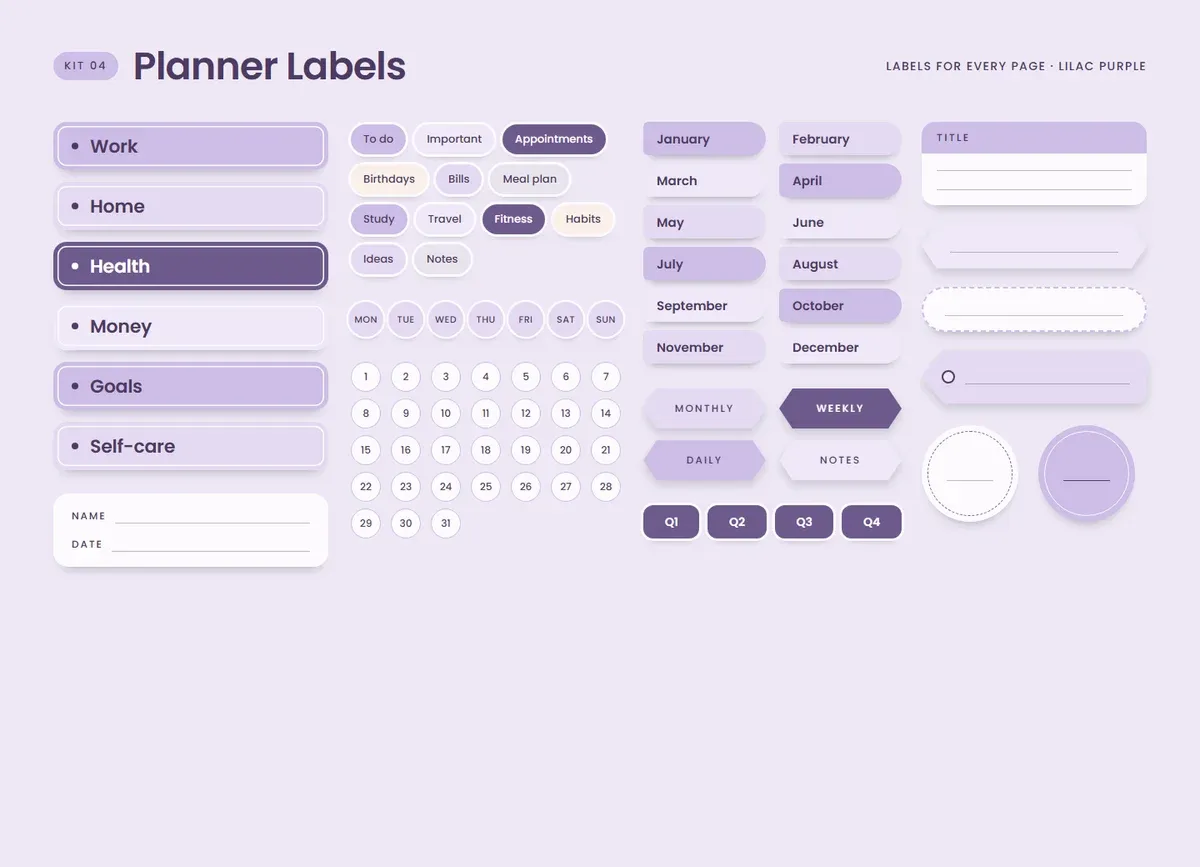
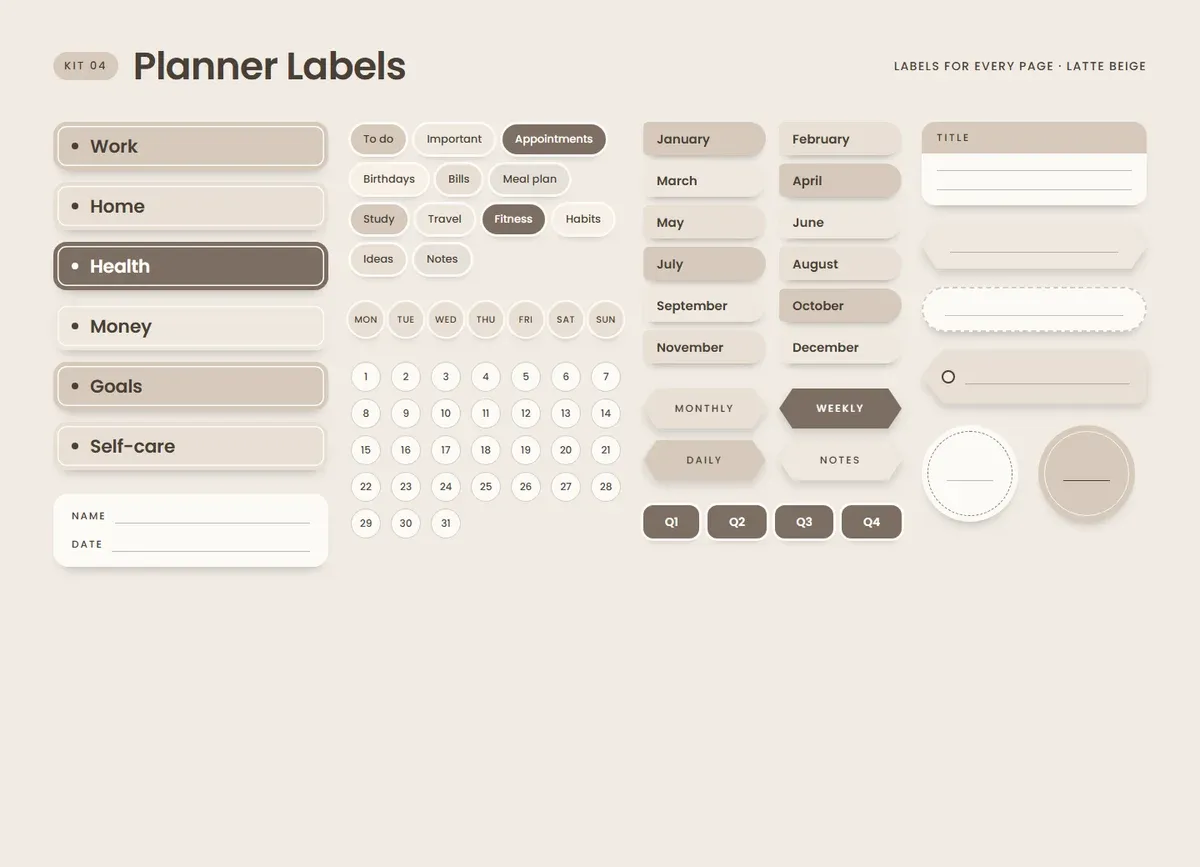
Sections and categories. 6 bold section labels and 12 category pills to organize any planner.
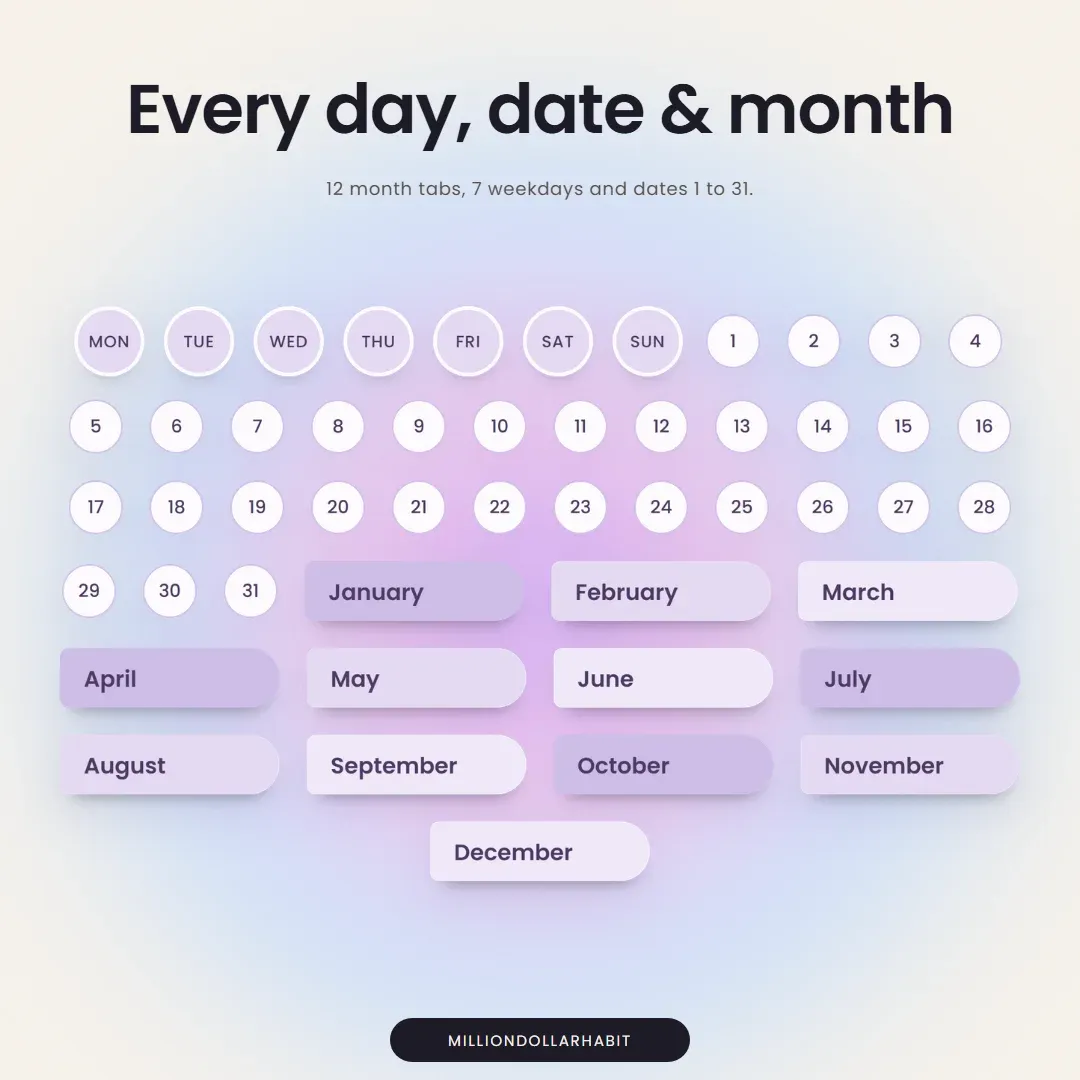
Every day, date and month. 12 month tabs, 7 weekdays and dates 1 to 31.
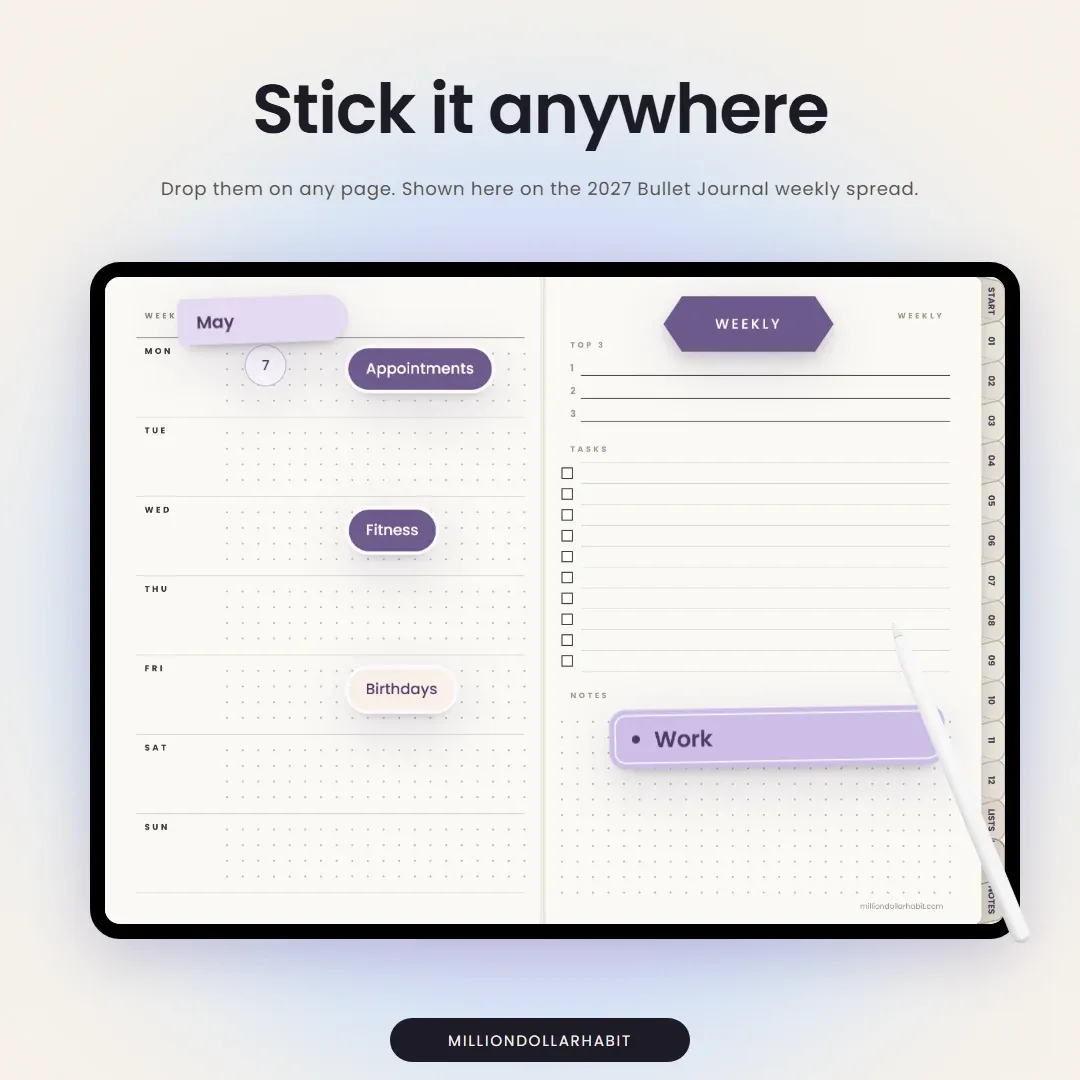
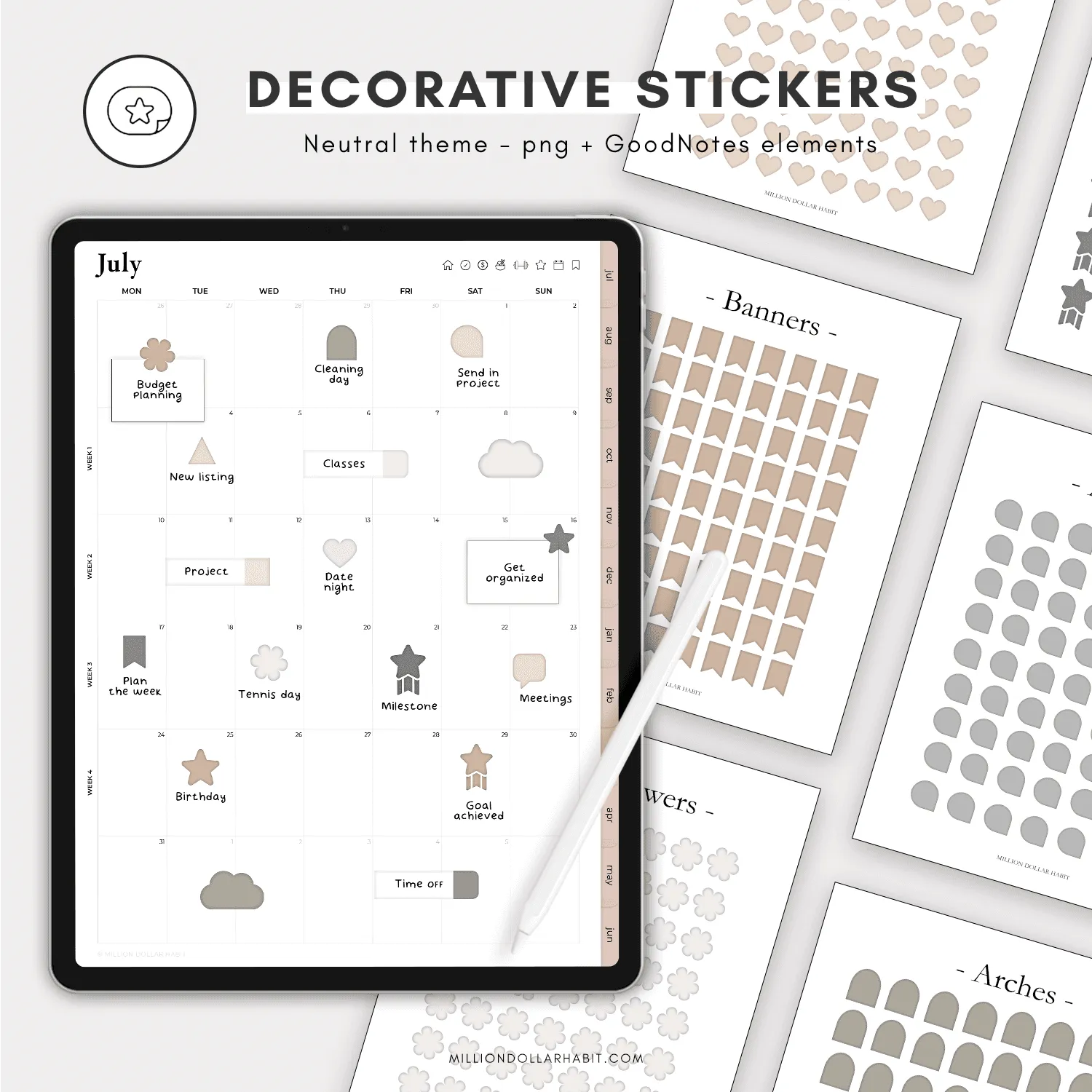
Stick it anywhere. Drop them on any page of any planner, resize them and write on them with Apple Pencil.
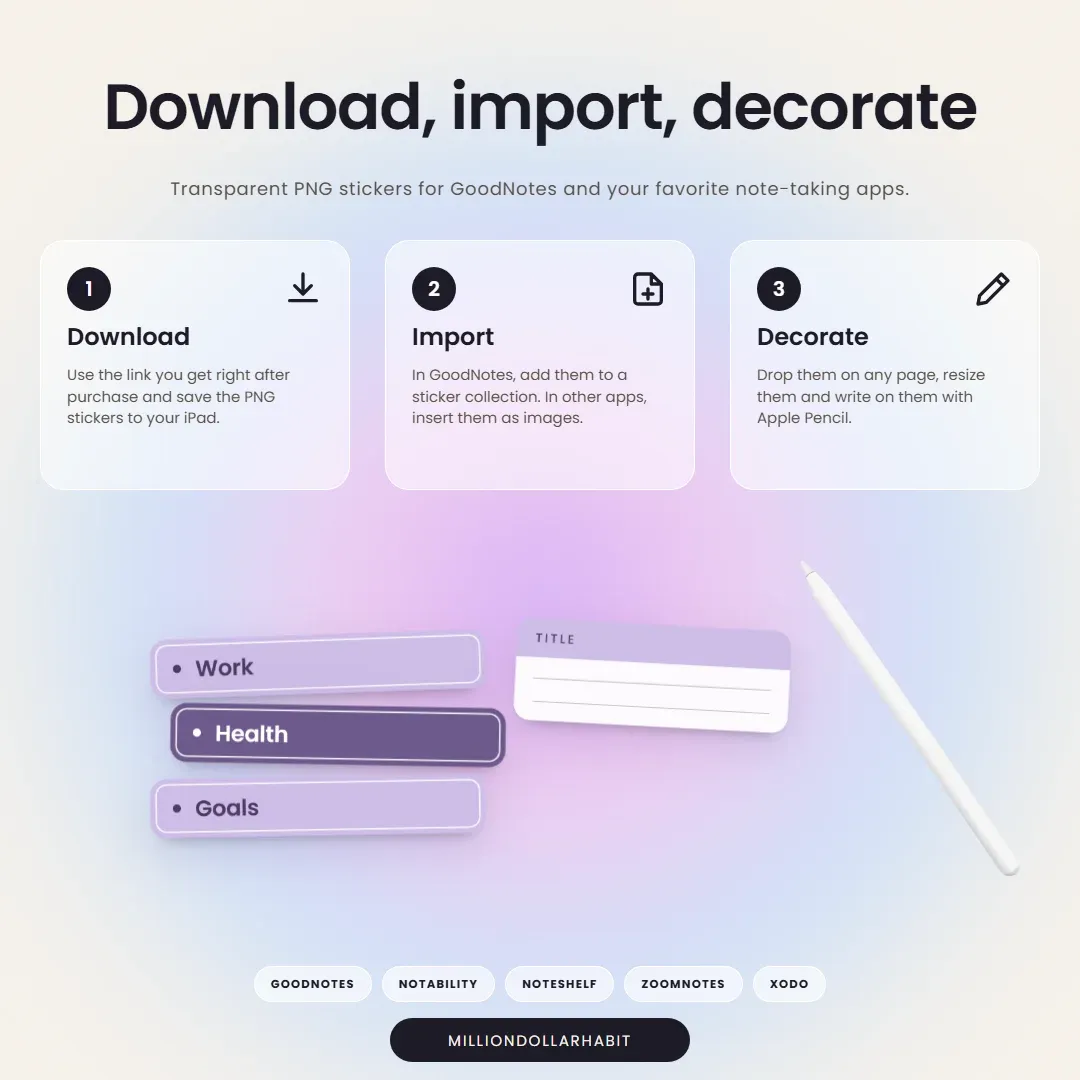
Download, import, decorate. Ready-made GoodNotes element collections are included, so your stickers are in GoodNotes in a few taps. In other apps, insert the PNGs as images.
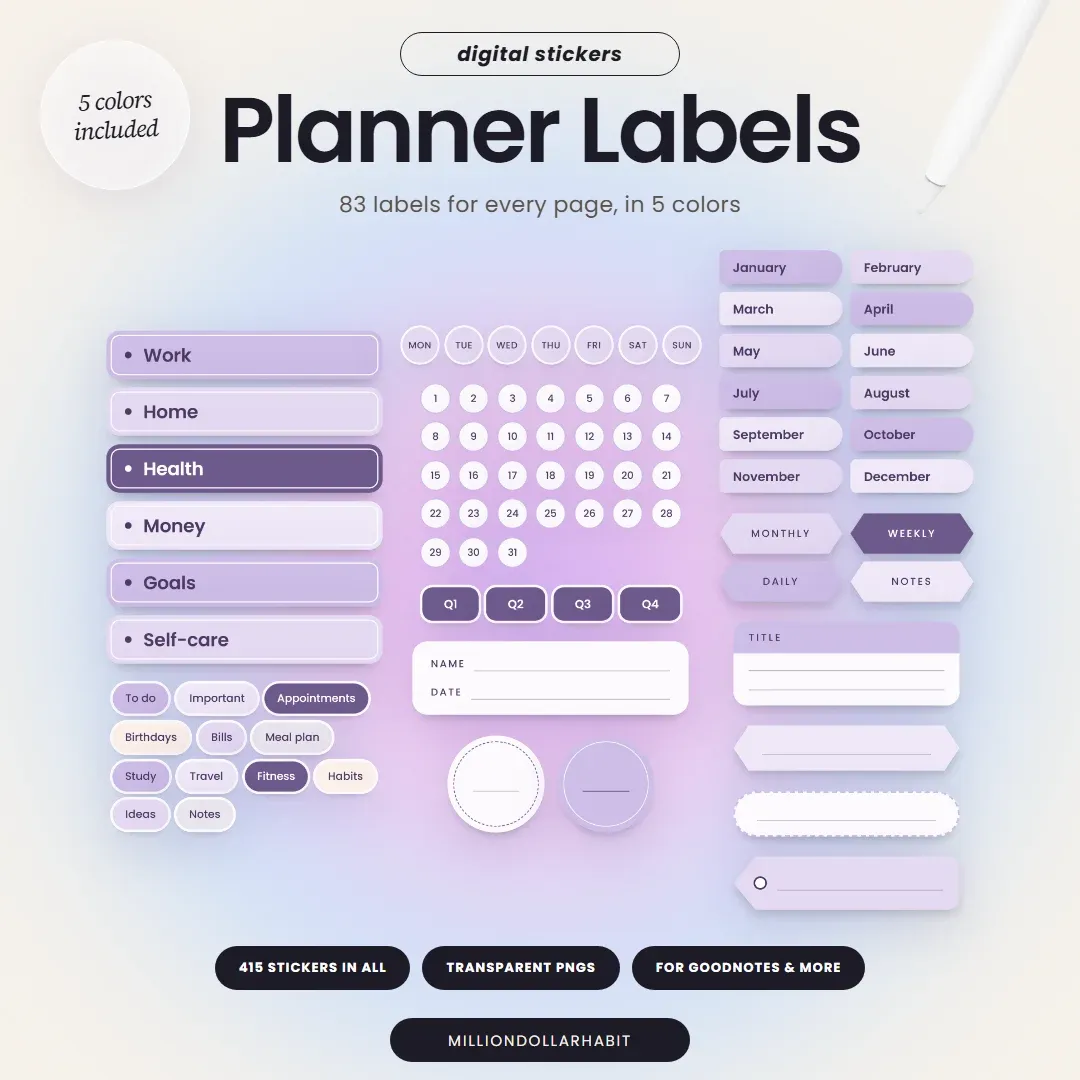
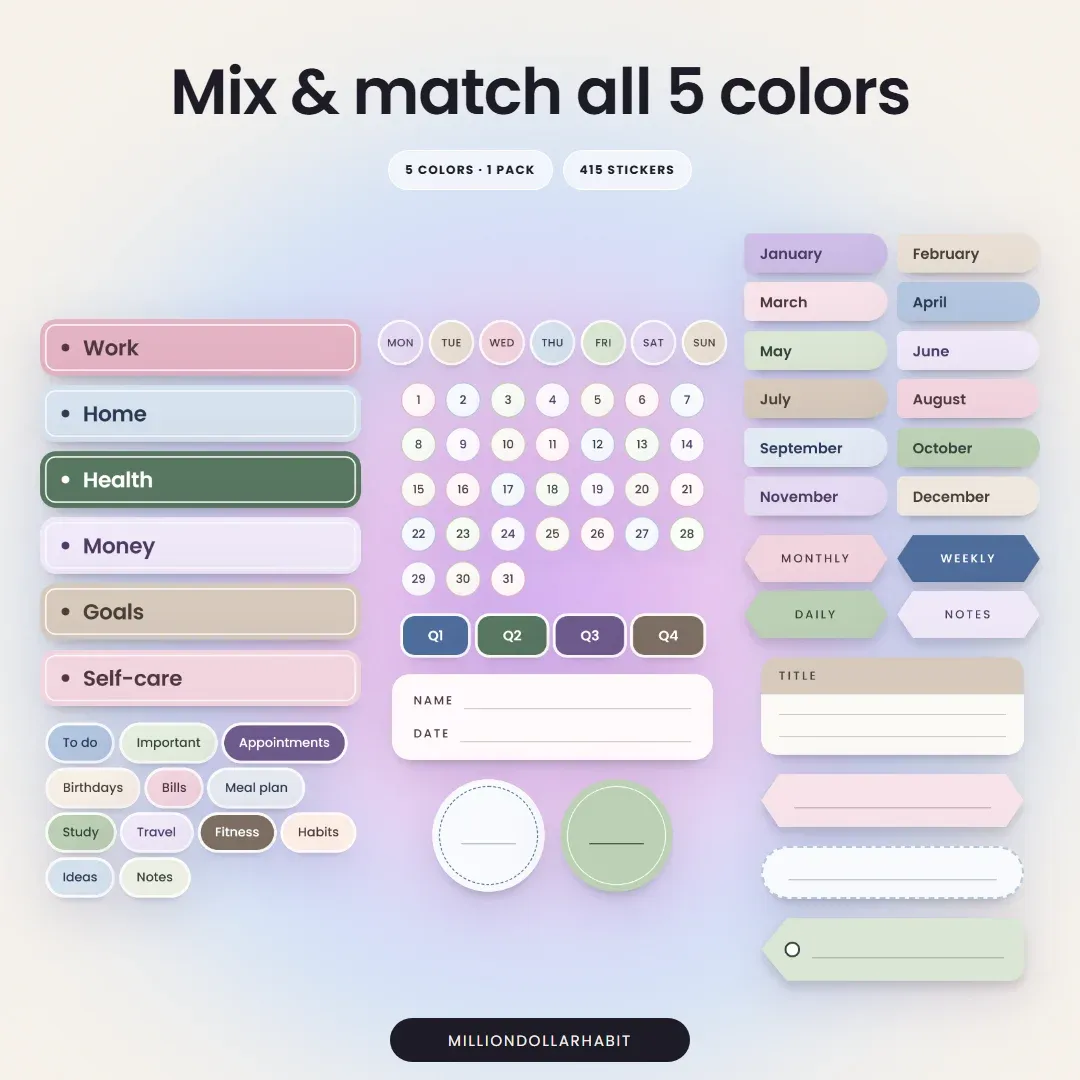
5 colors in one pack. Labels for every page of your planner: sections, categories, months, weekdays and every date.
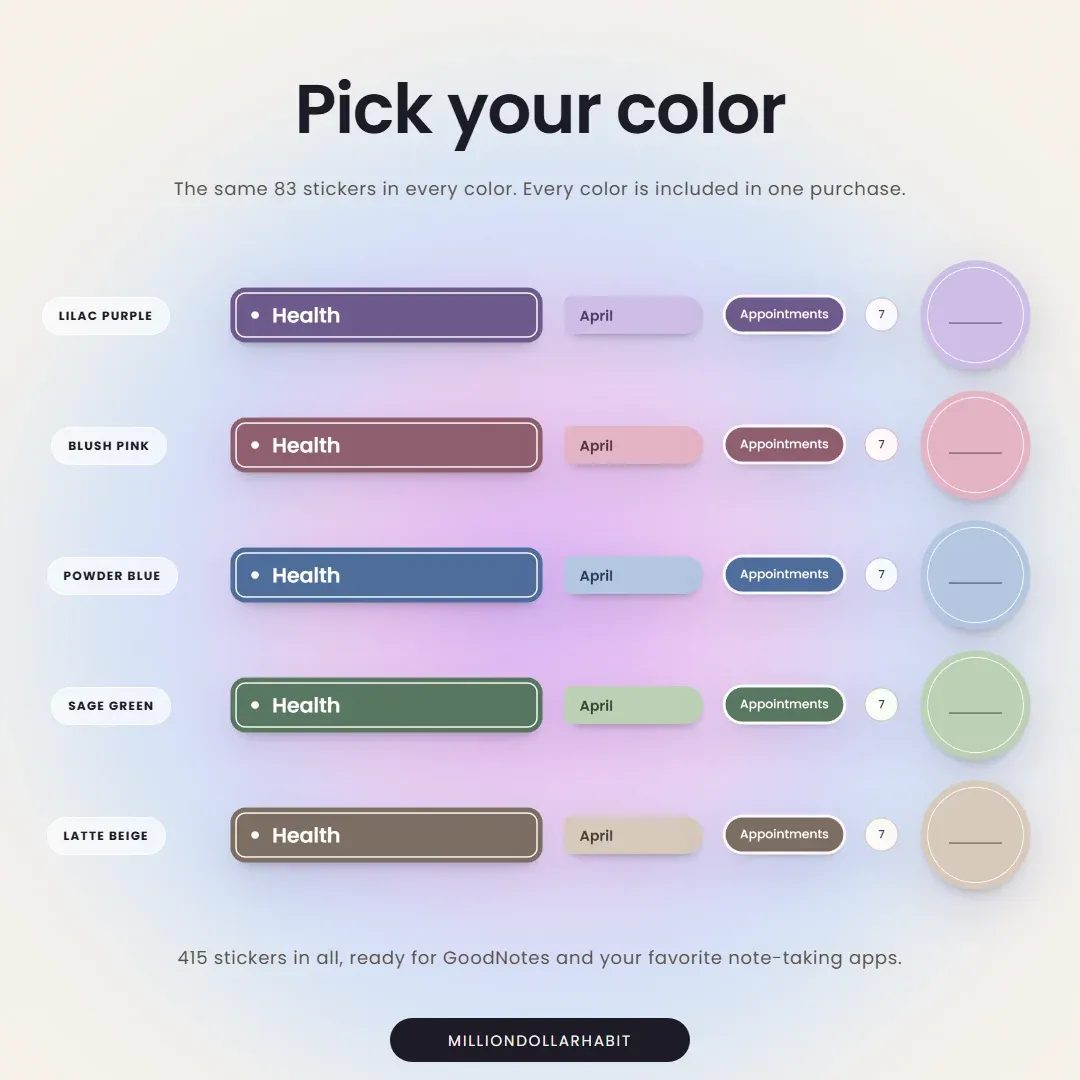
You get the same 83 planner labels in Blush Pink, Powder Blue, Sage Green, Lilac Purple and Latte Beige: 415 stickers in all, in one purchase.
This is a digital download — no physical items are shipped. You'll get a link to download your files right after purchase.
Because it's a digital product, all sales are final: no refunds or exchanges.
5 colors in one pack
415 stickers, 83 in every color
Transparent PNGs + GoodNotes element collections
Get your files instantly after purchase
Works with GoodNotes, Notability and more
One-time purchase — no subscription
What's inside
5
colors in one pack
415
stickers, 83 in every color
3×
size transparent PNGs
Blush Pink
Powder Blue
Sage Green
Lilac Purple
Latte Beige
You'll get
415 transparent PNG stickers, one folder per color
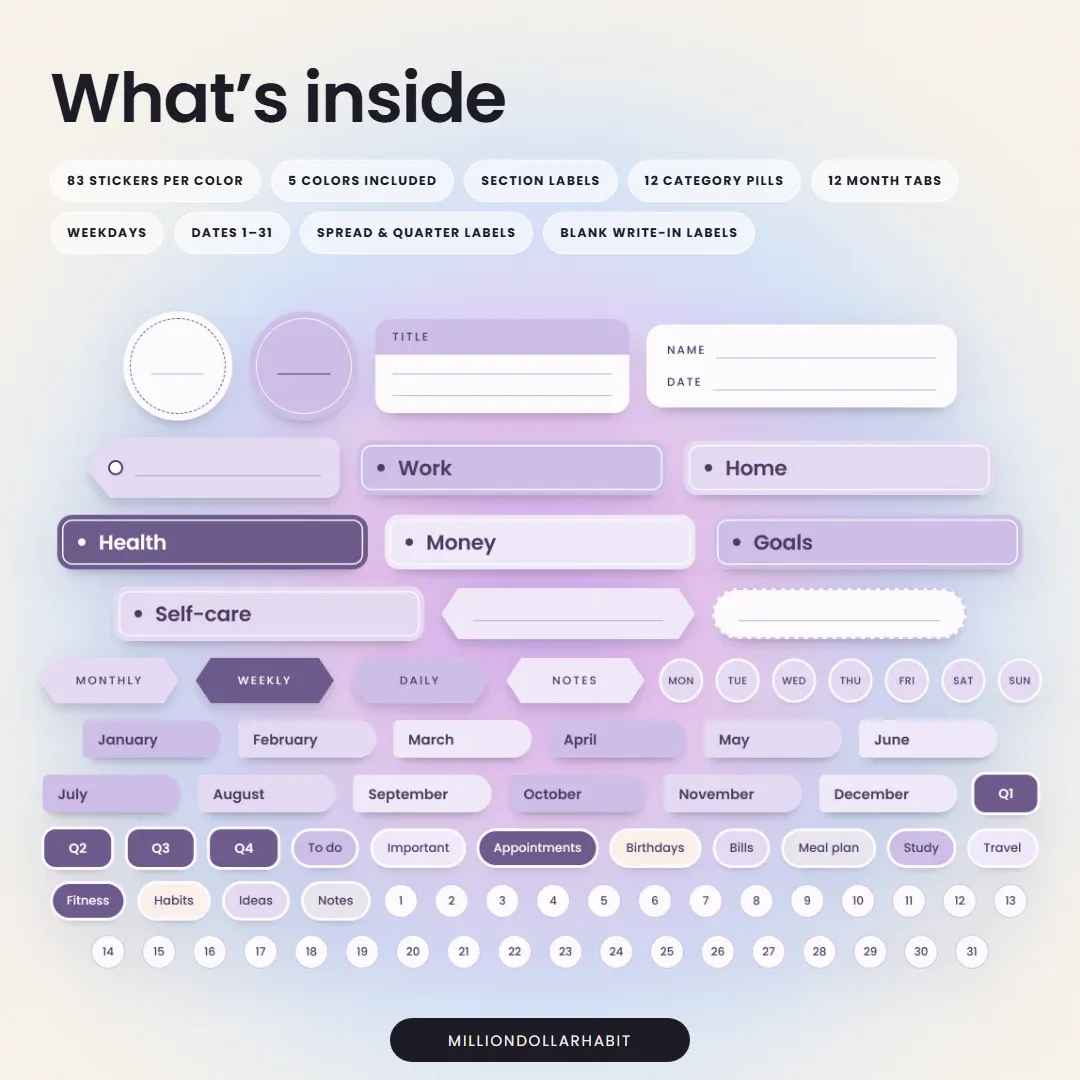
6 section labels: Work, Home, Health, Money, Goals and Self-care
12 category pills, from To do to Notes
12 month tabs
7 weekdays
Dates 1 to 31
Spread labels: Monthly, Weekly, Daily and Notes
Quarter labels: Q1 to Q4
Blank write-in labels, a name and date label and 2 circles
Every sticker is a 3× size PNG with a soft shadow, so it stays crisp when you resize it. Works with GoodNotes (recommended), Notability, Noteshelf, ZoomNotes and Xodo.
The details
Format
Transparent PNG stickers + GoodNotes element collections
Works with
GoodNotes (recommended), Notability, Noteshelf, ZoomNotes and Xodo
Yes. Every purchase includes Blush Pink, Powder Blue, Sage Green, Lilac Purple and Latte Beige, so you can mix and match them on the same page.
How do I add the stickers to GoodNotes?
Your download includes GoodNotes element collections, so you can bring every sticker into GoodNotes in a few taps. You can also add the PNGs to a sticker collection yourself. Then drop them on any page and resize them.
Which apps are supported besides GoodNotes?
The stickers are transparent PNGs, so they work in any app that lets you insert images, including:
GoodNotes (recommended)
Notability
Noteshelf
ZoomNotes
Xodo
Can I write on the stickers?
Yes. Drop a sticker on your page and write on it with Apple Pencil, just like the rest of the page.
Are refunds available for digital products?
Due to the nature of digital products, all sales are final. If you have any issues with your download or compatibility, support is always happy to help.
Is this a one-time purchase?
Yes. This is a one-time digital download. You pay once and can use the stickers on your personal devices as long as you want.