Free Daily Planner 2027 for GoodNotes & iPad
A page for every day of 2027, plus monthly calendars and tabs for every month and day. 385 pages, completely free.
Sign up to get your Free Daily Planner
- Instant download
- Sunday + Monday start
- Plus two more free planners
What’s inside
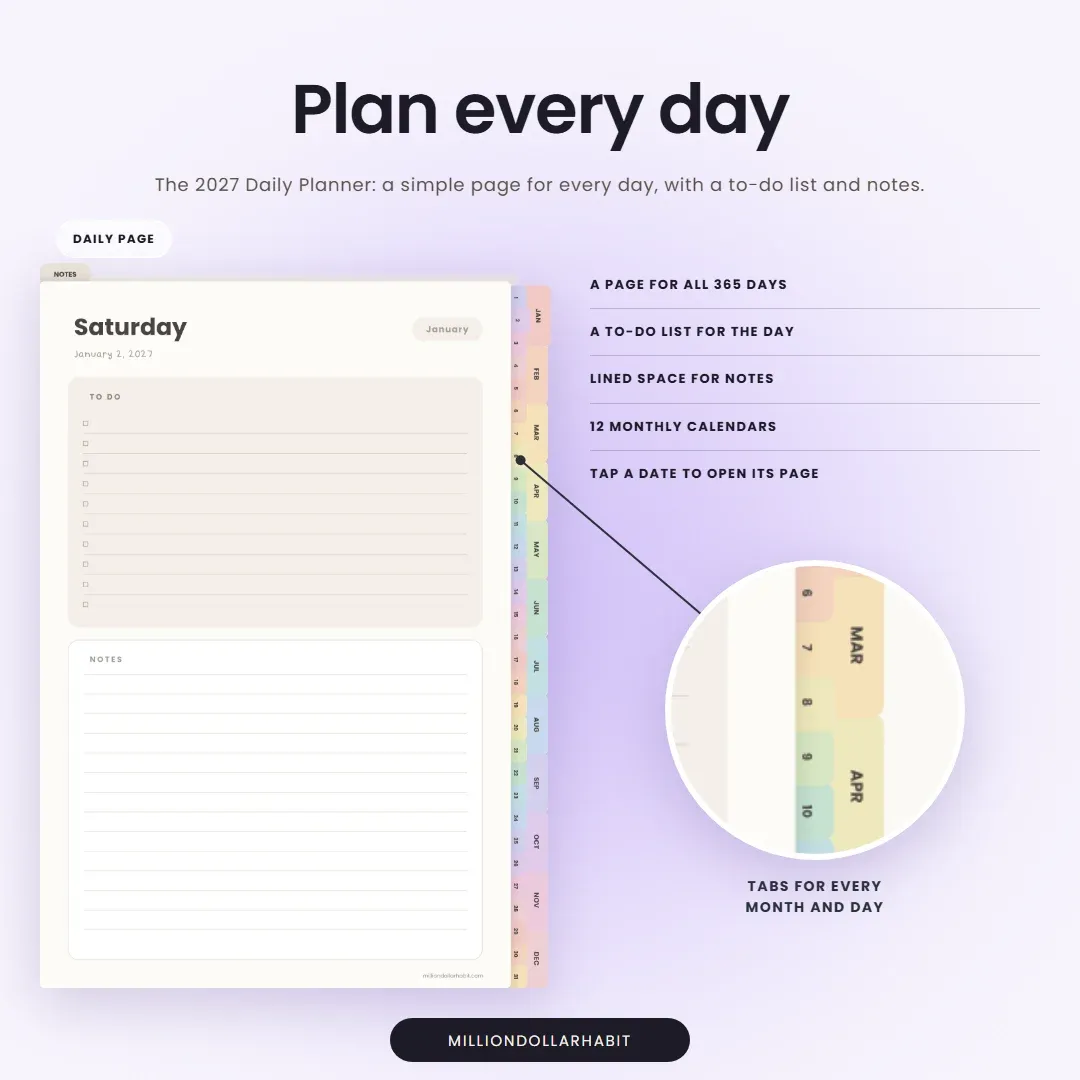
A simple page for every day
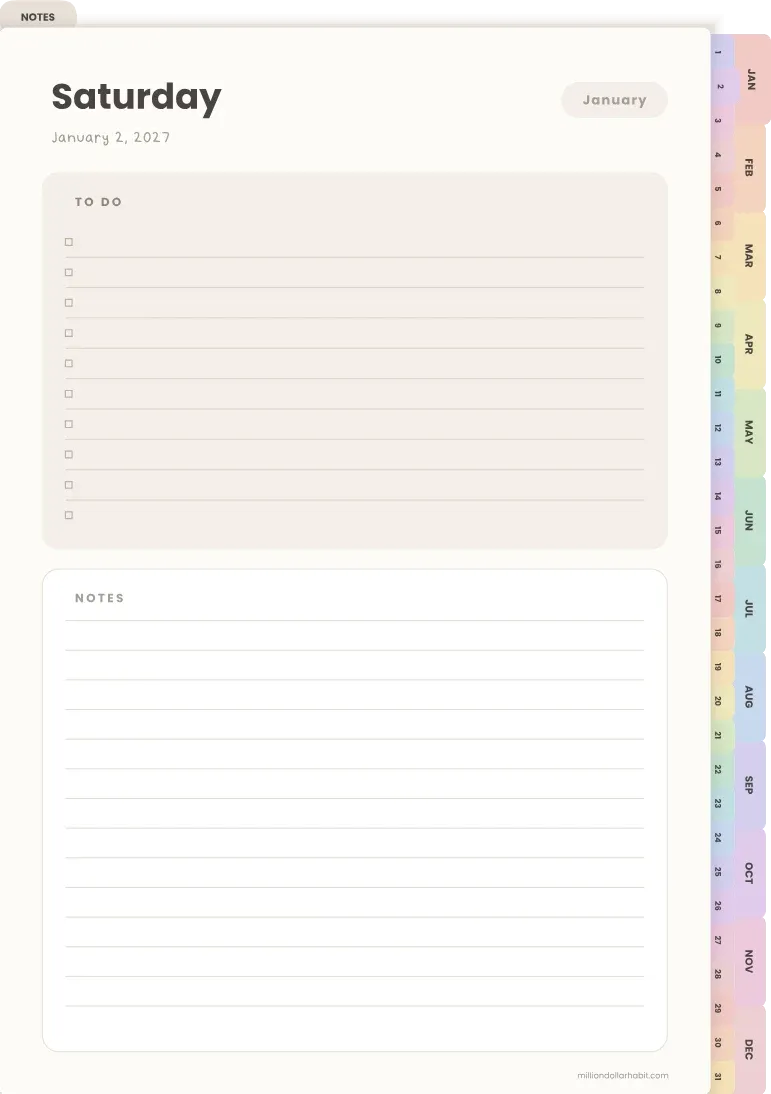
Each day has its date, a to-do list and room for notes, nothing more. It’s made for people who want a daily page to write on, without filling in a dozen boxes first.
- A page for every day of 2027 (365 pages)
- 12 monthly calendars
- Year overview with tappable months
- Month and day tabs on every page
- To-do list and lined notes on each day
- 5 notes pages
- Sunday and Monday start
- Works in GoodNotes, Notability and any PDF app
Want a weekly view too?
Two more free planners
The same sign-up also gets you the free 2027 Planner with monthly and weekly pages, and the Undated Life Planner with goals, budget, meal and workout pages.
See all three free plannersReady for more?
The 2027 Daily Planner
A time-blocked page for every day with a Top 3, to-do list and water and mood check, in 3 colors. $9.
See the full daily plannerFAQ
Is the daily planner really free?
Yes. Enter your first name and email and your download arrives in your inbox straight away. The same sign-up also gets you the free 2027 weekly planner and the undated life planner. You can unsubscribe at any time.
What is on each daily page?
The weekday and date, a to-do list and lined space for notes. Every date on the monthly calendars opens its daily page, and the tabs down the side jump to any month or day.
How do I import the daily planner into GoodNotes?
Download the PDF to your iPad, open it from the Files app and choose GoodNotes from the share menu. Or, inside GoodNotes, tap + and then Import, and pick the file. Notability and Noteshelf work the same way.
Does it work on Android?
Yes. It is a PDF, so it works in Samsung Notes, Penly, Xodo and other PDF apps on Android tablets. The hyperlinks work in any app that supports PDF links.
Does it come with a Monday start?
Yes. You get a Sunday start and a Monday start version, so the monthly calendars match how you plan your week.