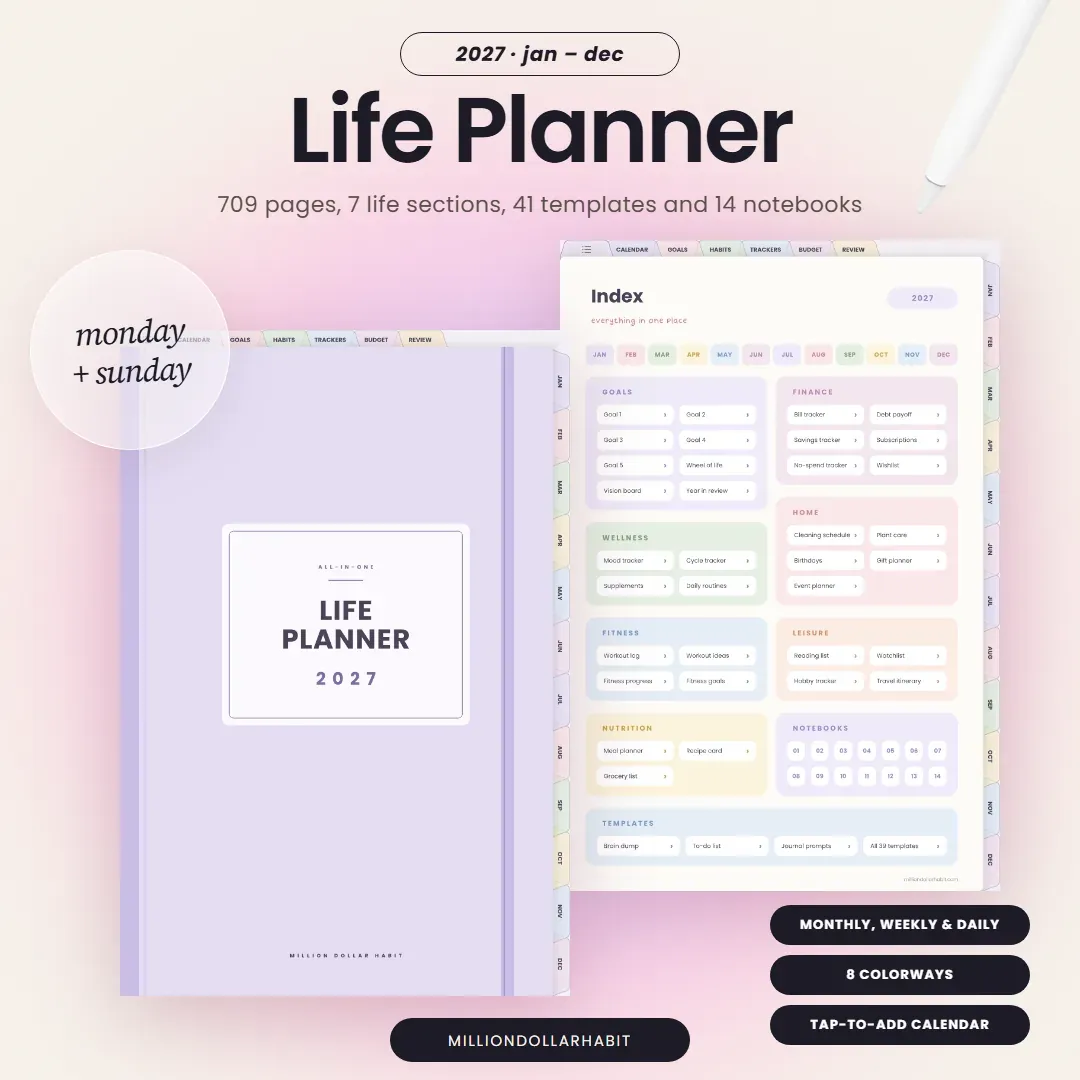
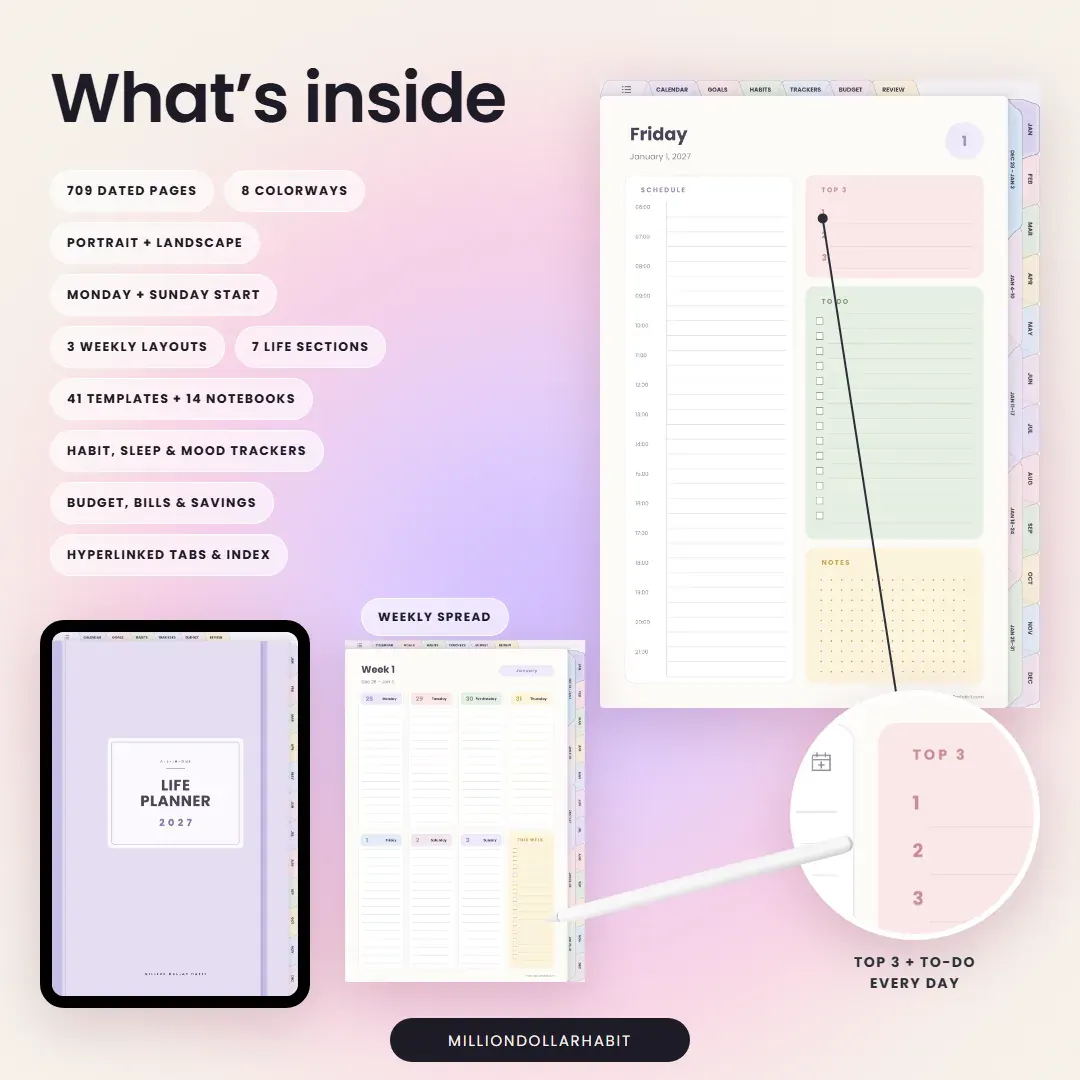
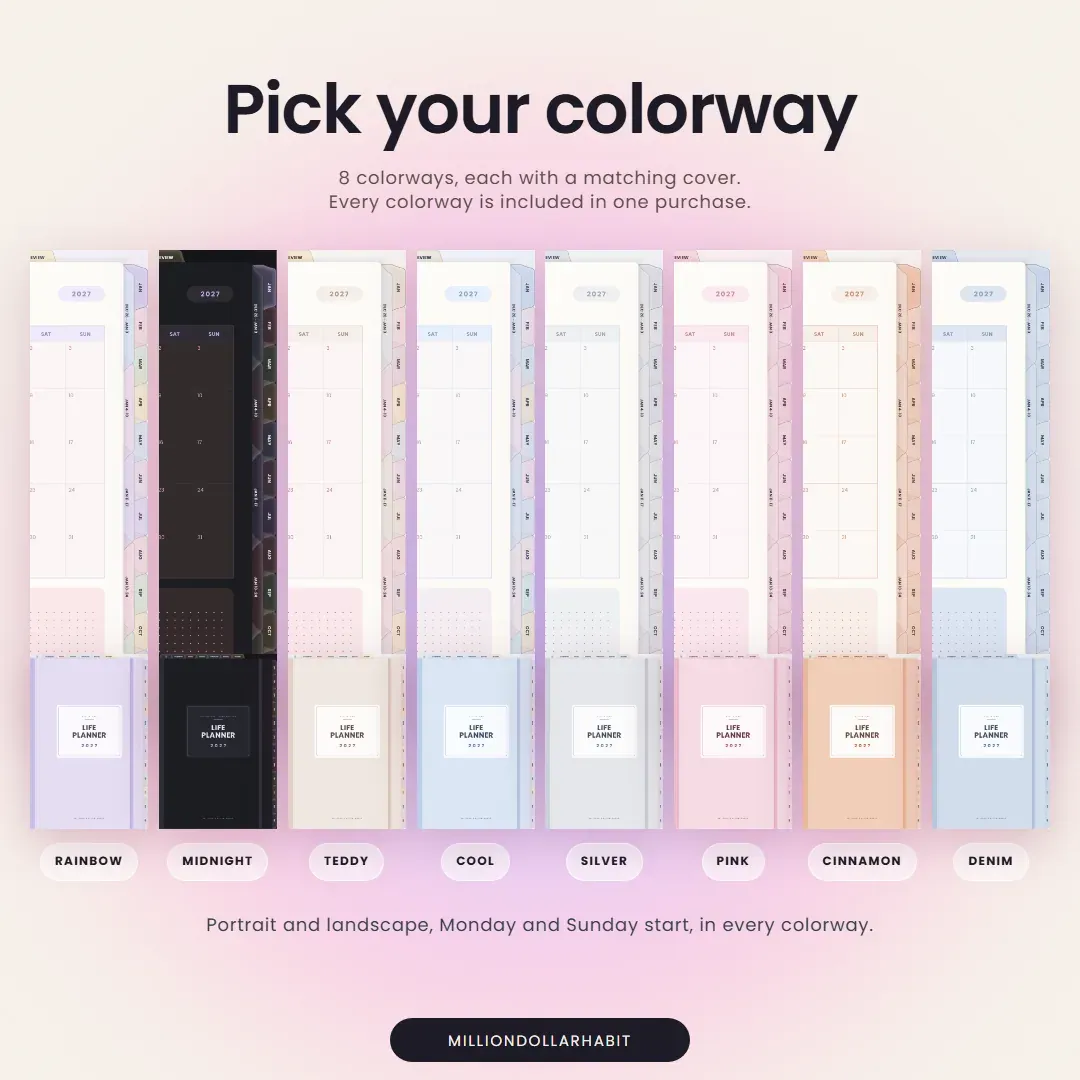
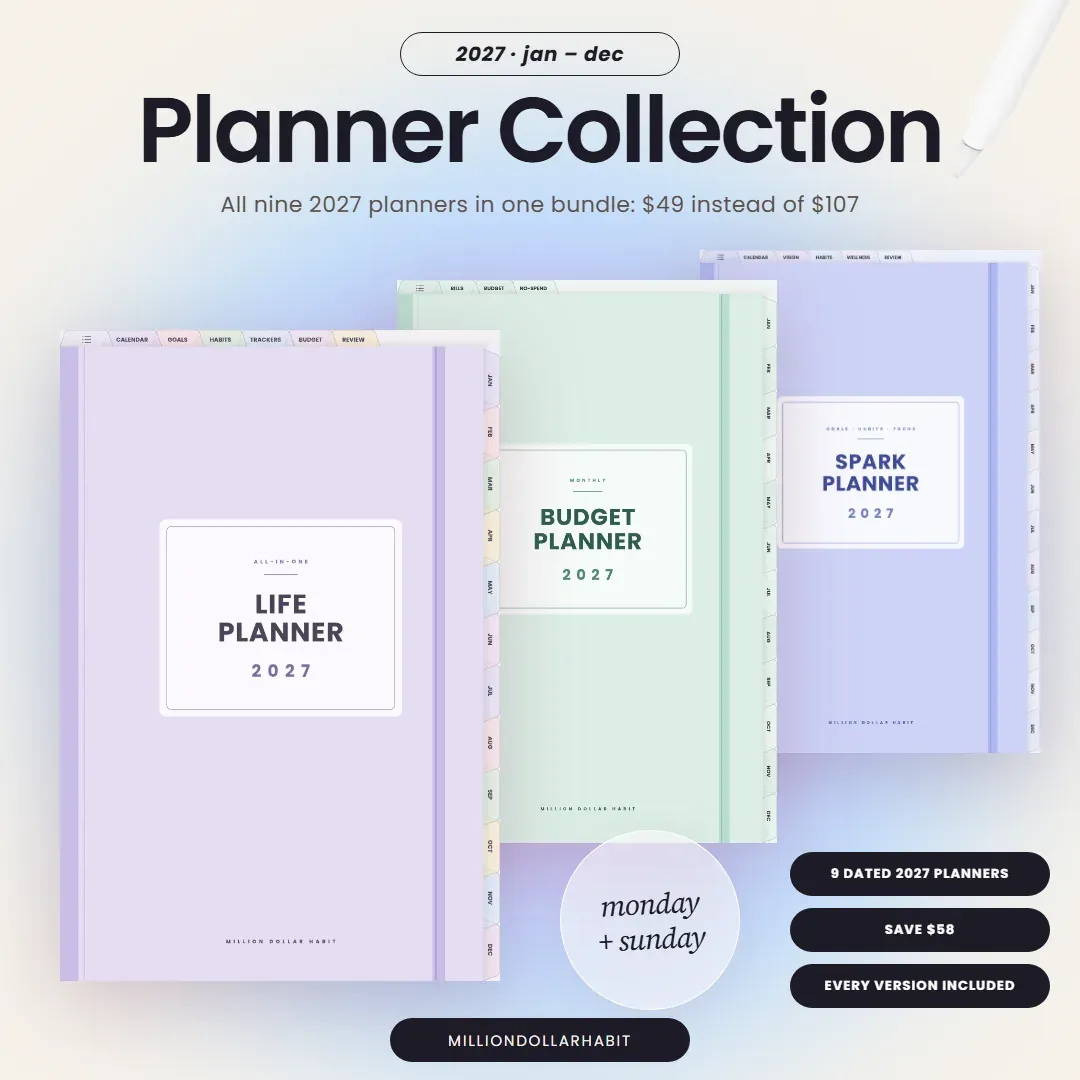
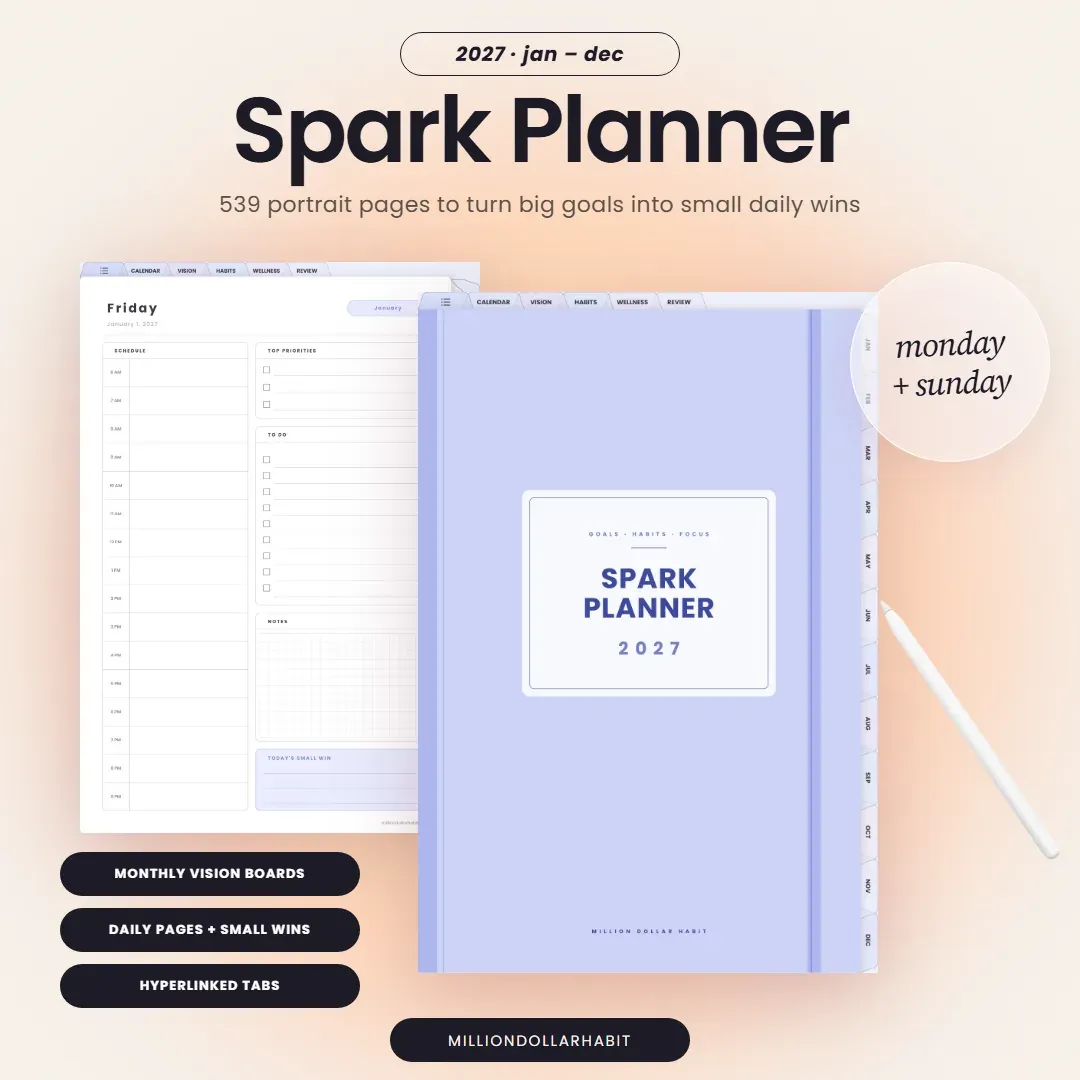
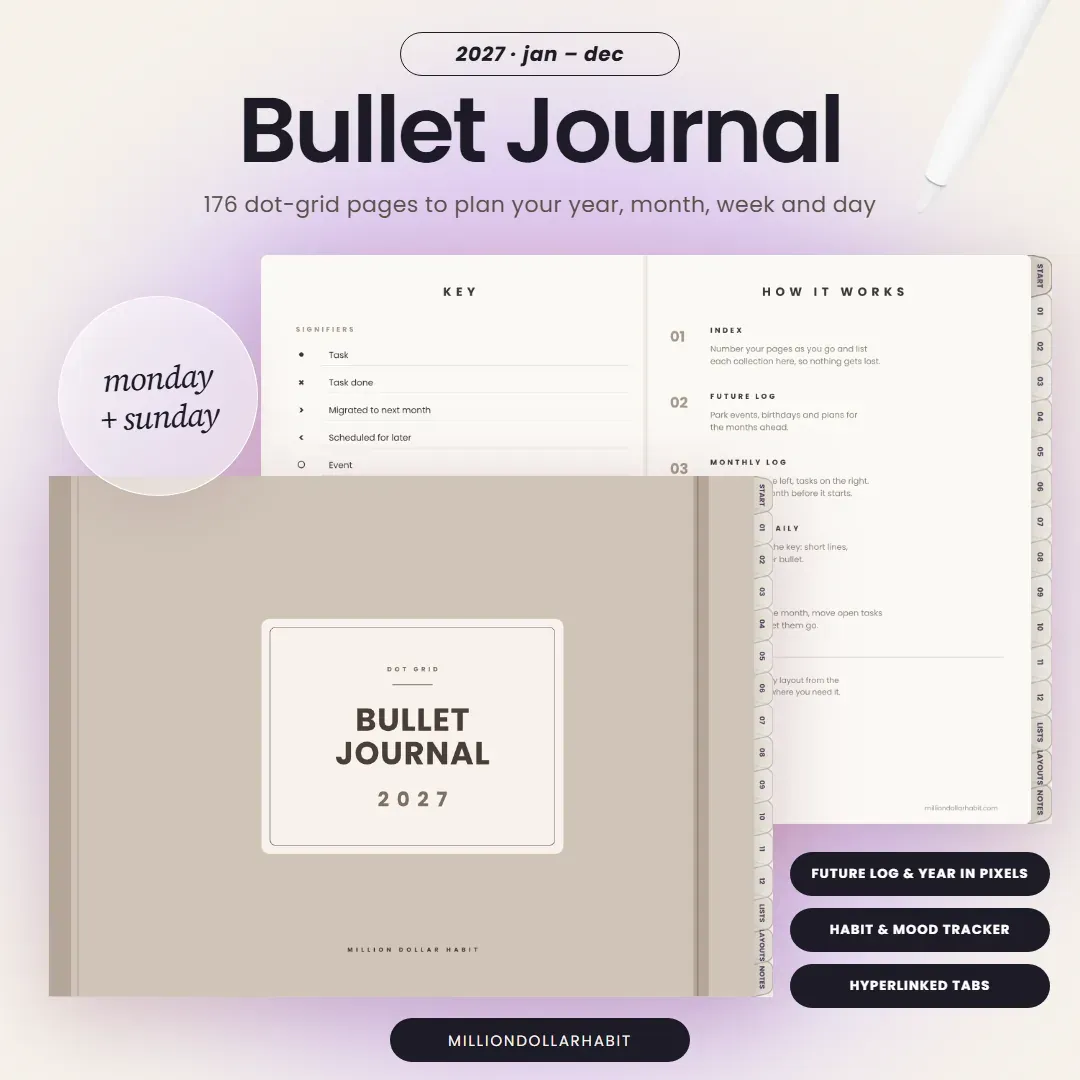
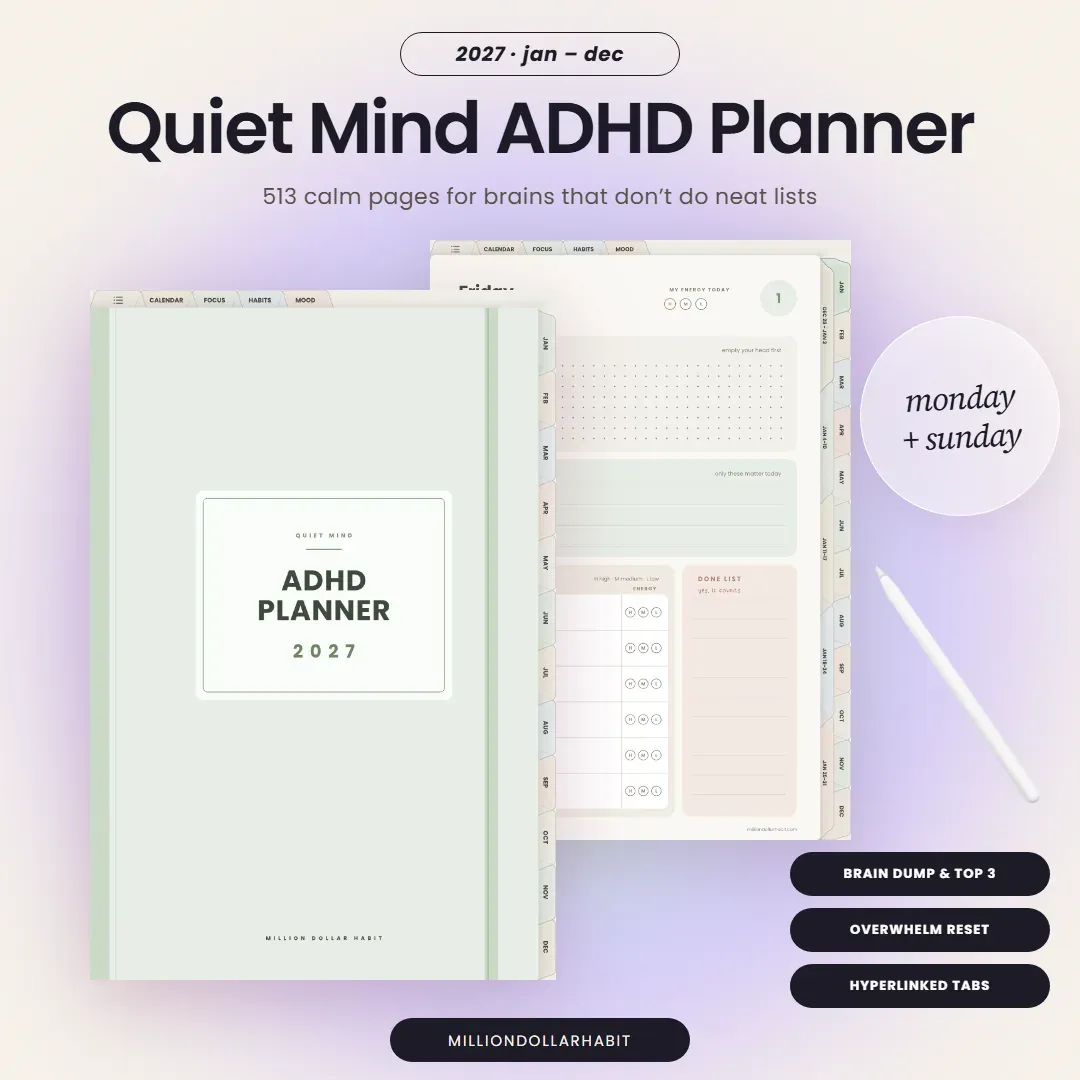
Every version is included in one purchase: 8 colorways, portrait and landscape, three weekly layouts and Monday or Sunday start. Pick yours with the Planner Creator, and switch any time.
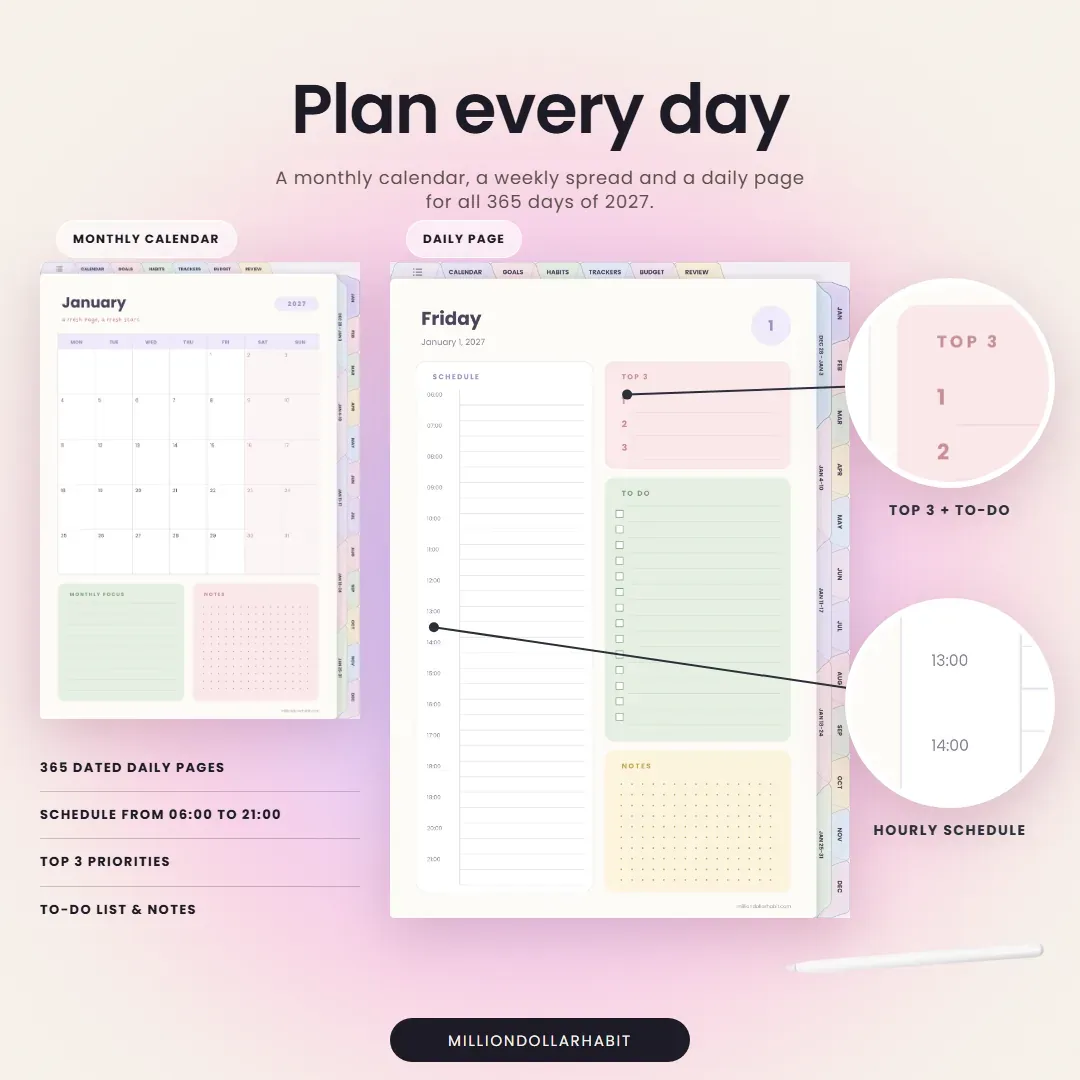
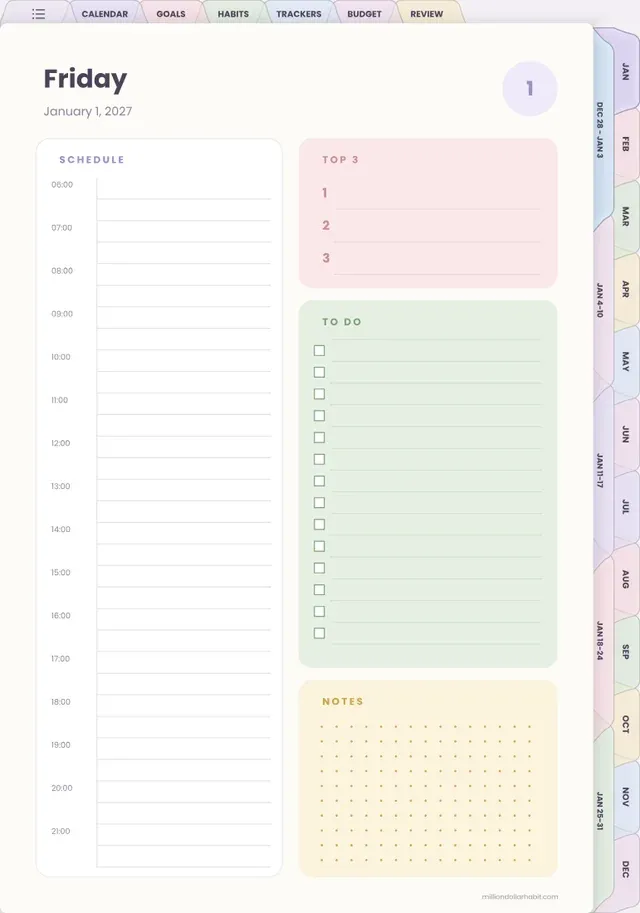
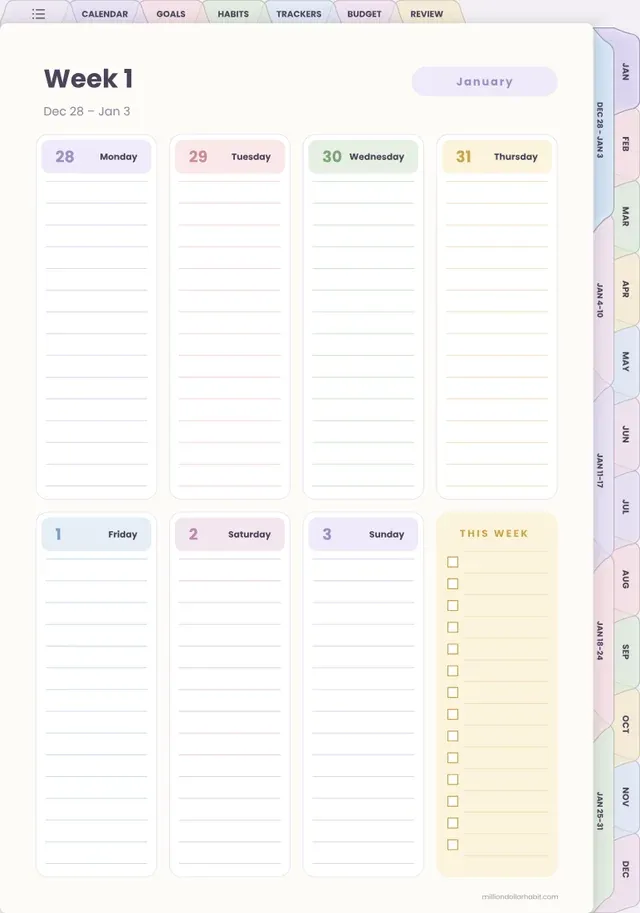
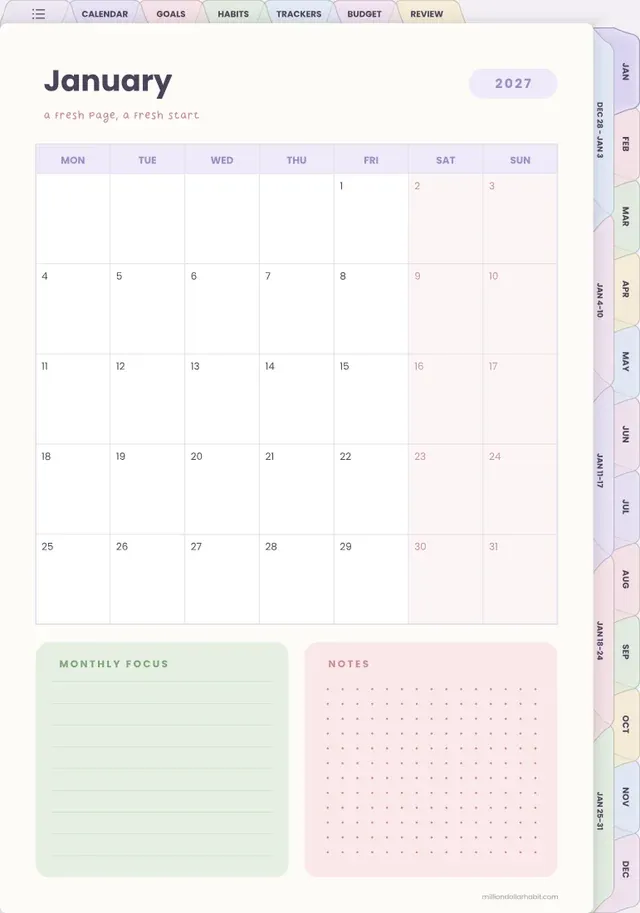
Plan every day. A monthly calendar, a weekly spread and a daily page with schedule, Top 3 and to-do list for all 365 days of 2027.
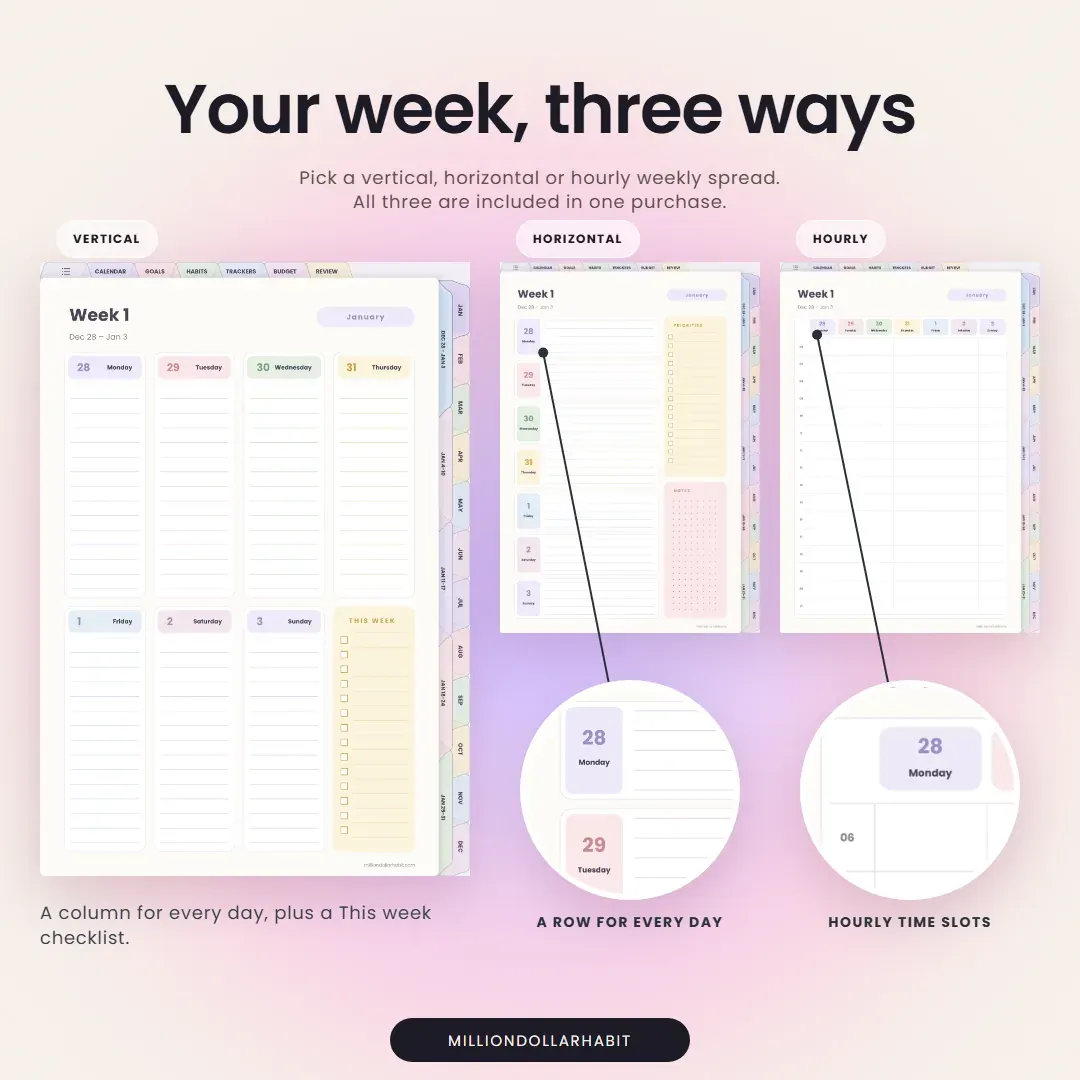
Your week, three ways. Pick a vertical, horizontal or hourly weekly spread: all three are included in one purchase.
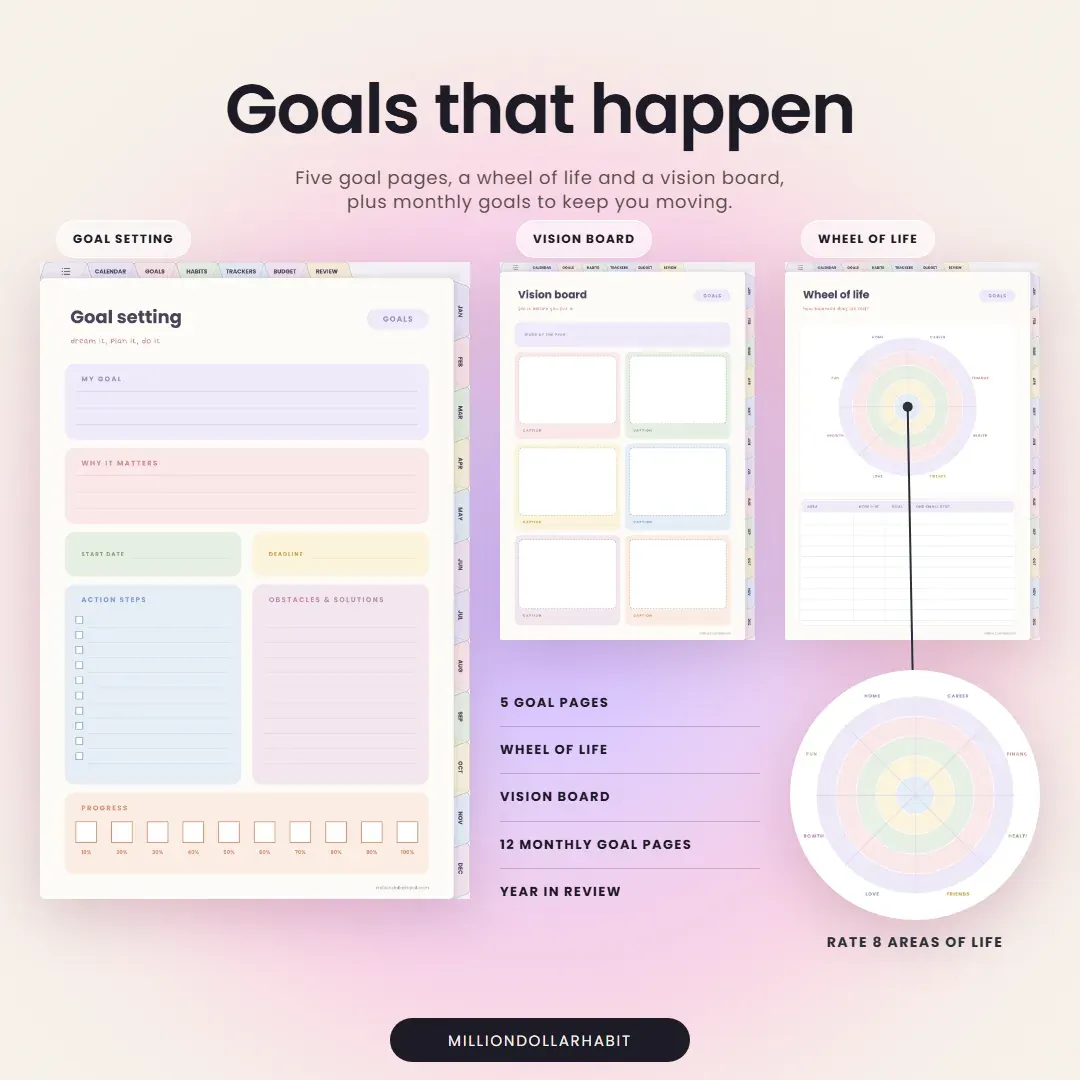
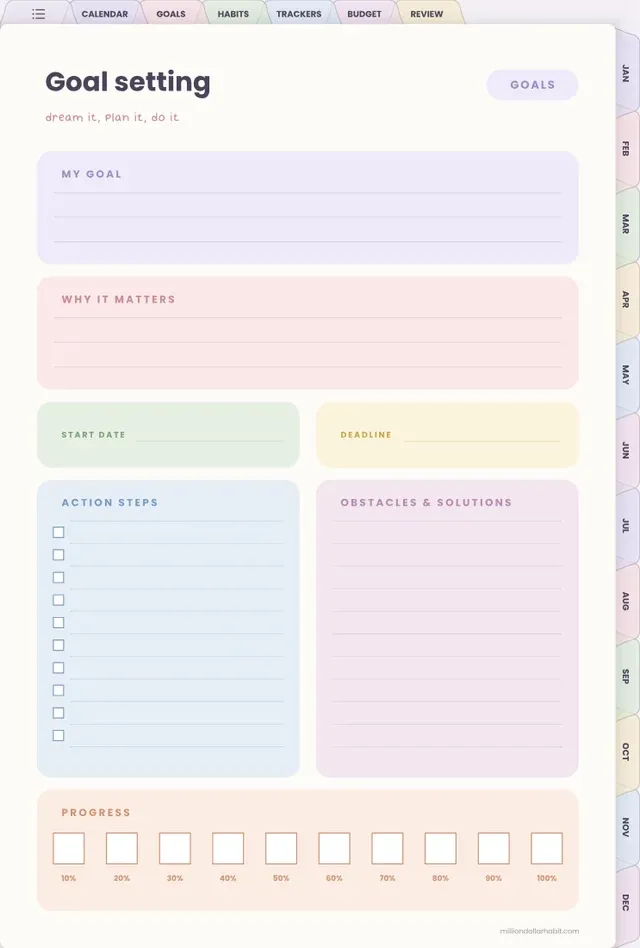
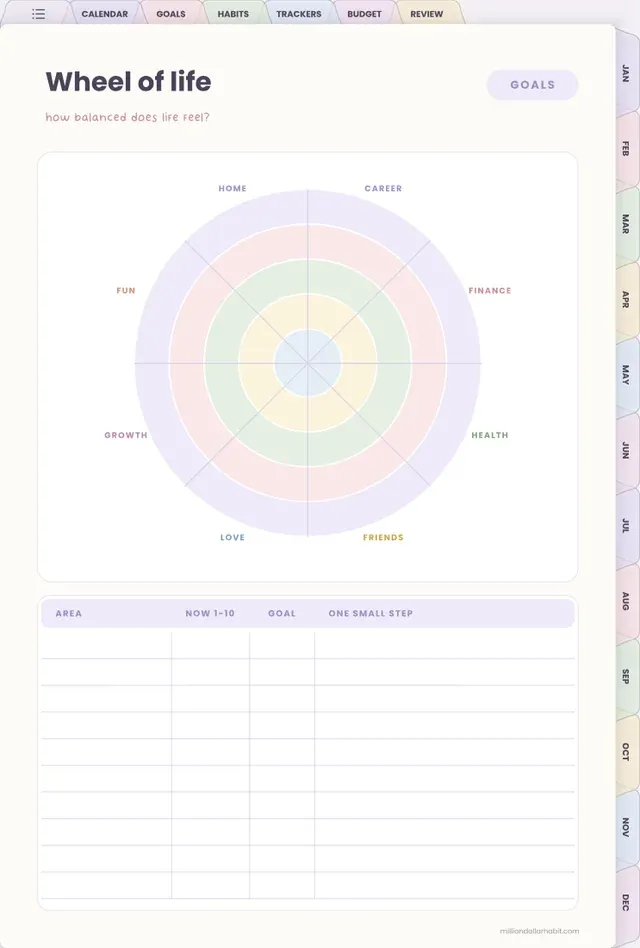
Goals that happen. Five goal pages, a wheel of life and a vision board, plus monthly goals to keep you moving.
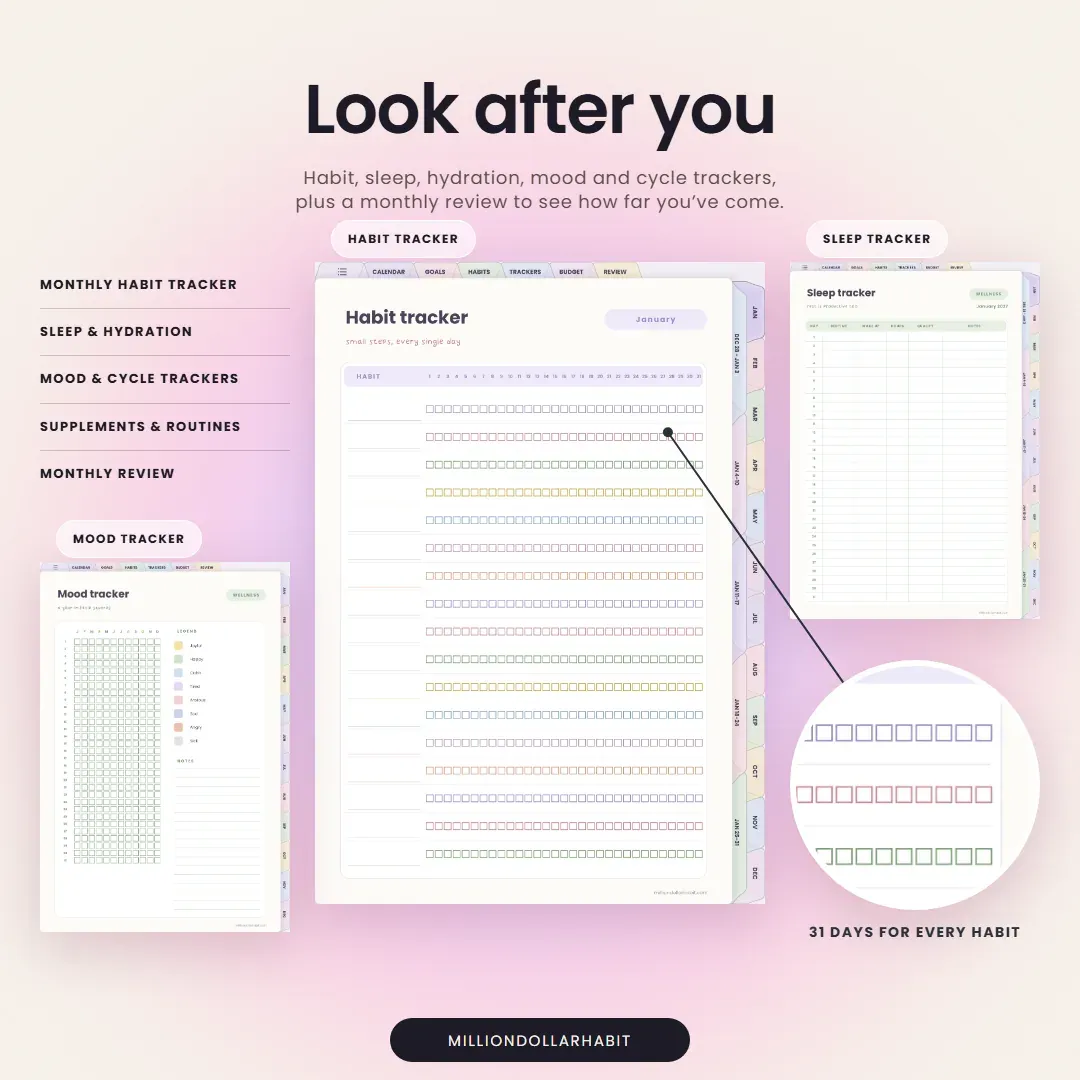
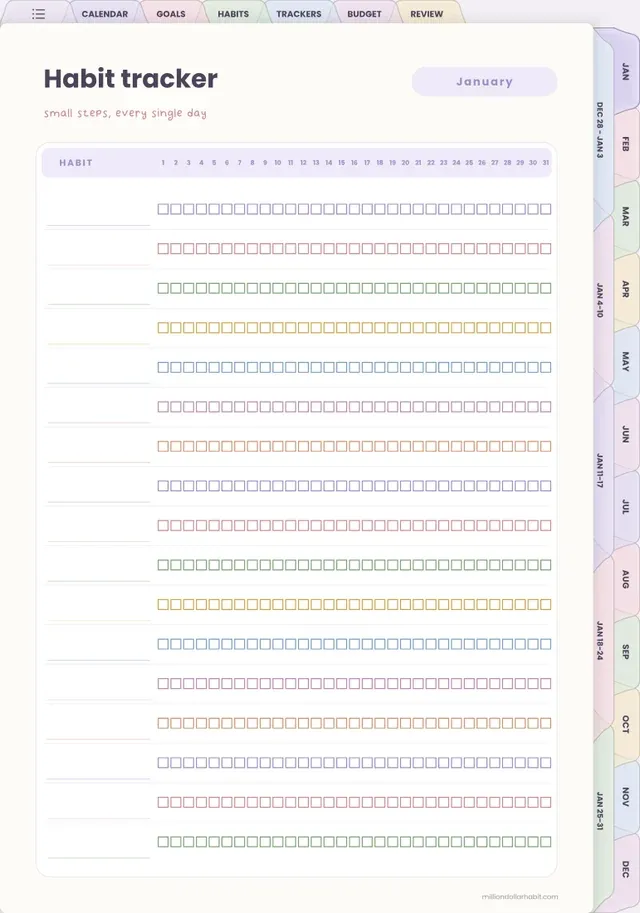
Look after you. Habit, sleep, hydration, mood and cycle trackers, plus a monthly review to see how far you've come.
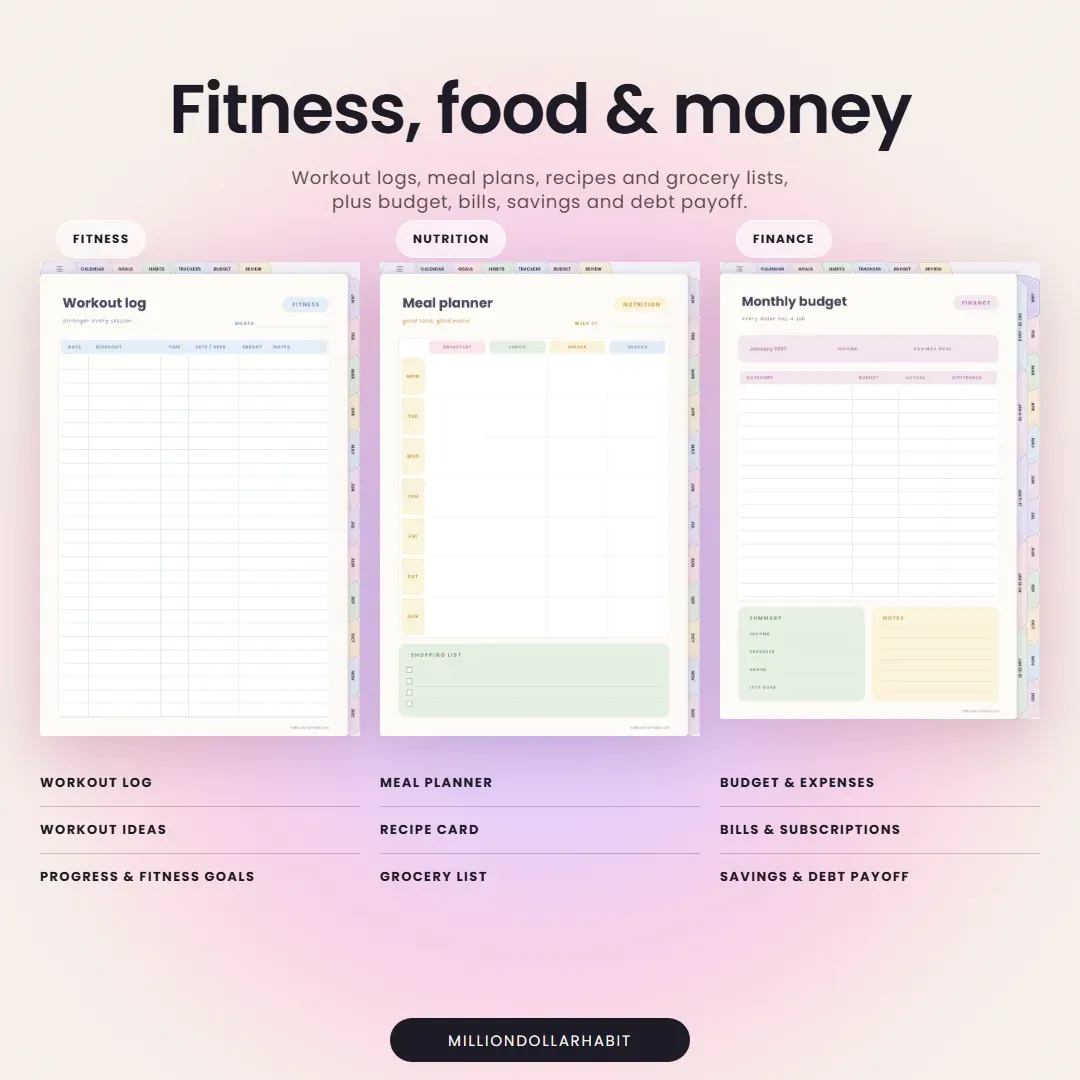
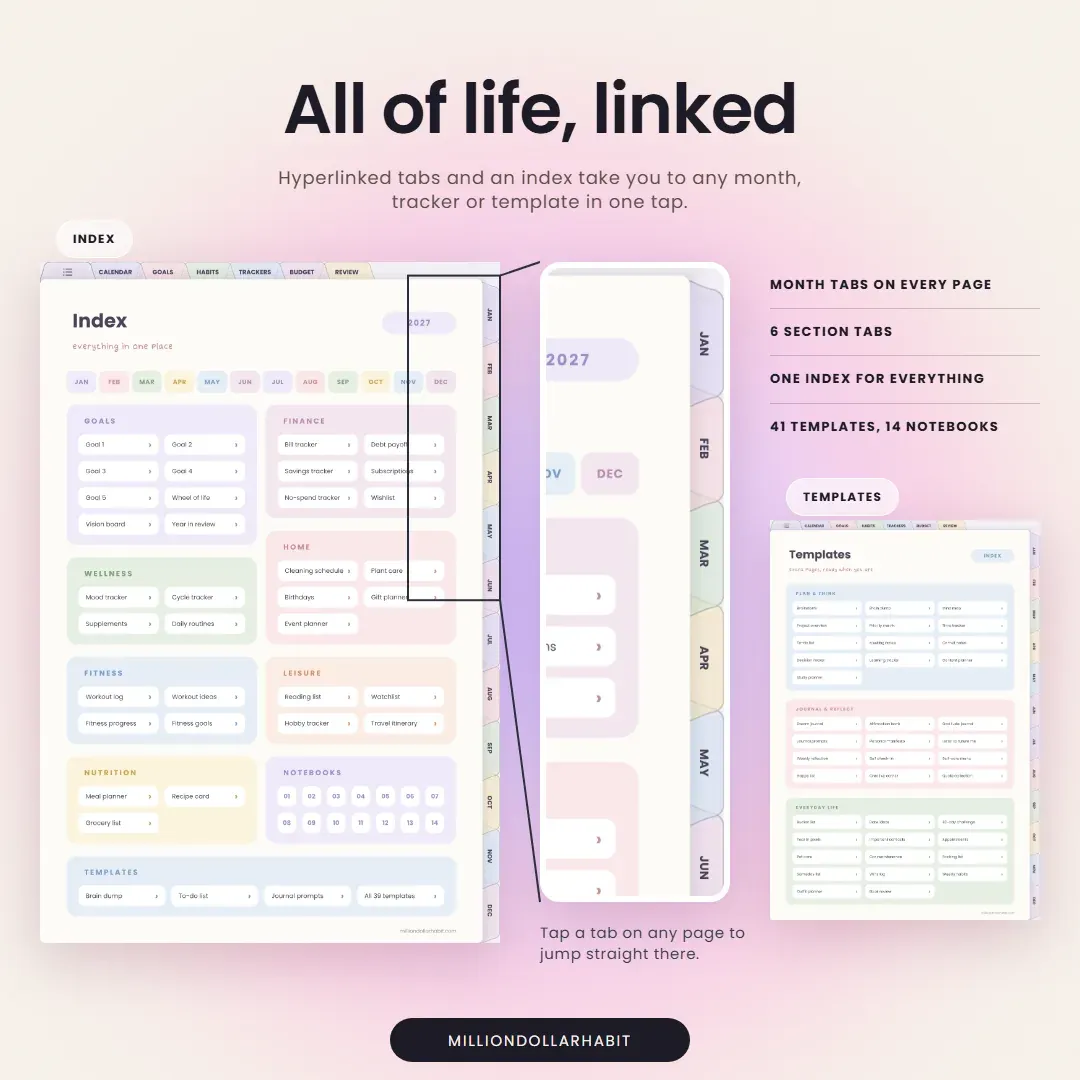
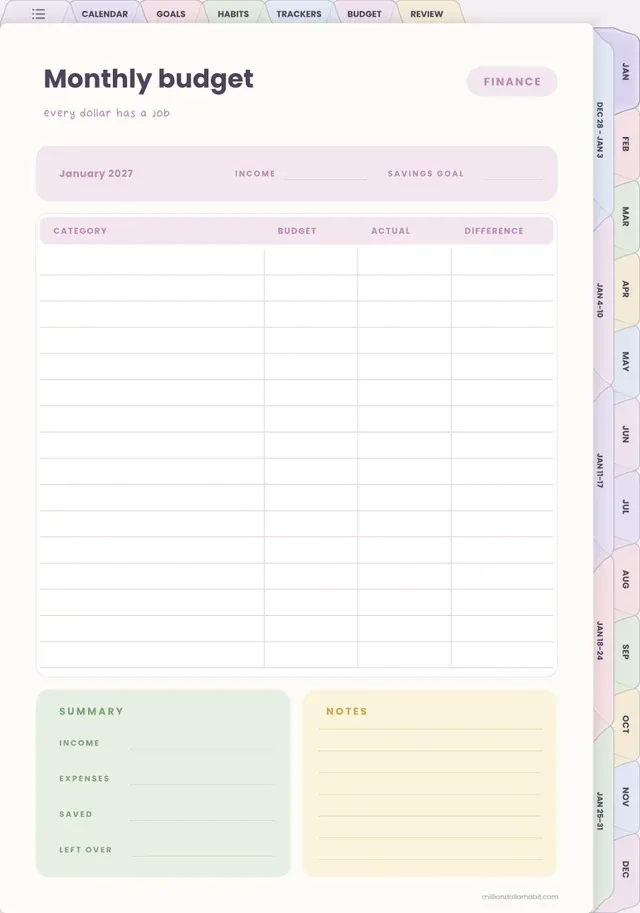
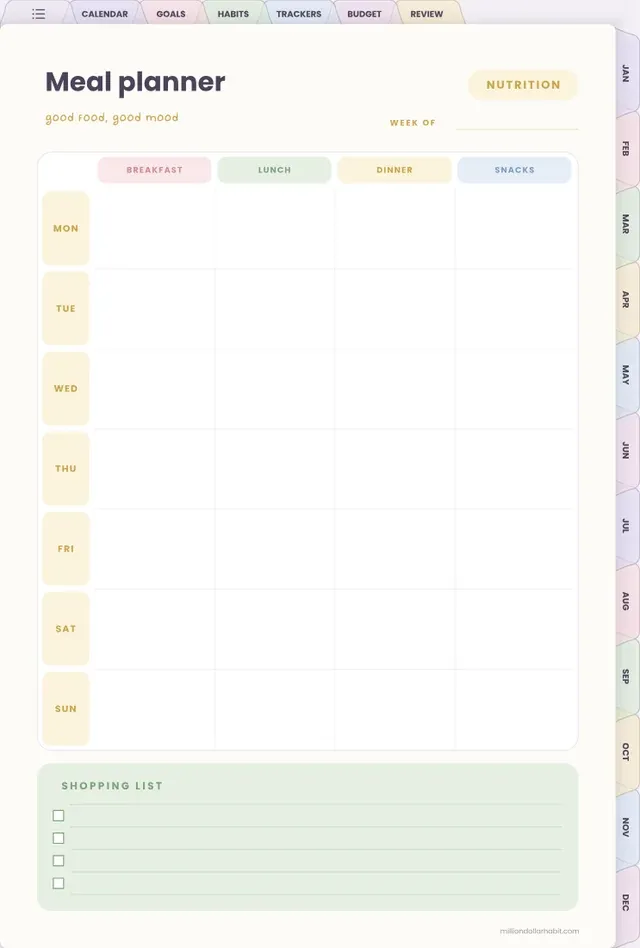
All of life, linked. Budget, meals, workouts, reading, 41 templates and 14 notebooks, all hyperlinked so nothing is more than a tap away.
Plan your whole life in one place. The 2027 All-in-One Life Planner is dated January to December 2027, with a monthly calendar, a weekly spread and a daily page for every day of the year.
This is a digital download — no physical items are shipped. You'll get a link to download your files right after purchase.
Because it's a digital product, all sales are final: no refunds or exchanges.
Monday + Sunday start
8 colorways
709 pages, dated 2027
Get your files instantly after purchase
Works with GoodNotes, Notability and more
One-time purchase — no subscription
Included with your planner
Build your exact planner
After purchase you get the Planner Creator — answer a few quick questions and download the planner built your way. Change your mind anytime; every combination is included.
Choose your colorway — Rainbow, Midnight, Teddy, Cool, Silver, Pink, Cinnamon or Denim.
Pick your layout — Portrait or landscape, with a vertical, horizontal or hourly weekly spread.
Set your week start — Monday or Sunday. Download and import into GoodNotes, Notability and more.
Built in
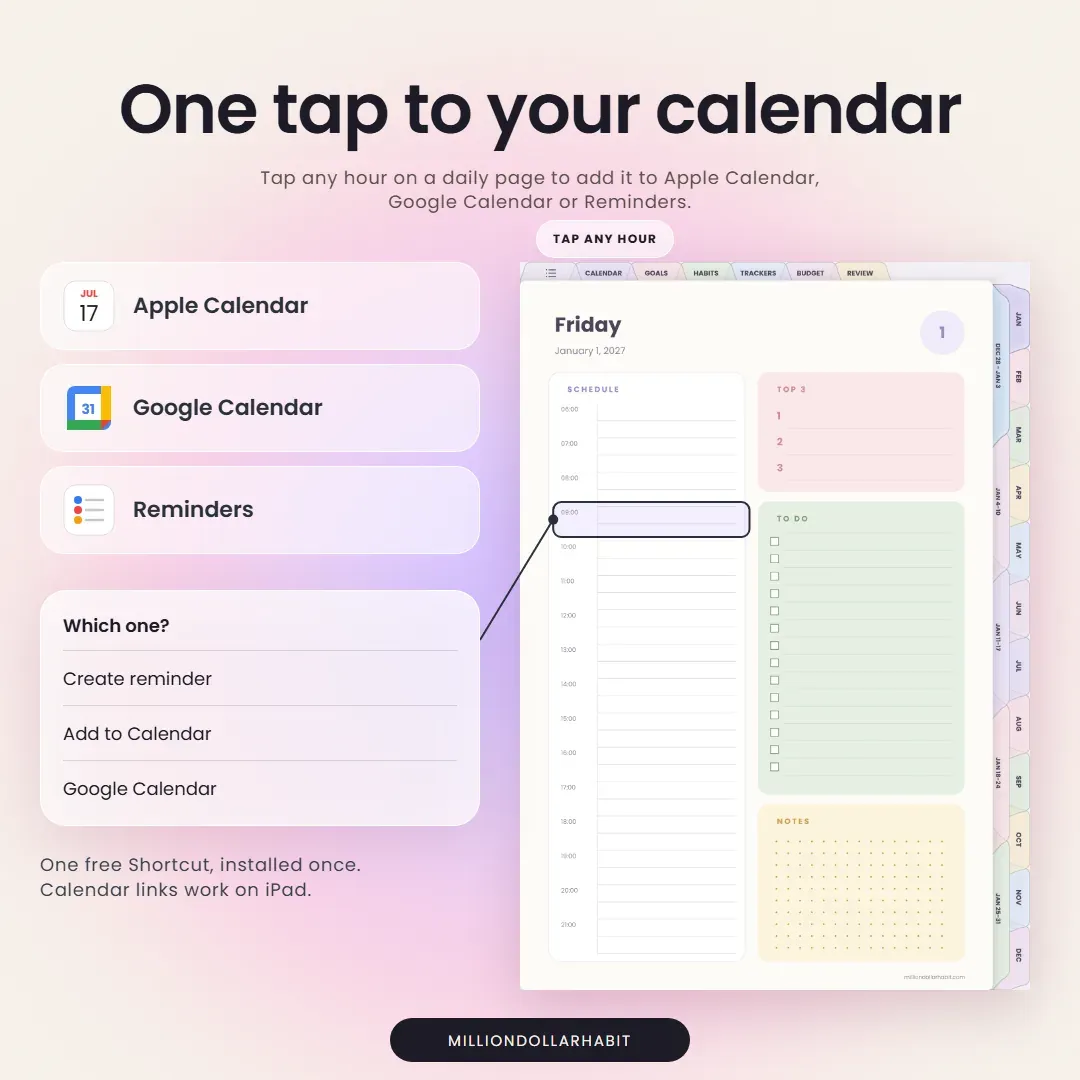
Tap a time — it's in your calendar
Tap any hour on a daily page to add it to Apple Calendar, Google Calendar or Reminders, without leaving the planner. One free Shortcut, installed once. Calendar links work on iPad.
Yes. This planner is fully compatible with GoodNotes and is optimized for iPad use. All links, tabs, and pages work seamlessly inside the GoodNotes app.
Do I get Monday and Sunday start?
Yes. Both are included in one purchase, so you can pick the week start that suits you or switch later.
How does the Planner Creator work?
After purchase you open the Planner Creator, choose your colorway, orientation, weekly layout and week start, and download that exact planner. Every combination is included, so you can come back and download another any time.
Is this planner beginner-friendly?
Yes. Whether you’re new to digital planning or already use GoodNotes daily, it’s designed to be intuitive, clean, and easy to use from day one.
Are refunds available for digital products?
Due to the nature of digital products, all sales are final. If you have any issues with your download or compatibility, support is always happy to help.
Is this a one-time purchase?
Yes. This is a one-time digital download. You pay once and can use the files on your personal devices as long as you want.
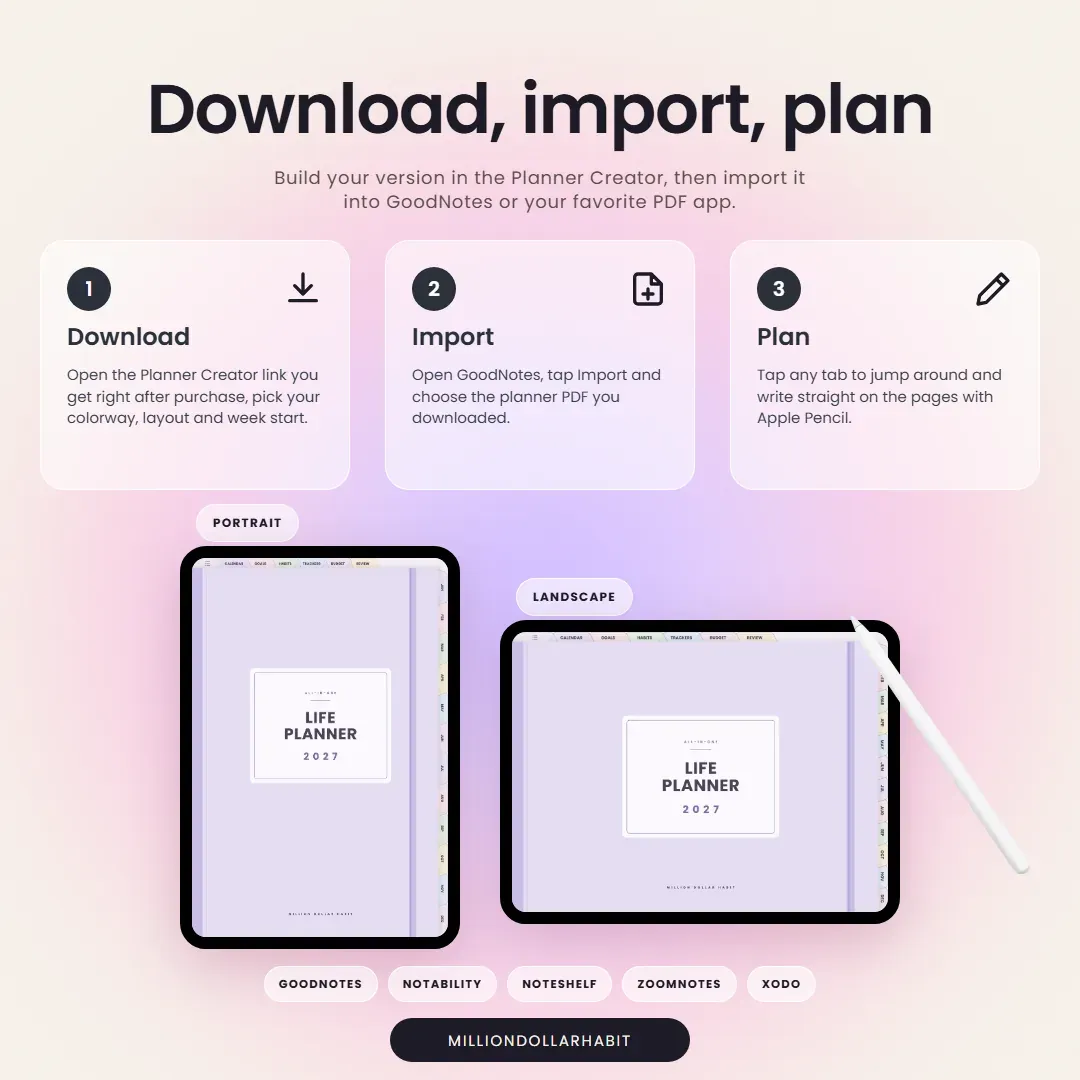
How do I download and import the planner into GoodNotes?
After purchase, you’ll receive a download link:
Download the PDF files to your iPad or computer
Open GoodNotes
Tap “Import” and select the file
Once imported, you can start using it immediately.
Which apps are supported besides GoodNotes?
It works with most PDF annotation apps, including:
GoodNotes (recommended)
Notability
Noteshelf
ZoomNotes
Xodo
It is not compatible with Notion or OneNote, as those apps don't support interactive hyperlinked PDFs the same way.
Can I use this digital planner on iPad?
Absolutely. All Million Dollar Habit planners are designed specifically for iPad + Apple Pencil. They also work on other tablets that support PDF annotation apps, but the best experience is on iPad.