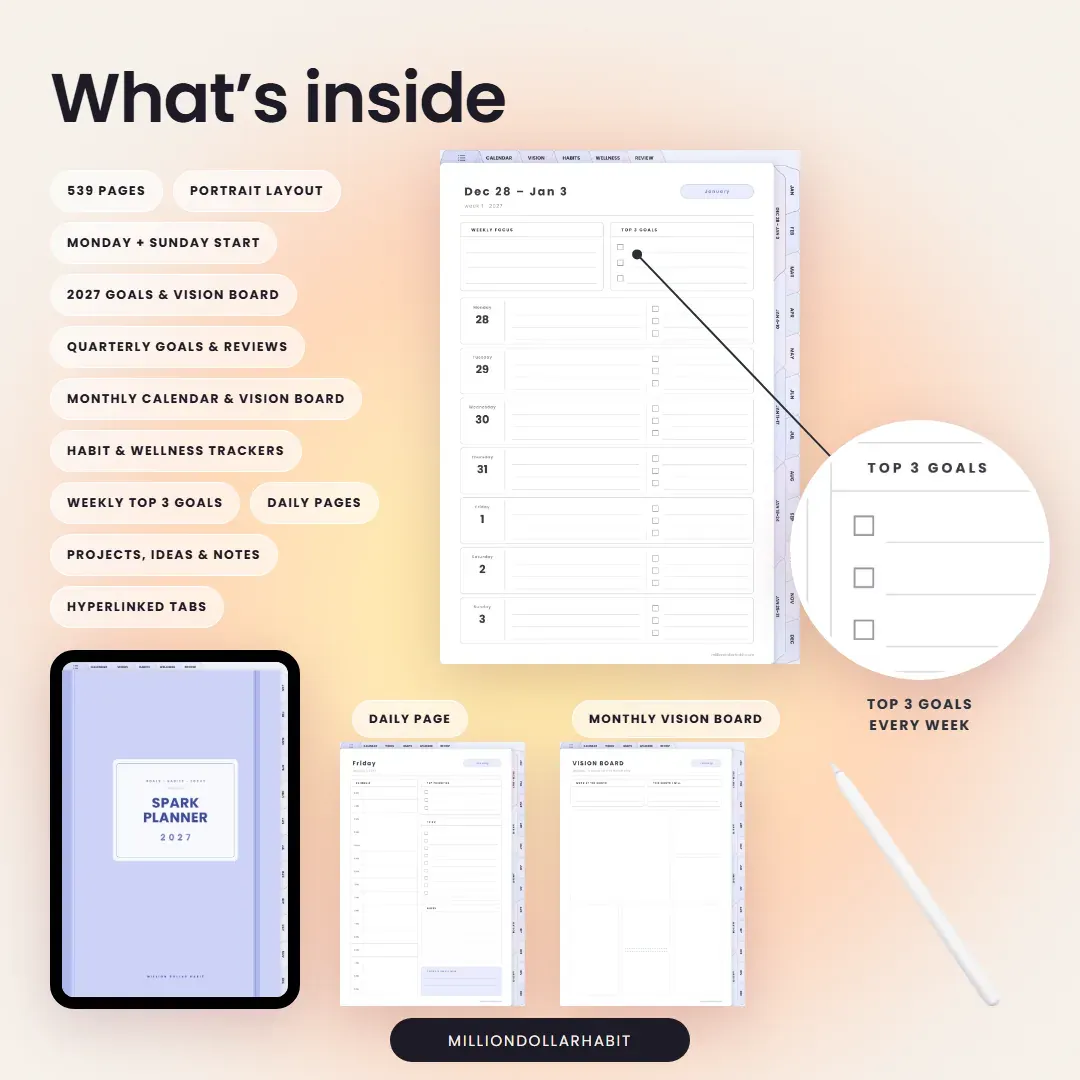
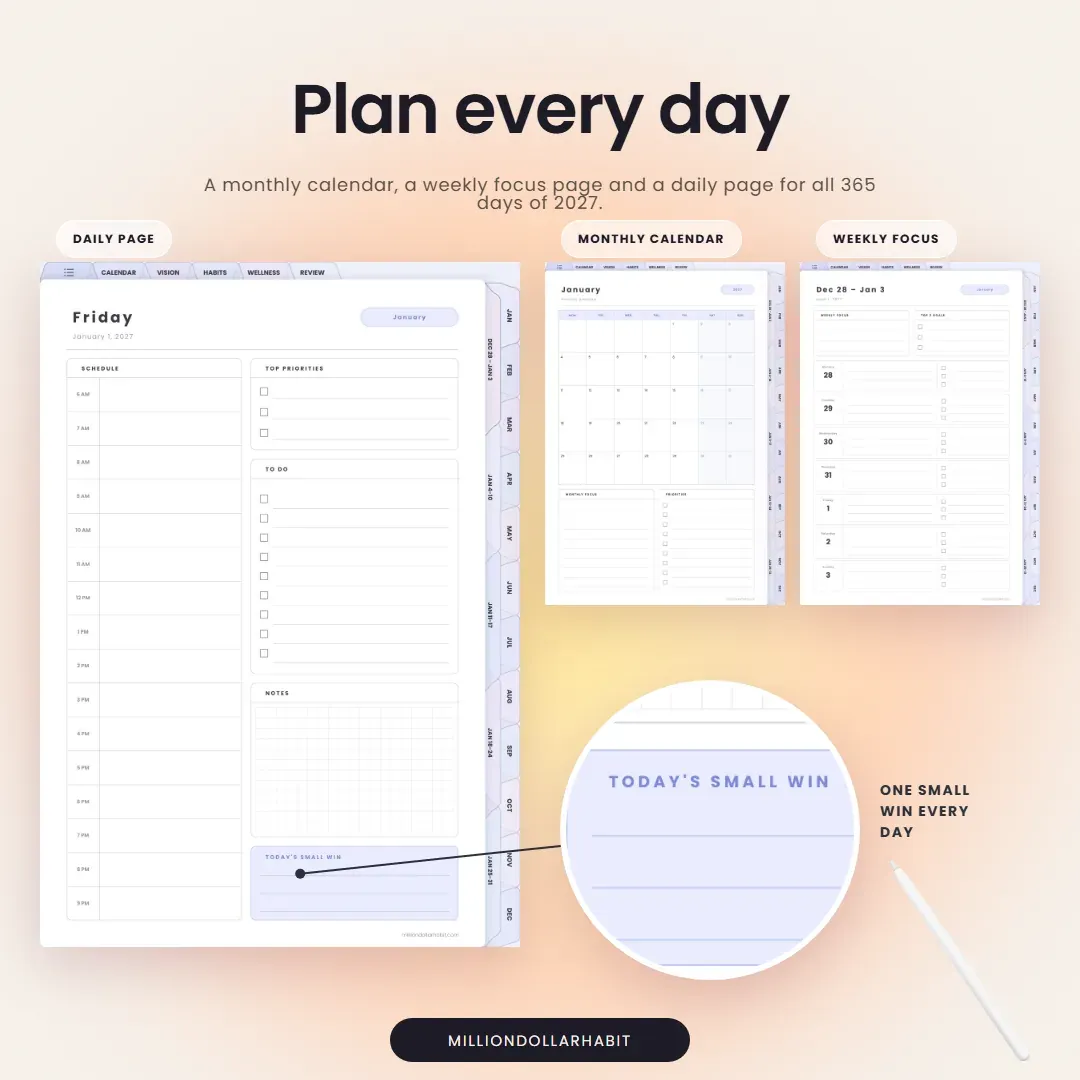
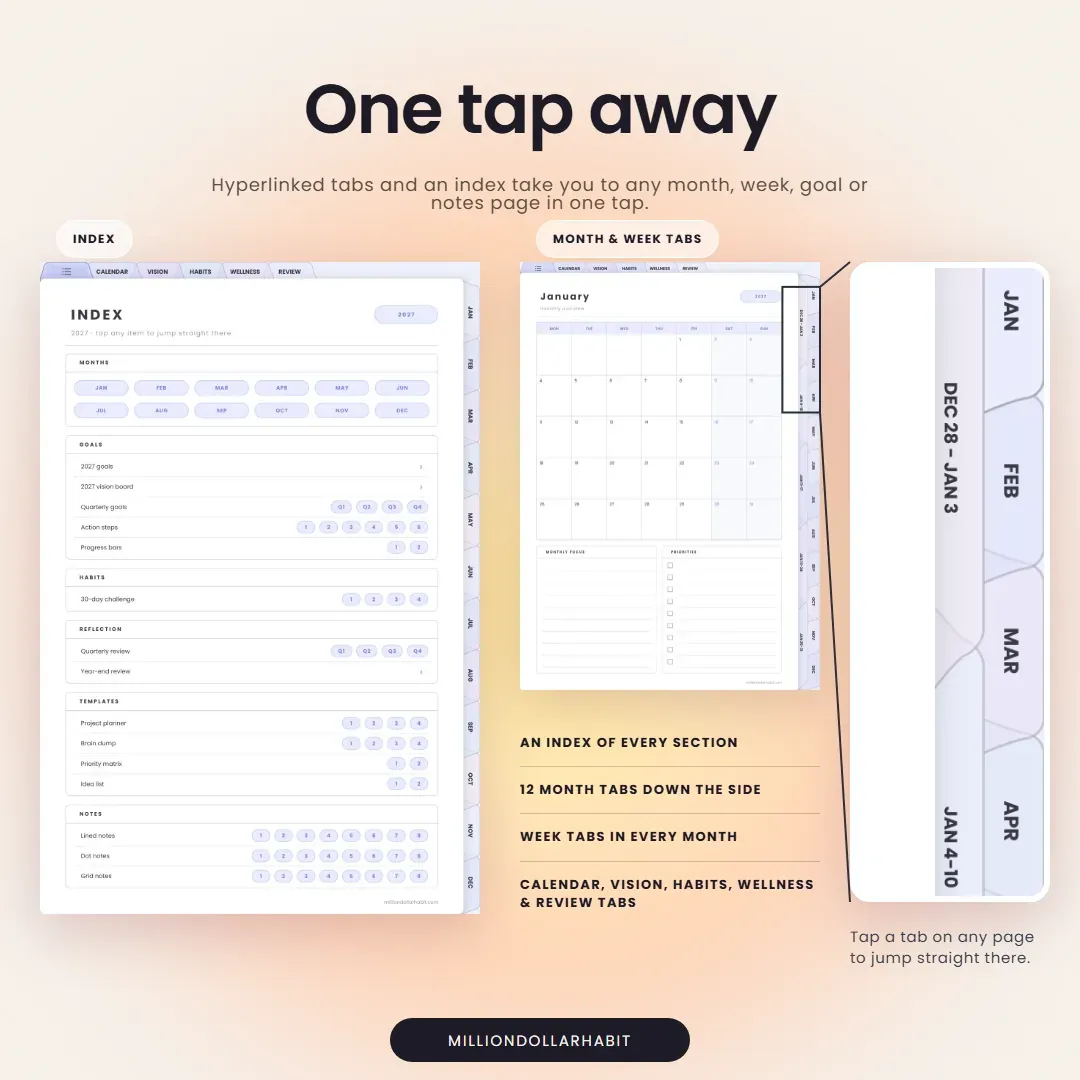
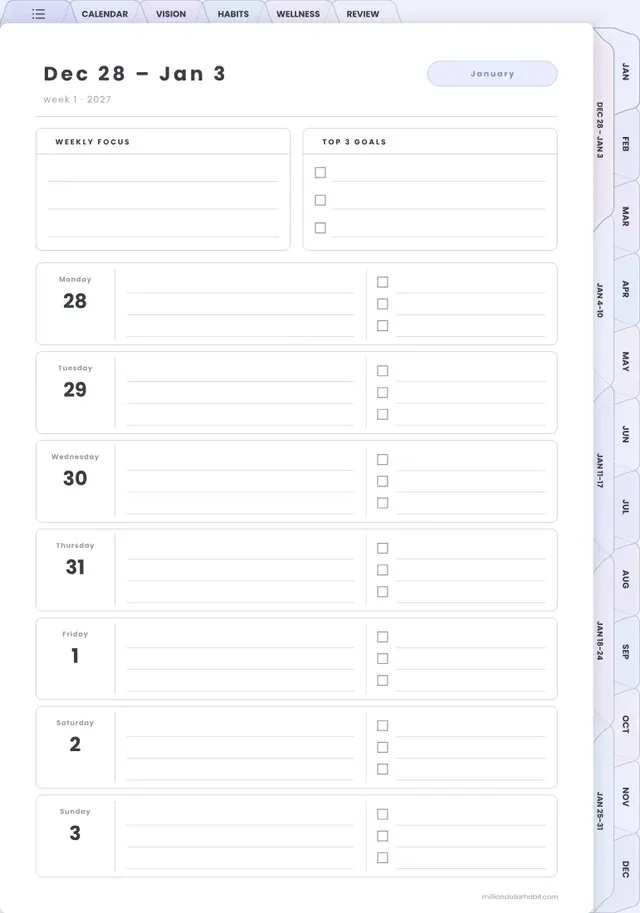
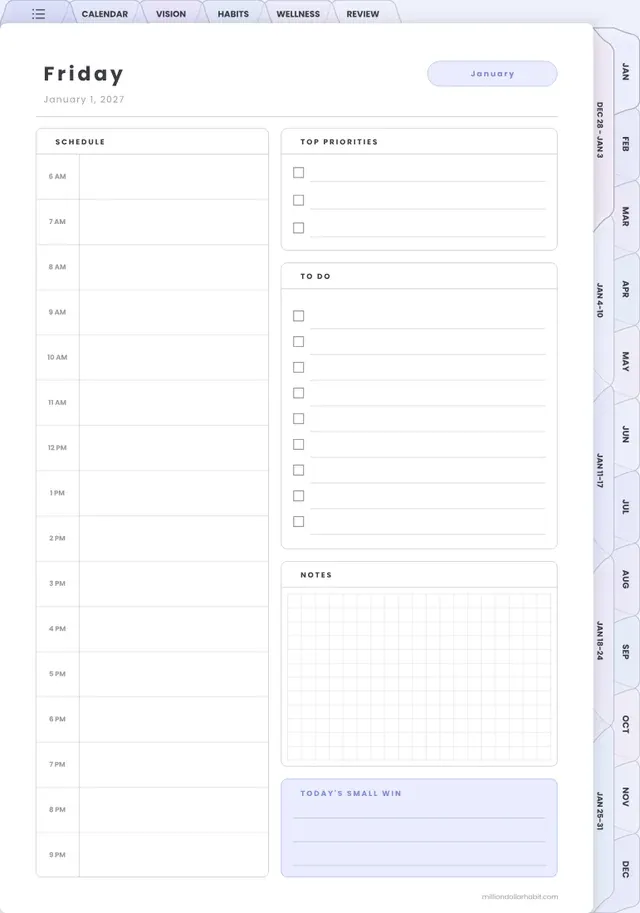
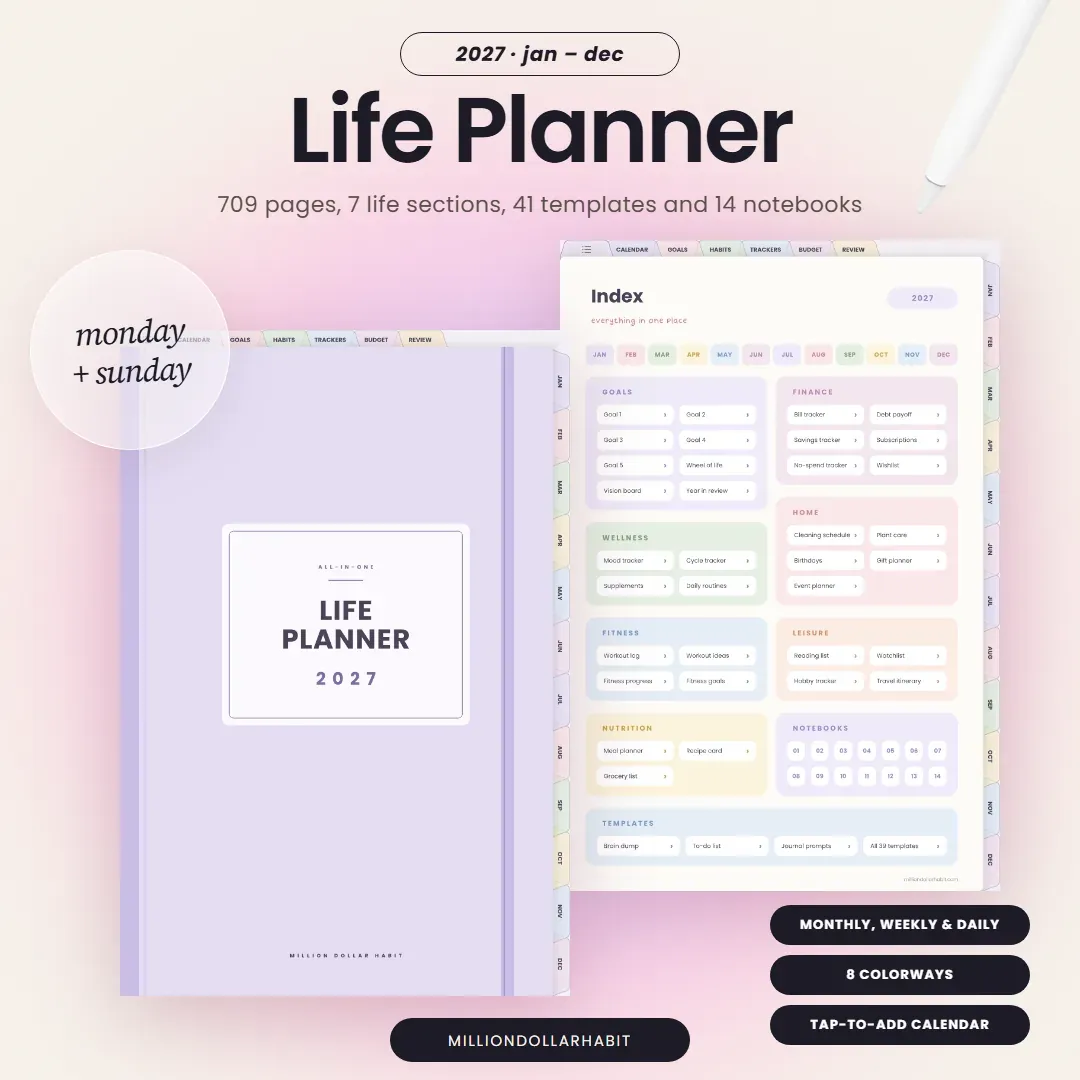
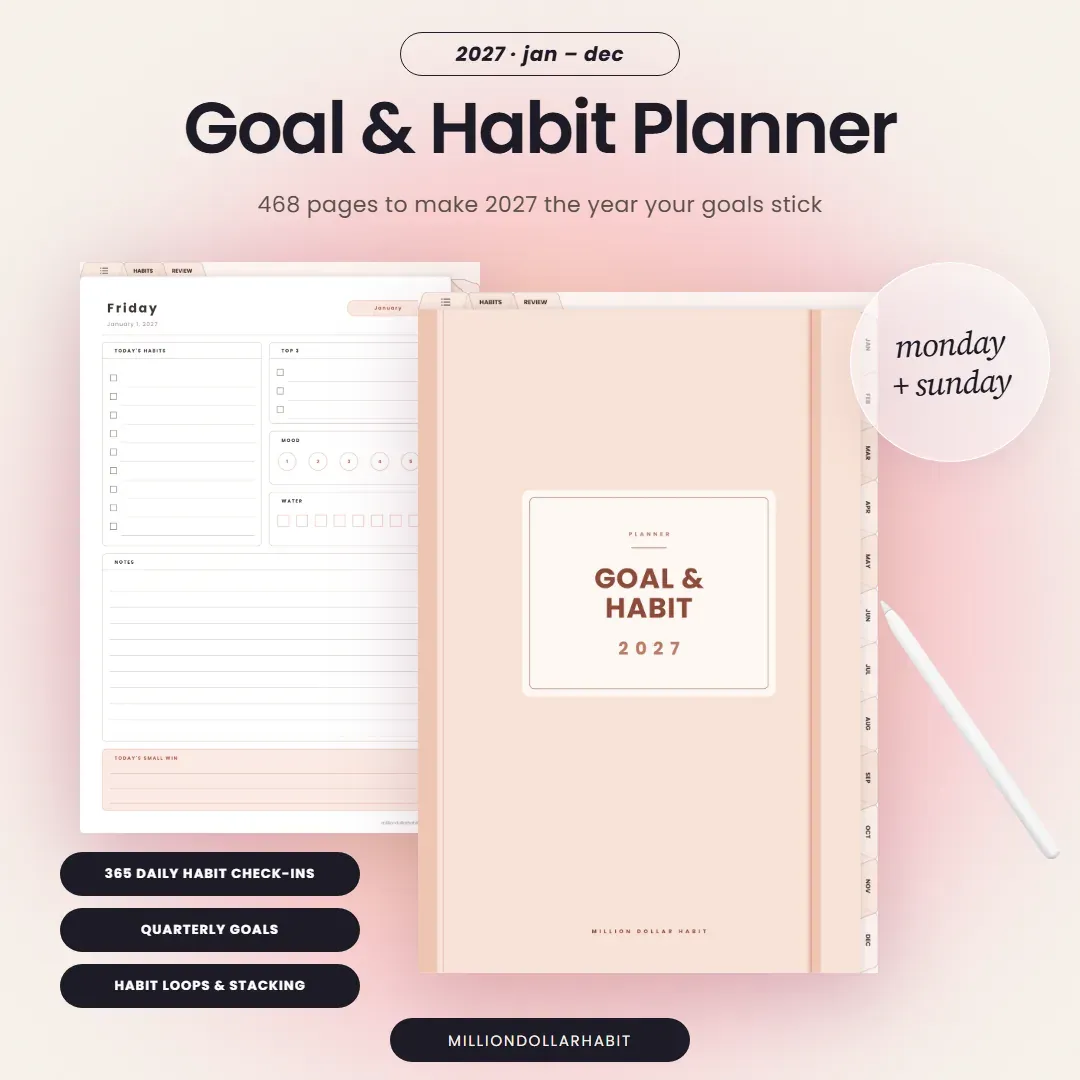
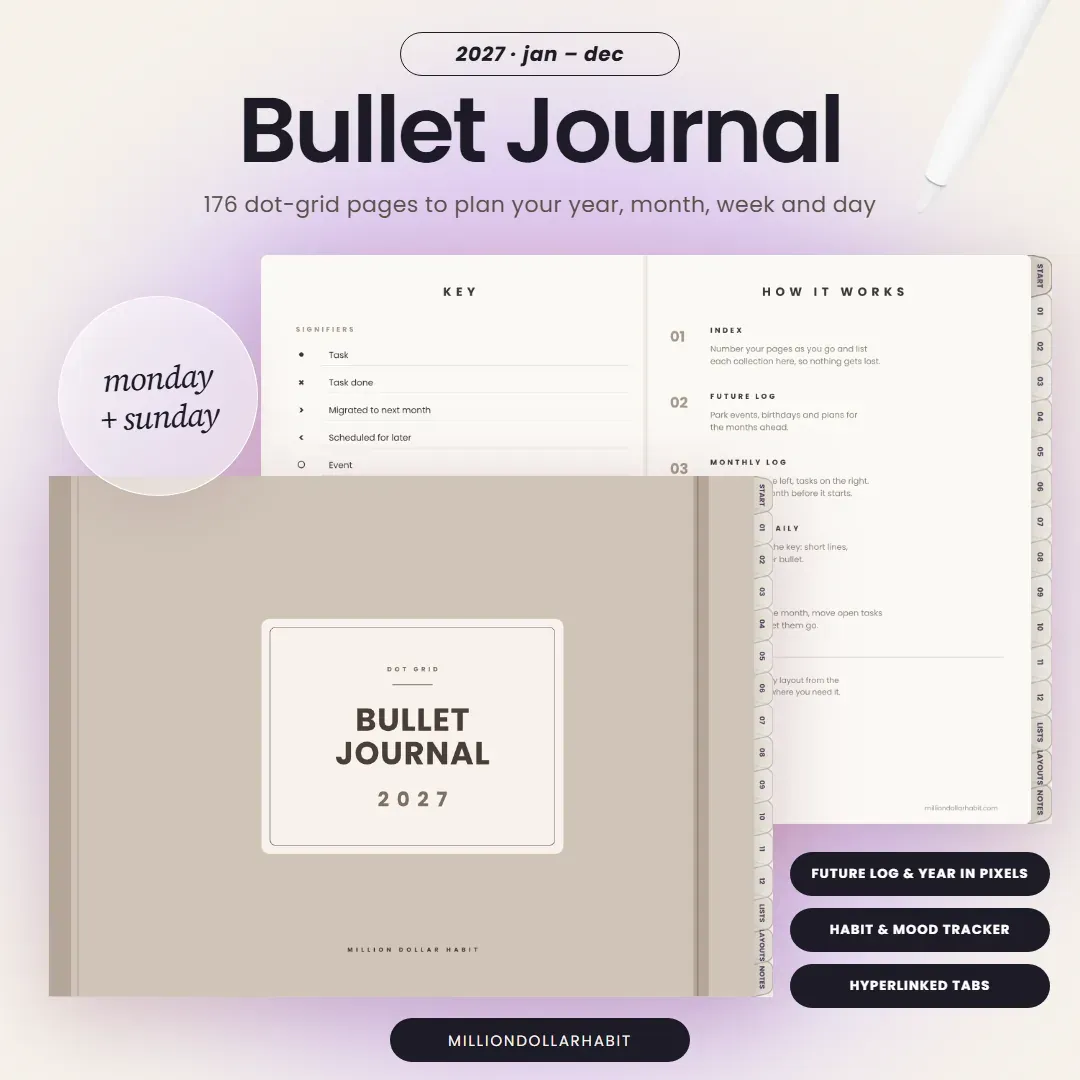
Plan every day. A monthly calendar, a weekly focus page around your top 3 goals and a daily page with schedule, priorities and one small win for all 365 days of 2027.
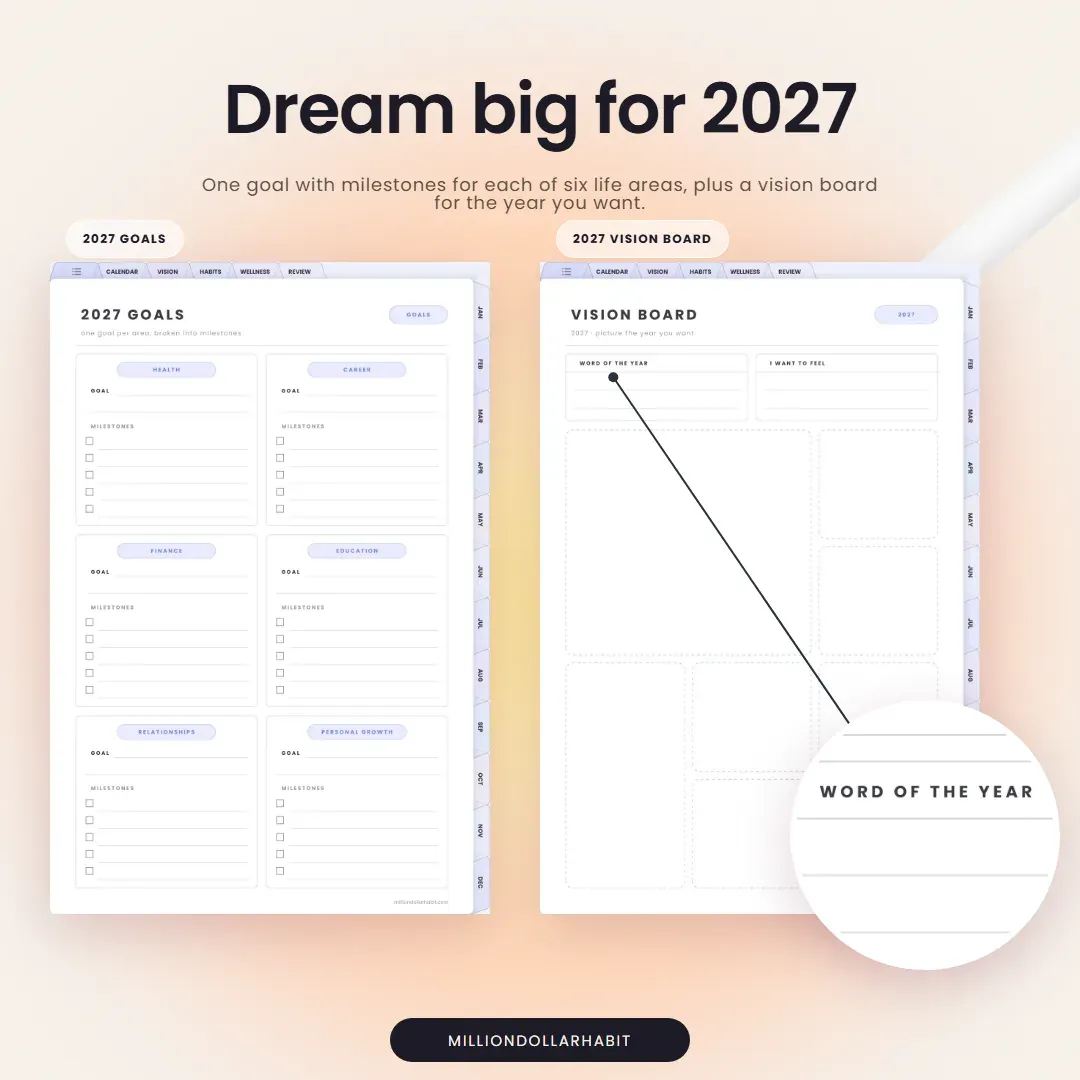
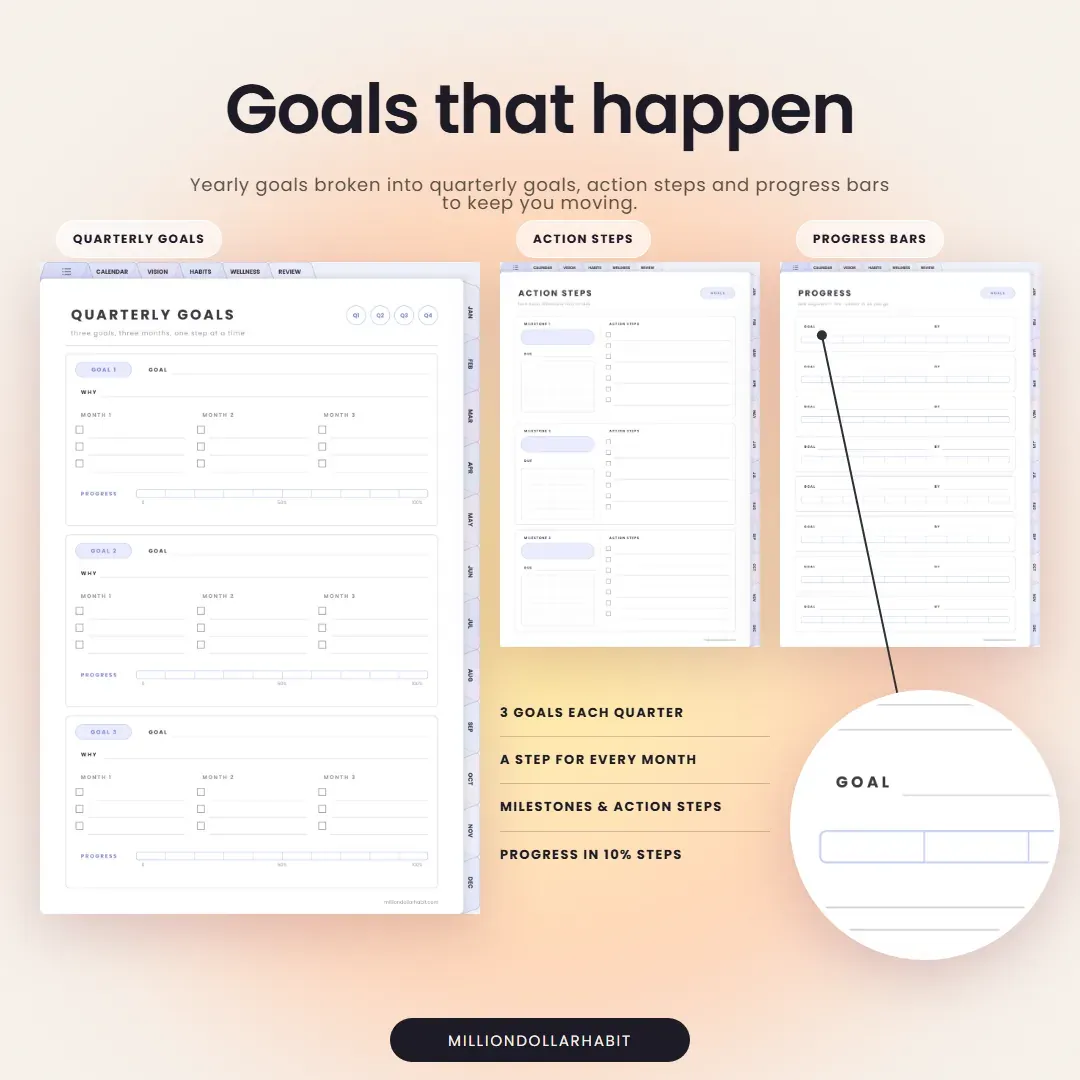
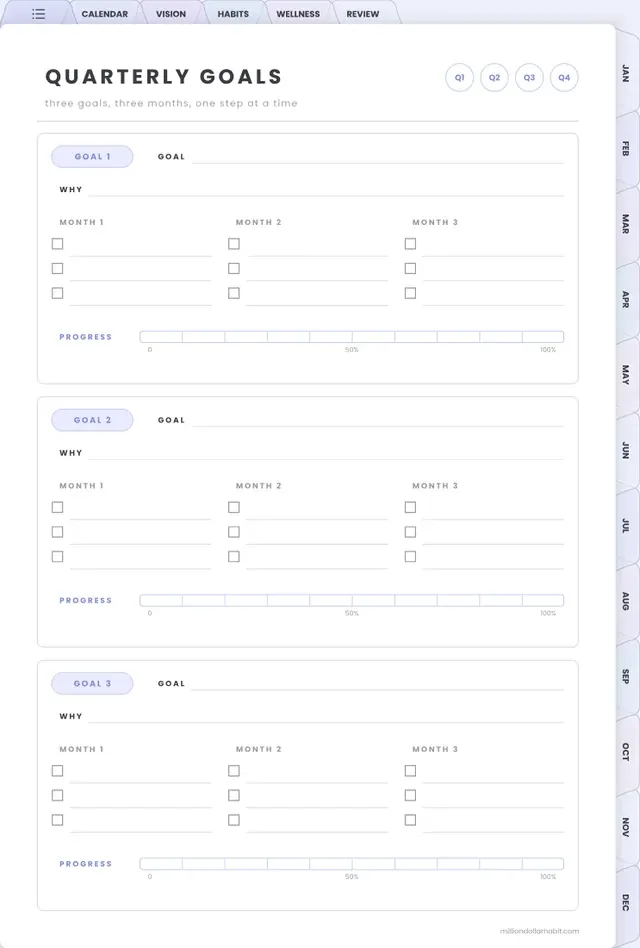
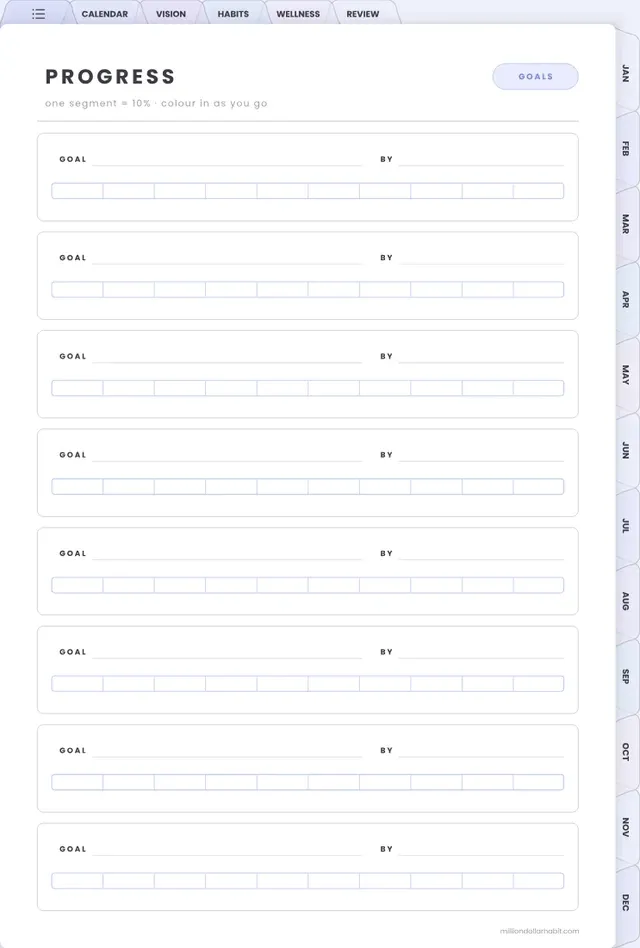
Goals that happen. Yearly goals broken into quarterly goals, action steps and progress bars to keep you moving.
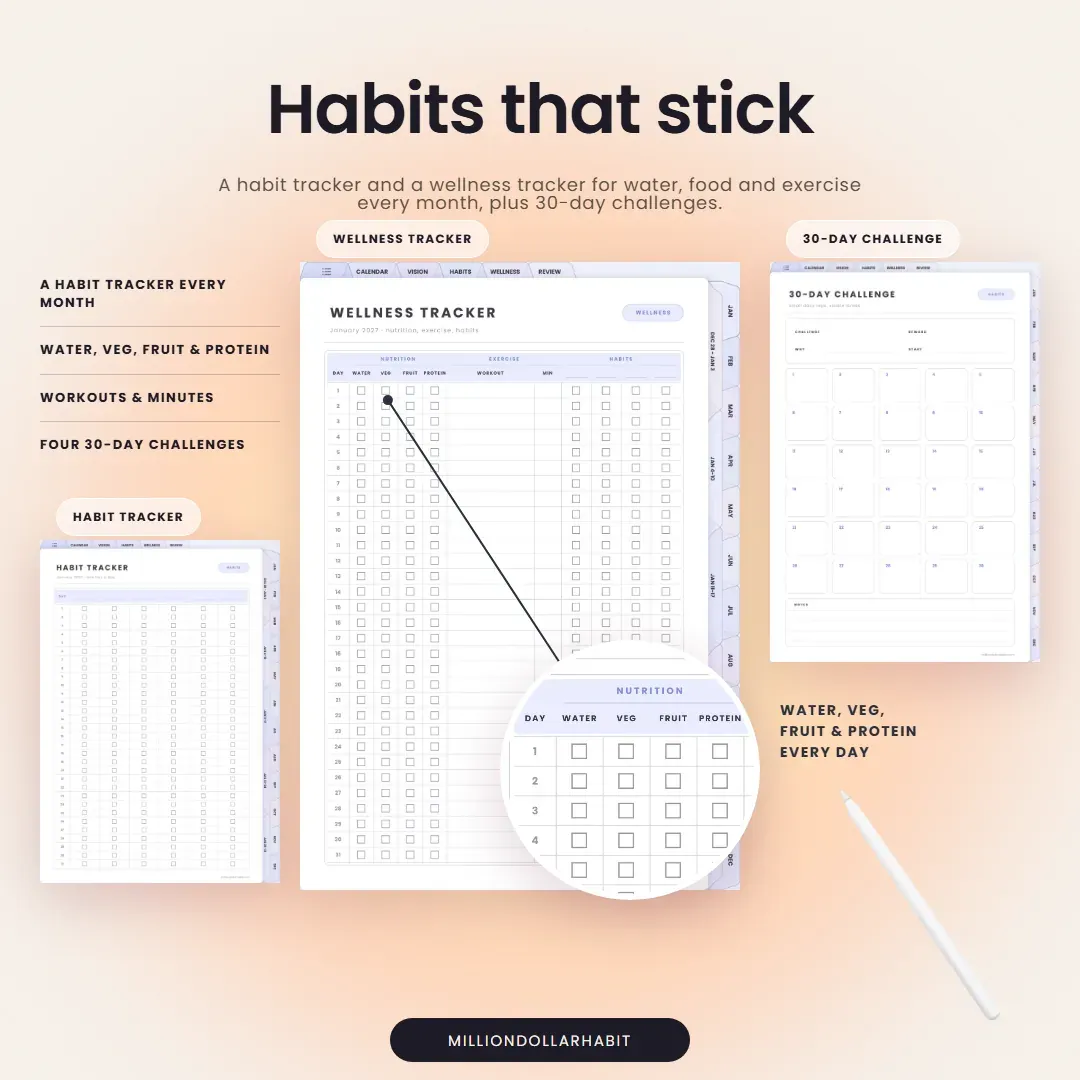
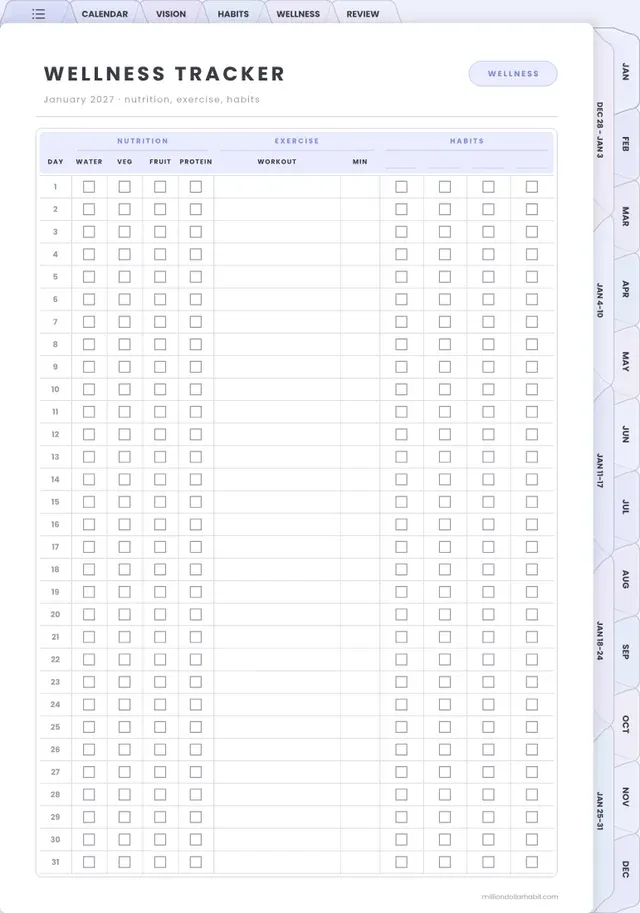
Habits that stick. A habit tracker and a wellness tracker for water, food and exercise every month, plus 30-day challenges.
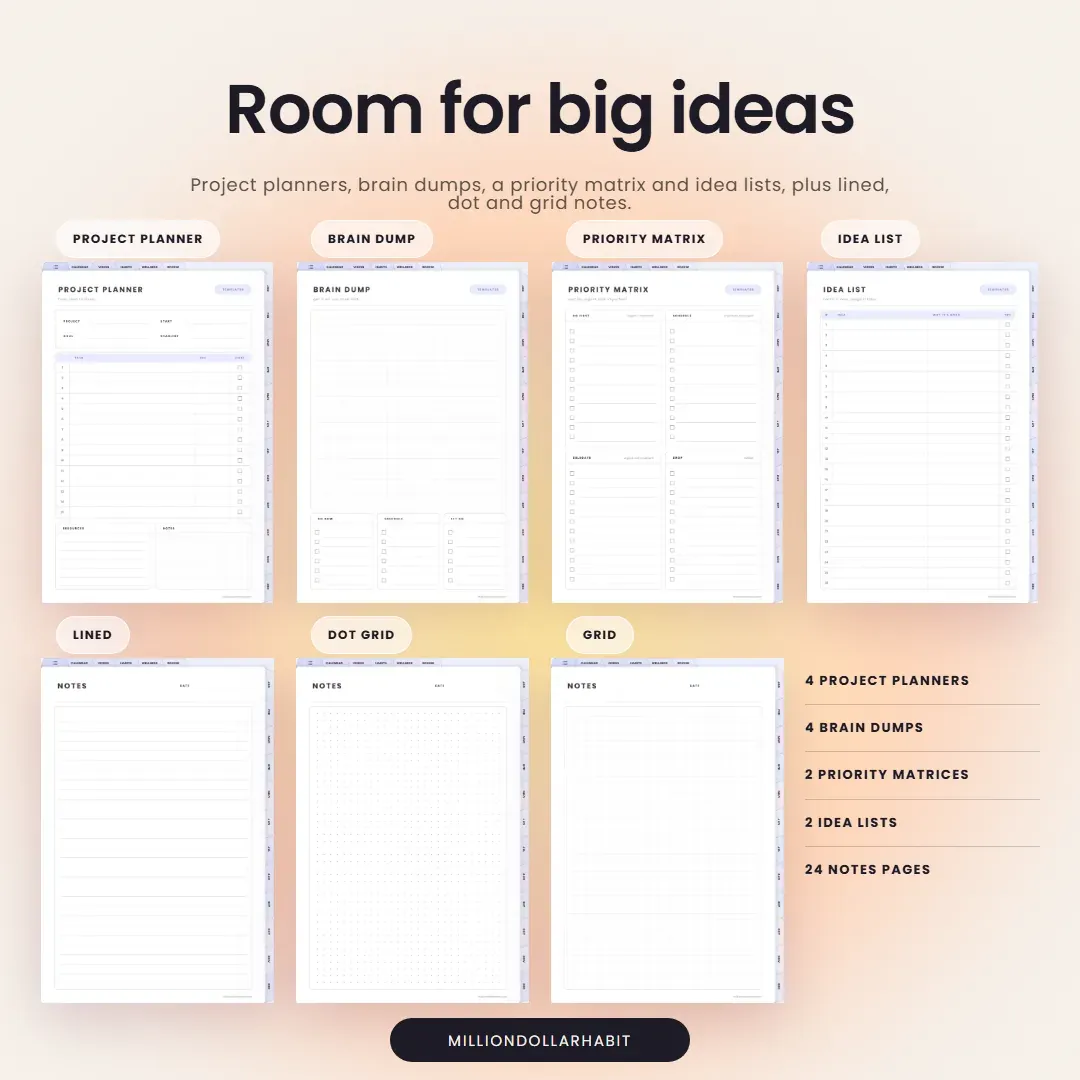
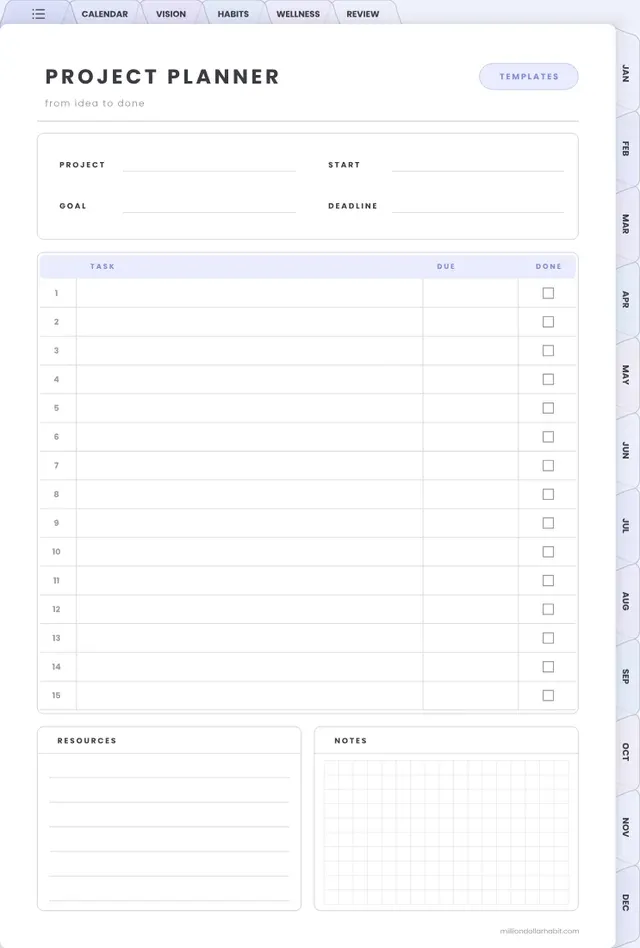
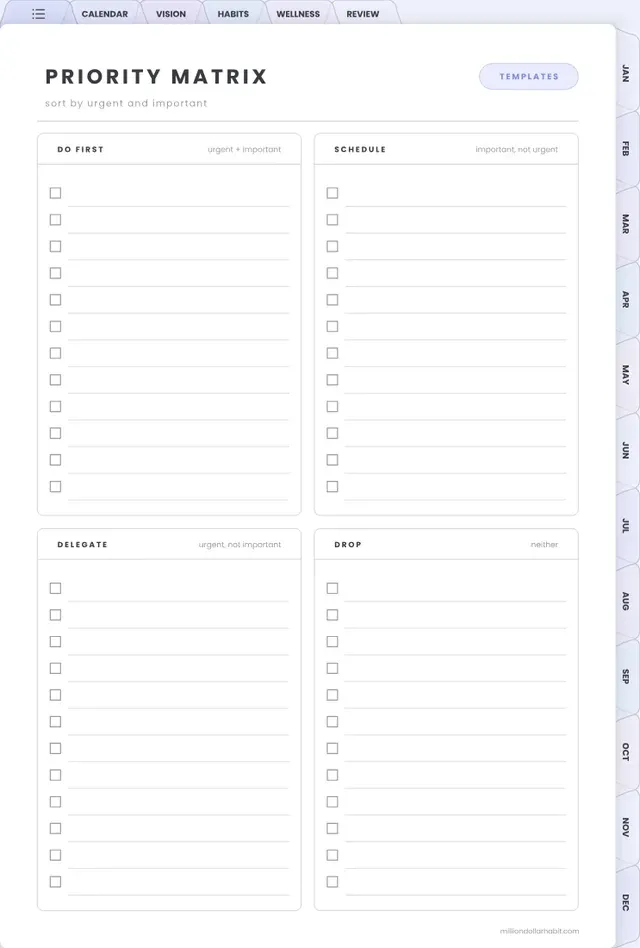
Big ideas, linked. Project planners, brain dumps, idea lists, quarterly reviews and notes pages, all one tap away from the index.
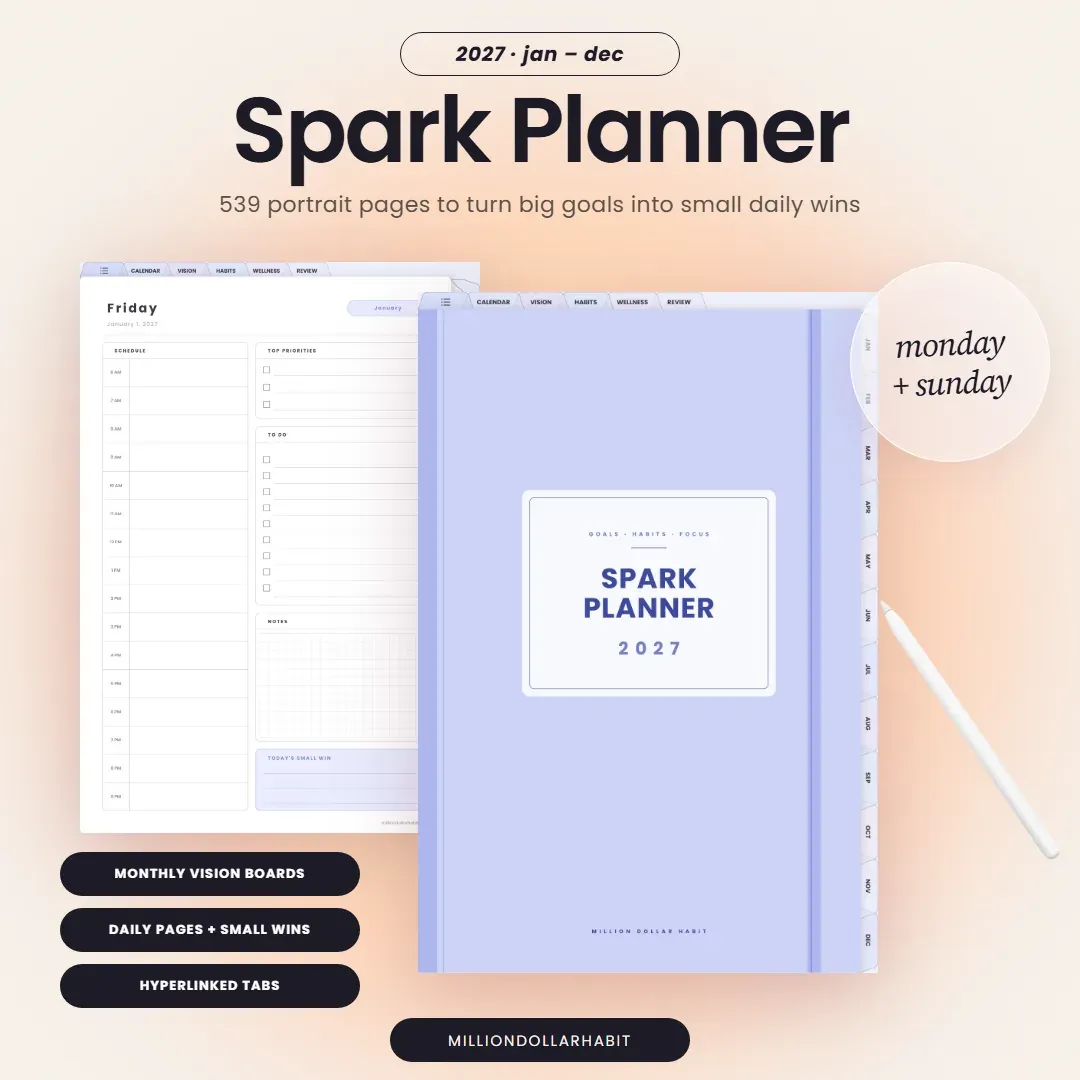
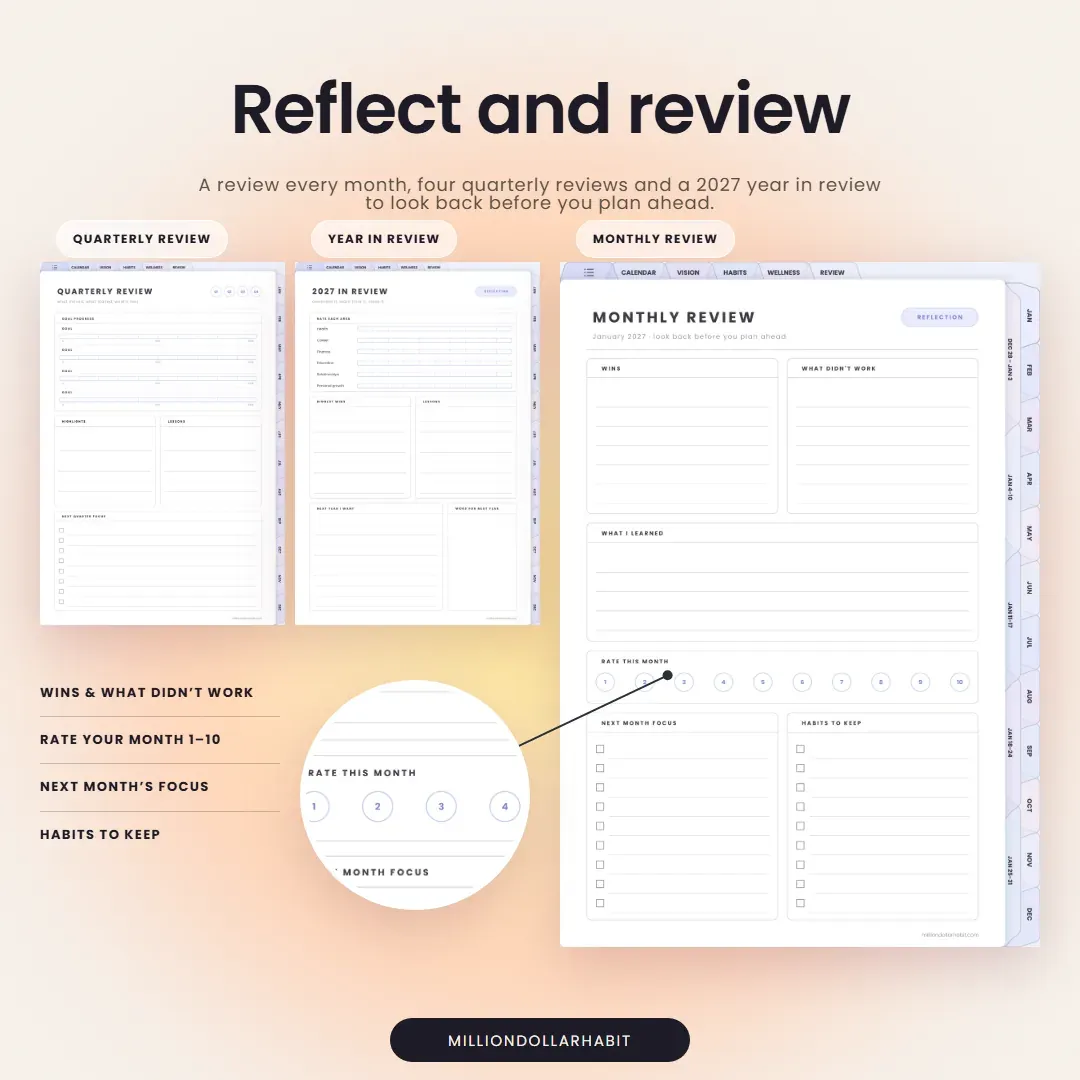
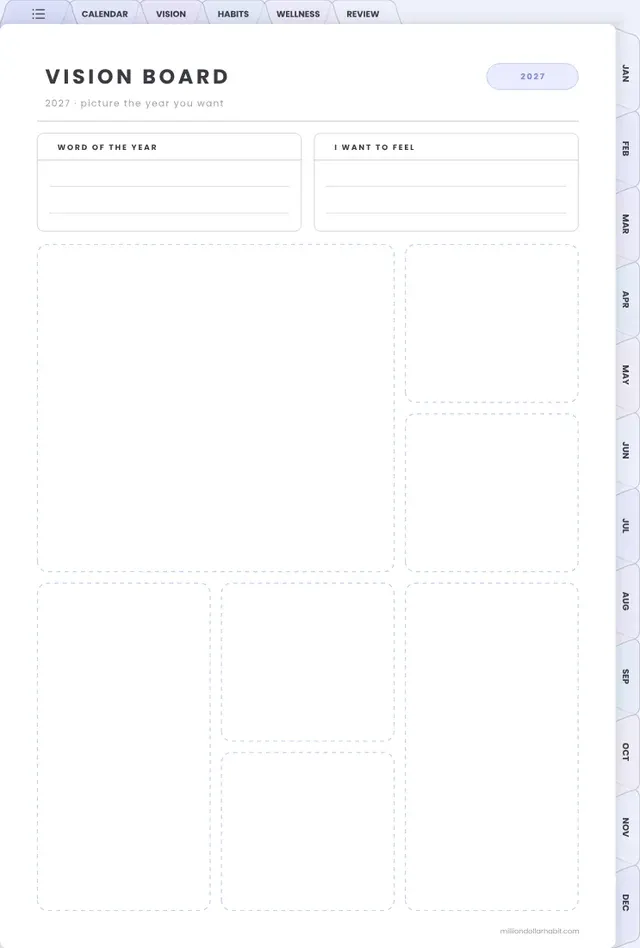
Turn big goals into small daily wins. Every month of 2027 has its own calendar, vision board, habit tracker, wellness tracker and review.
Portrait layout, Monday and Sunday start: both versions are included in one purchase.
Yes. This planner is fully compatible with GoodNotes and is optimized for iPad use. All links, tabs, and pages work seamlessly inside the GoodNotes app.
Do I get Monday and Sunday start?
Yes. Both are included in one purchase, so you can pick the week start that suits you or switch later.
Is this planner beginner-friendly?
Yes. Whether you’re new to digital planning or already use GoodNotes daily, it’s designed to be intuitive, clean, and easy to use from day one.
Are refunds available for digital products?
Due to the nature of digital products, all sales are final. If you have any issues with your download or compatibility, support is always happy to help.
Is this a one-time purchase?
Yes. This is a one-time digital download. You pay once and can use the files on your personal devices as long as you want.
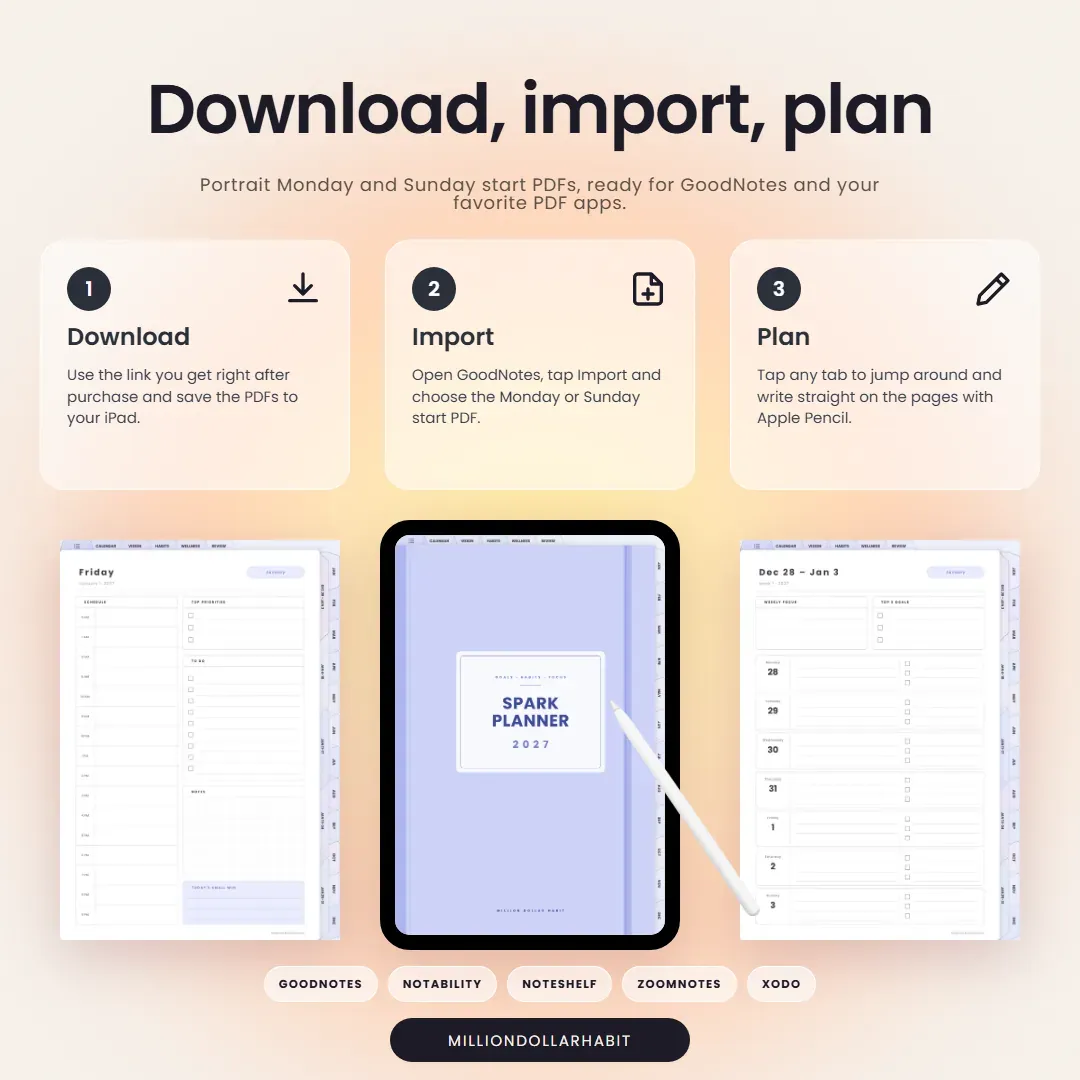
How do I download and import the planner into GoodNotes?
After purchase, you’ll receive a download link:
Download the PDF files to your iPad or computer
Open GoodNotes
Tap “Import” and select the file
Once imported, you can start using it immediately.
Which apps are supported besides GoodNotes?
It works with most PDF annotation apps, including:
GoodNotes (recommended)
Notability
Noteshelf
ZoomNotes
Xodo
It is not compatible with Notion or OneNote, as those apps don't support interactive hyperlinked PDFs the same way.
Can I use this digital planner on iPad?
Absolutely. All Million Dollar Habit planners are designed specifically for iPad + Apple Pencil. They also work on other tablets that support PDF annotation apps, but the best experience is on iPad.