MILLION DOLLAR HABIT
Browse templates Shop
Look inside

Every page, before you buy

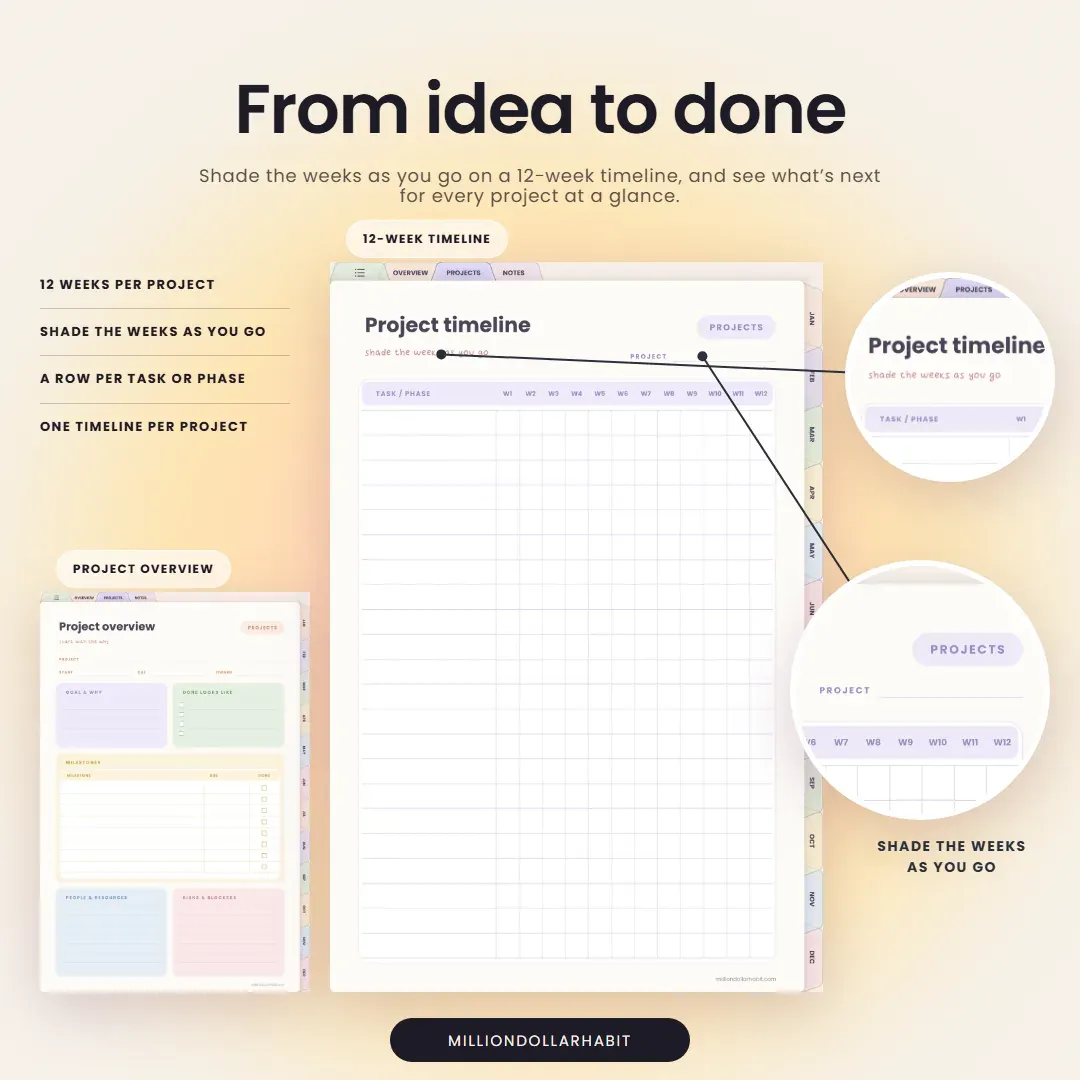
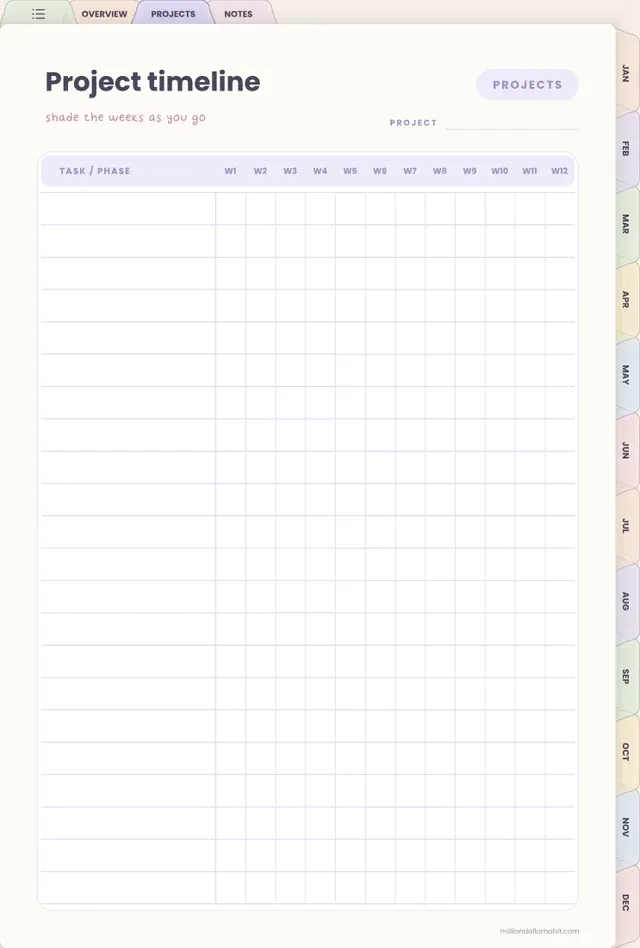
Undated Project Planner: Timeline

From idea to done. Shade the weeks as you go on a 12-week timeline, and see what's next for every project at a glance.

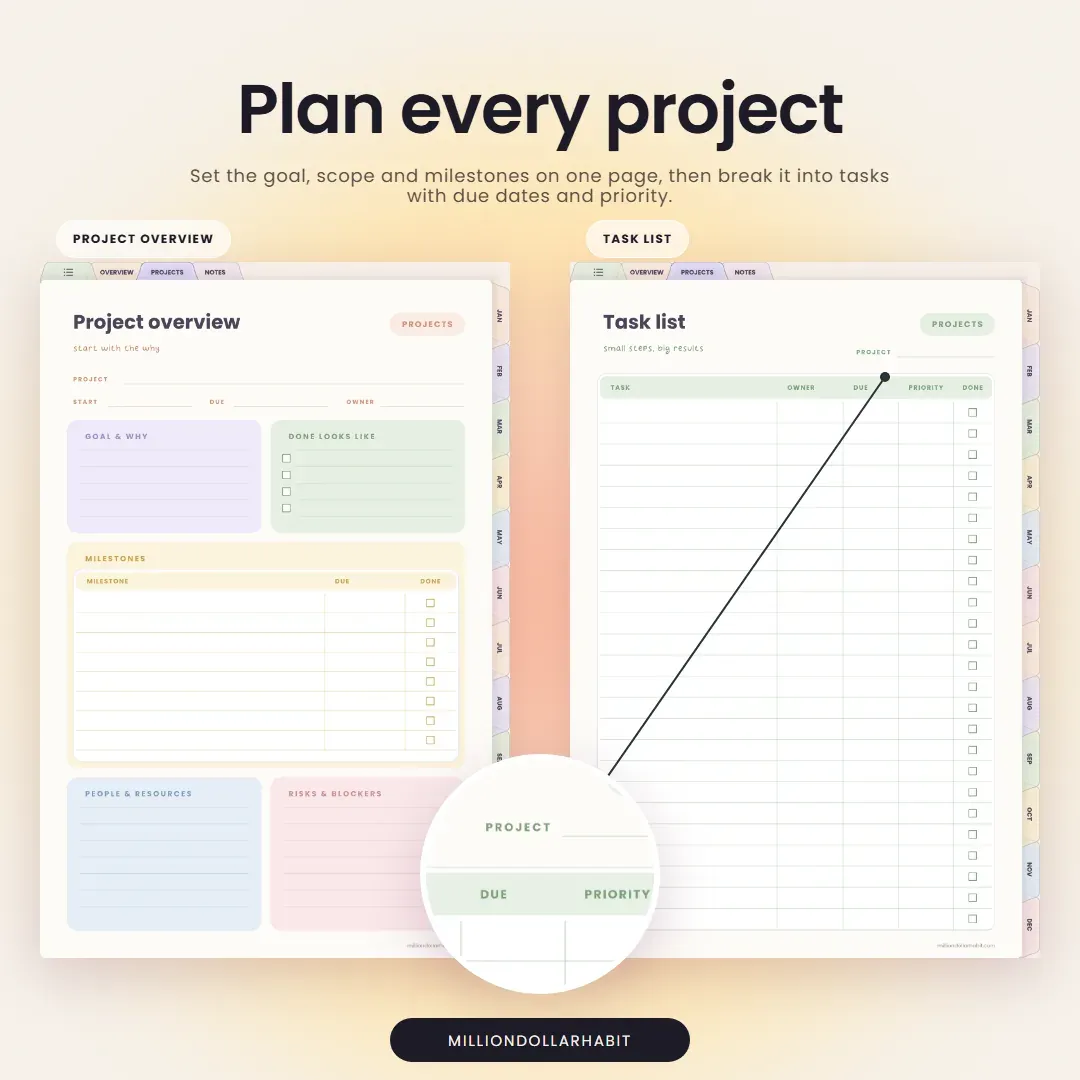
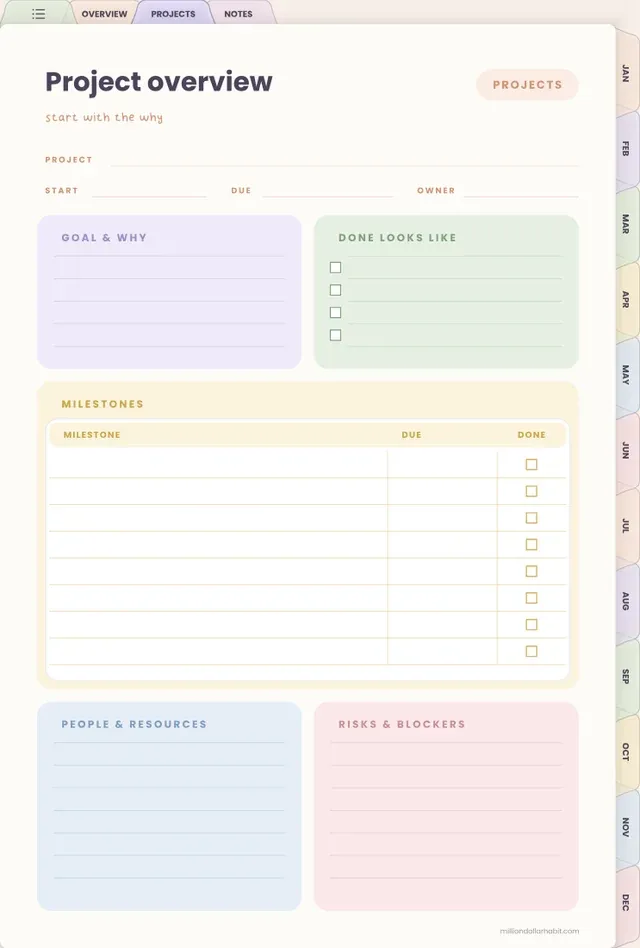
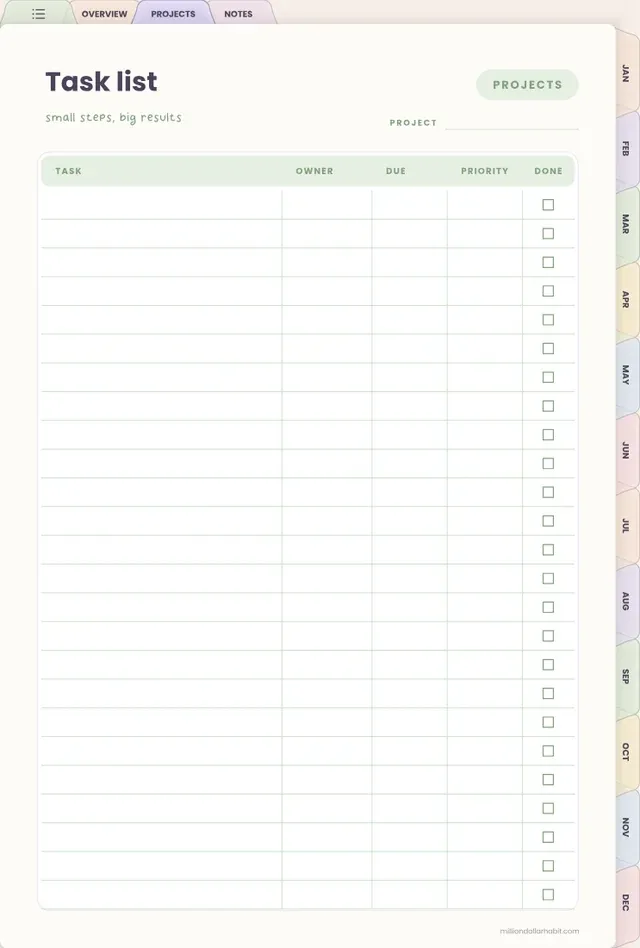
Undated Project Planner: Tasks

Plan every project. Set the goal, scope and milestones on one page, then break it into tasks with due dates and priority.

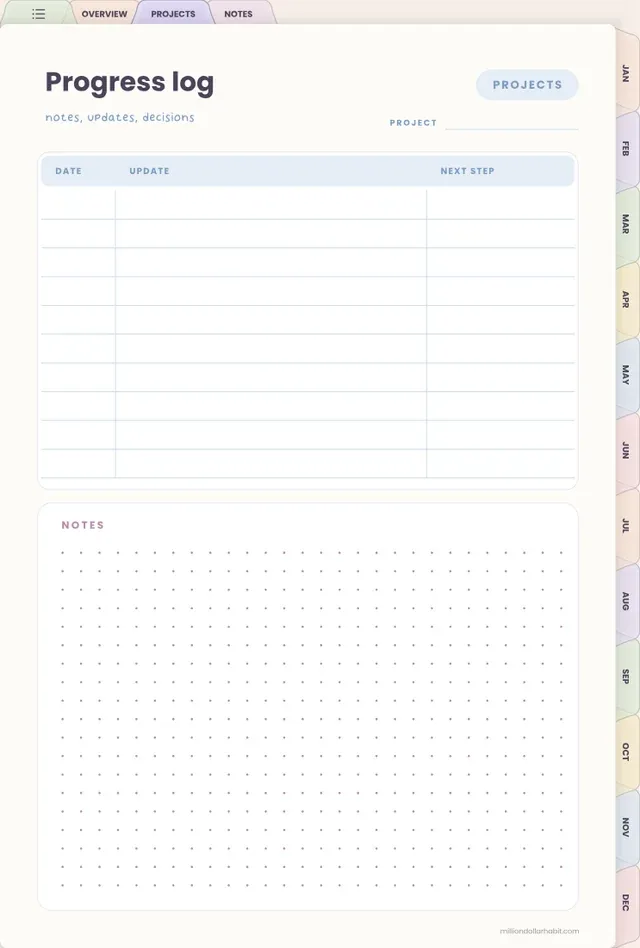
Undated Project Planner: Progress

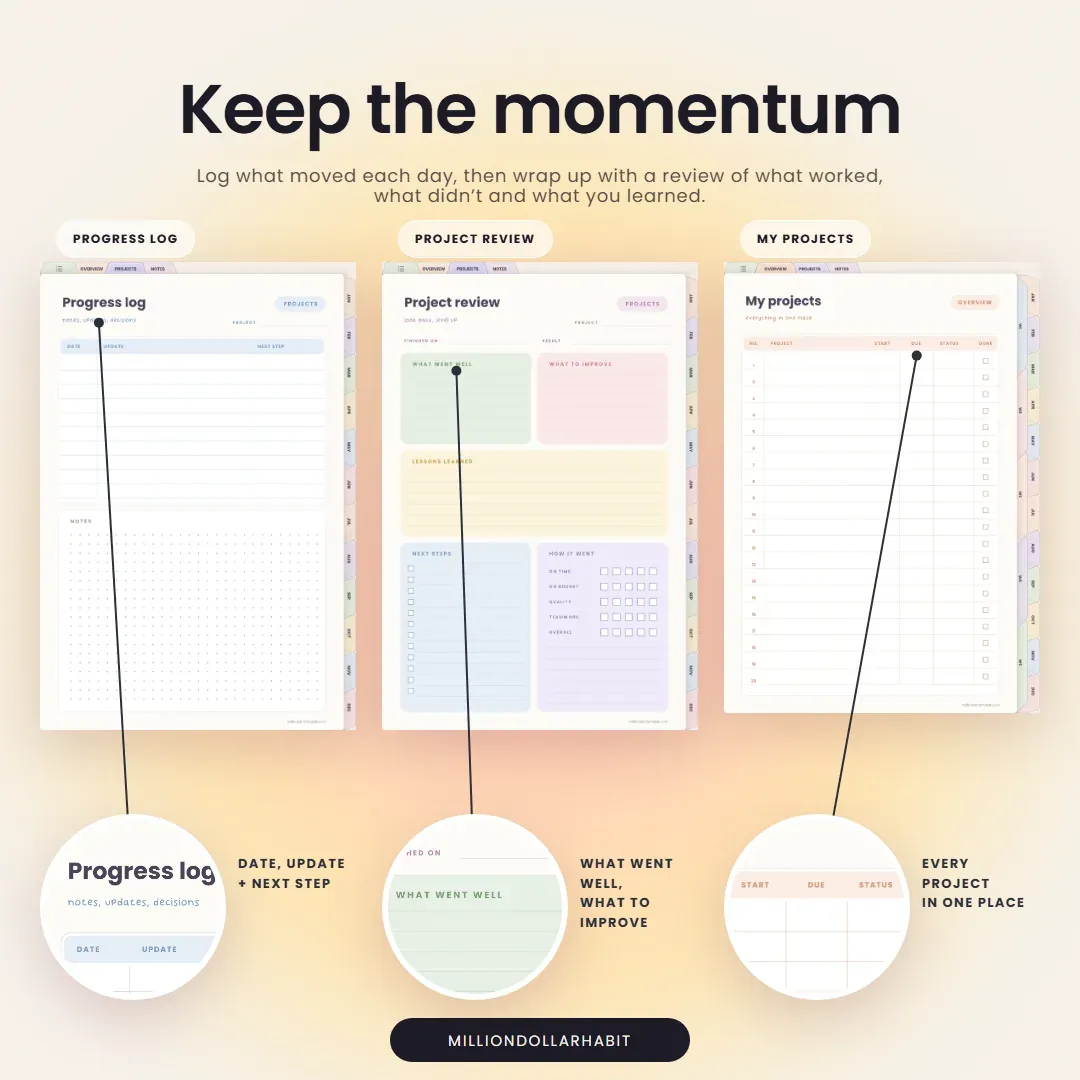
Keep the momentum. Log what moved each day, then wrap up with a review of what worked, what didn't and what you learned.

Undated Project Planner: Weekly

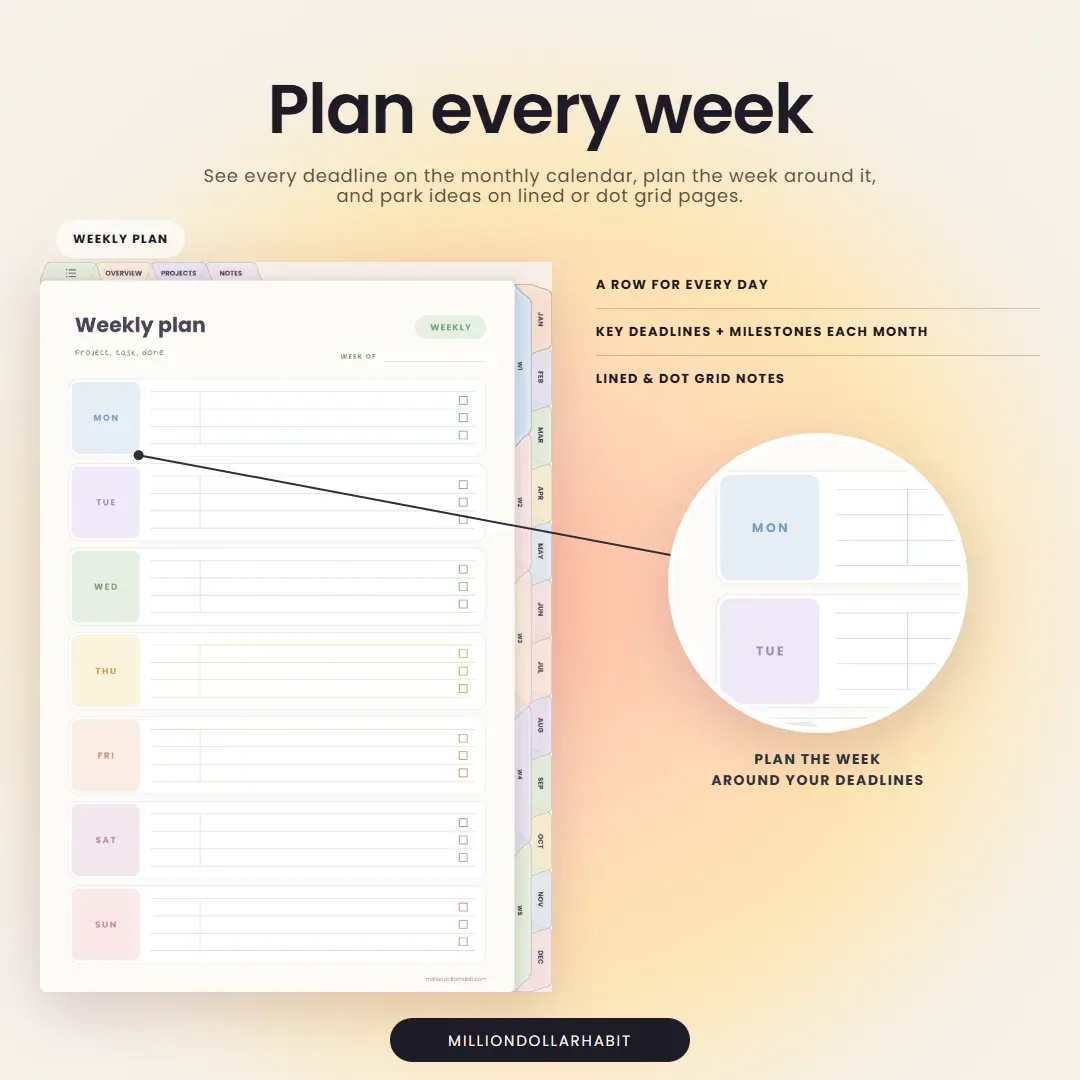
Plan every week. See every deadline on the monthly calendar, plan the week around it, and park ideas on lined or dot grid pages.

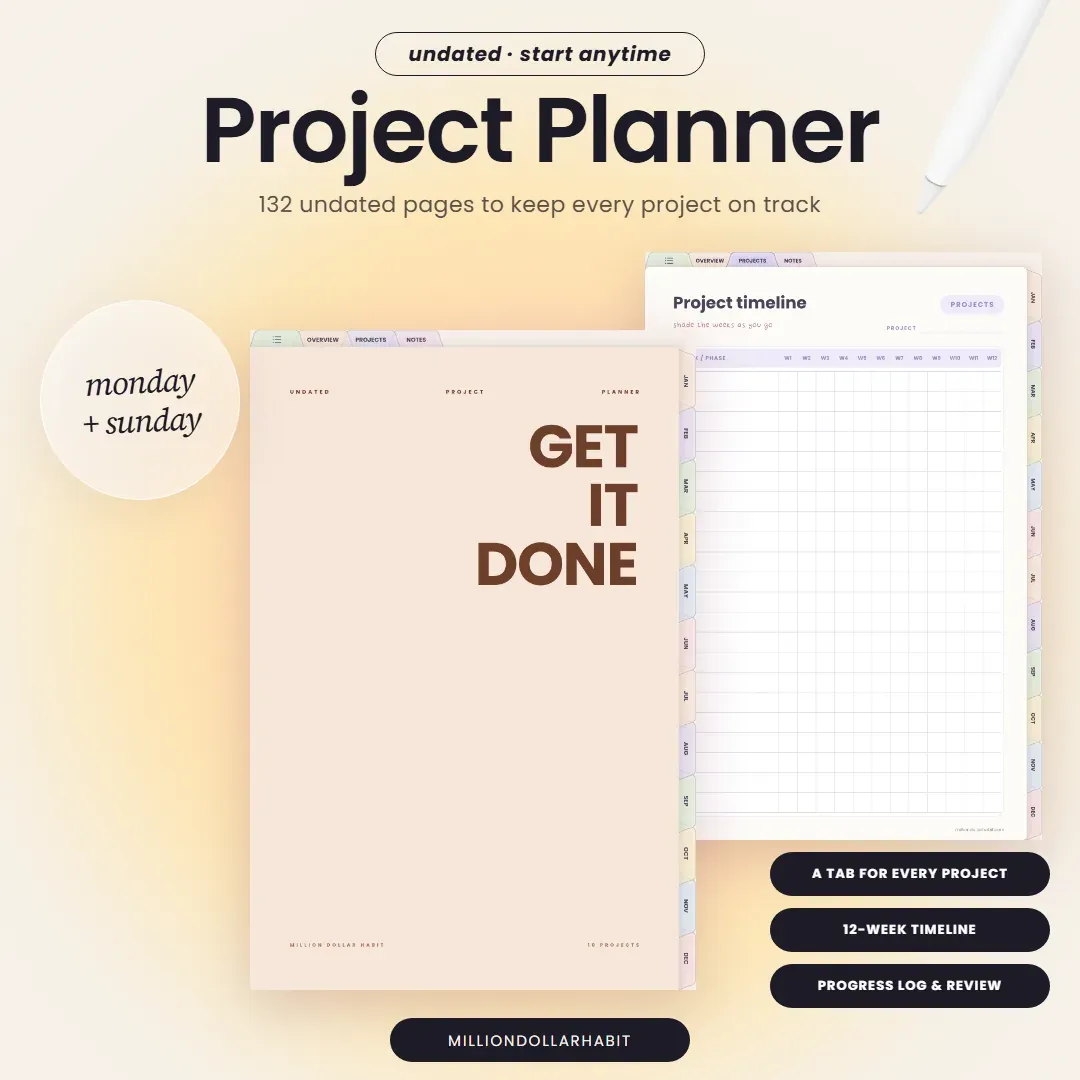
Keep every project on track from kickoff to wrap-up. This undated planner gives every project its own tab.

Monday and Sunday start are both included in one purchase.

This is a digital download — no physical items are shipped. You'll get a link to download your files right after purchase.

Because it's a digital product, all sales are final: no refunds or exchanges.

  • Monday + Sunday start
  • Undated, start anytime
  • 132 pages
  • Get your files instantly after purchase
  • Works with GoodNotes, Notability and more
  • One-time purchase — no subscription

What's inside

132
pages, undated
1 tab
for every project
12-week
project timeline
Mon + Sun
start, both included
  • 12-week timeline page in the Undated Project Planner
    12-week timeline
  • Project overview page in the Undated Project Planner
    Project overview
  • Task list page in the Undated Project Planner
    Task list
  • Progress log page in the Undated Project Planner
    Progress log
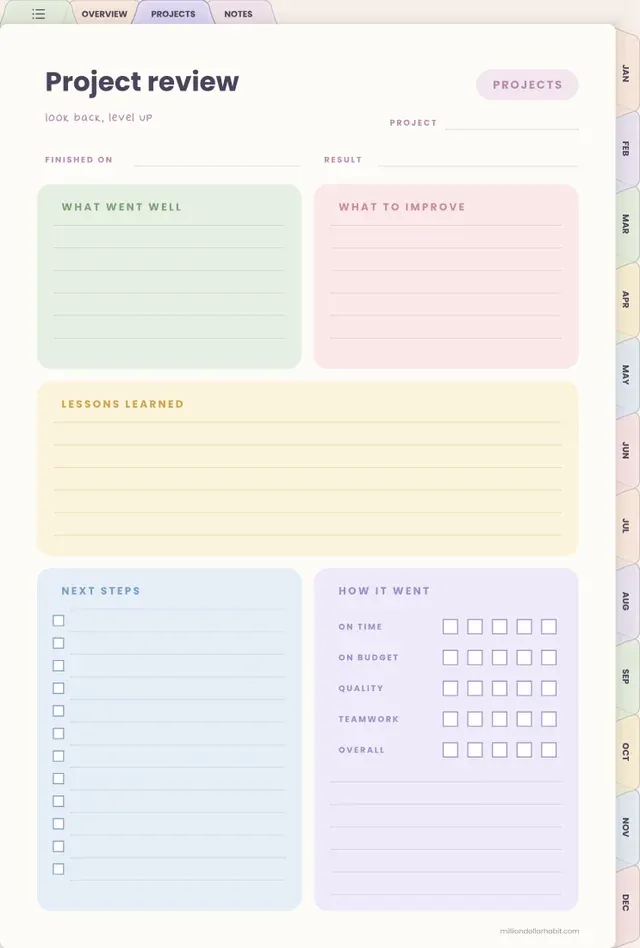
  • Project review page in the Undated Project Planner
    Project review
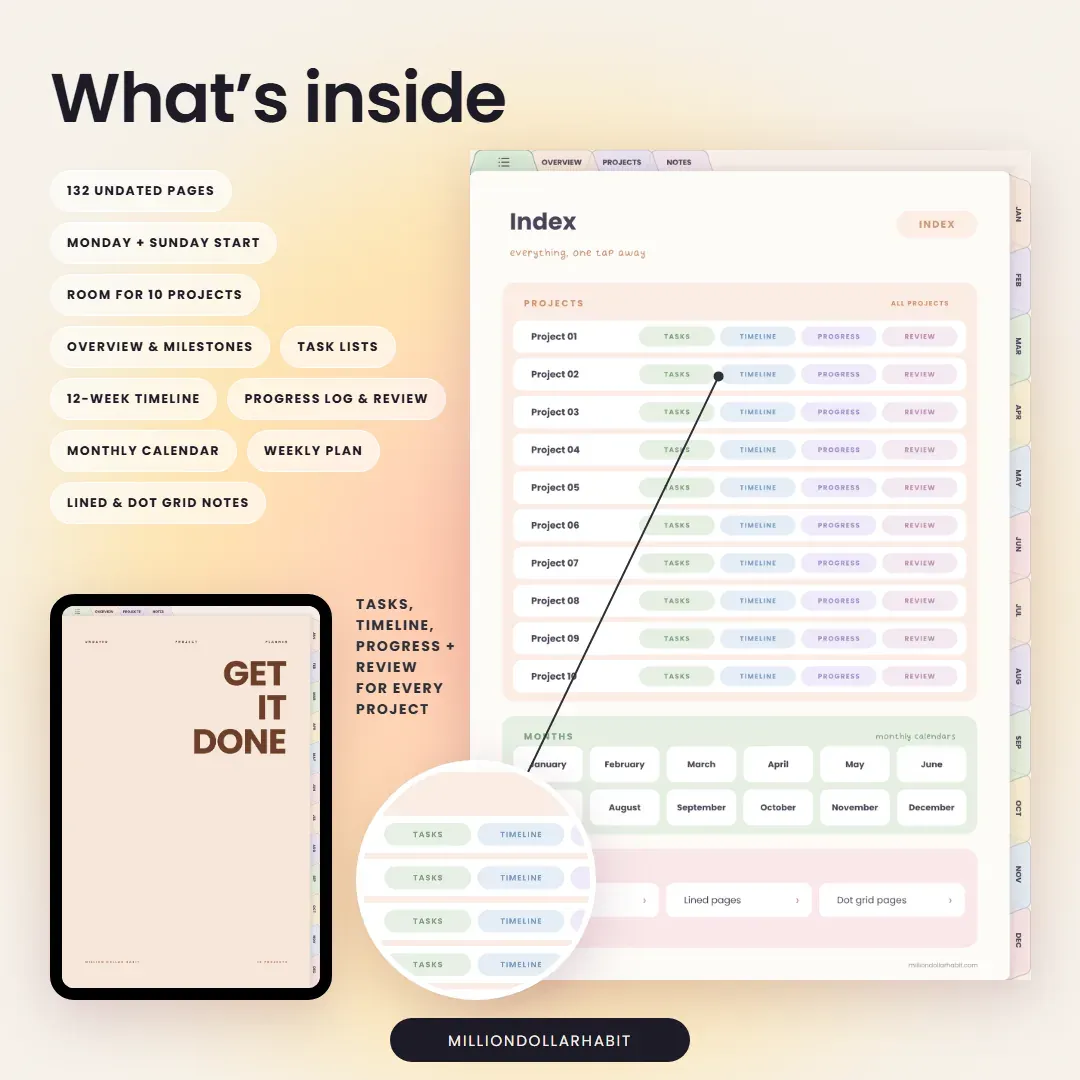
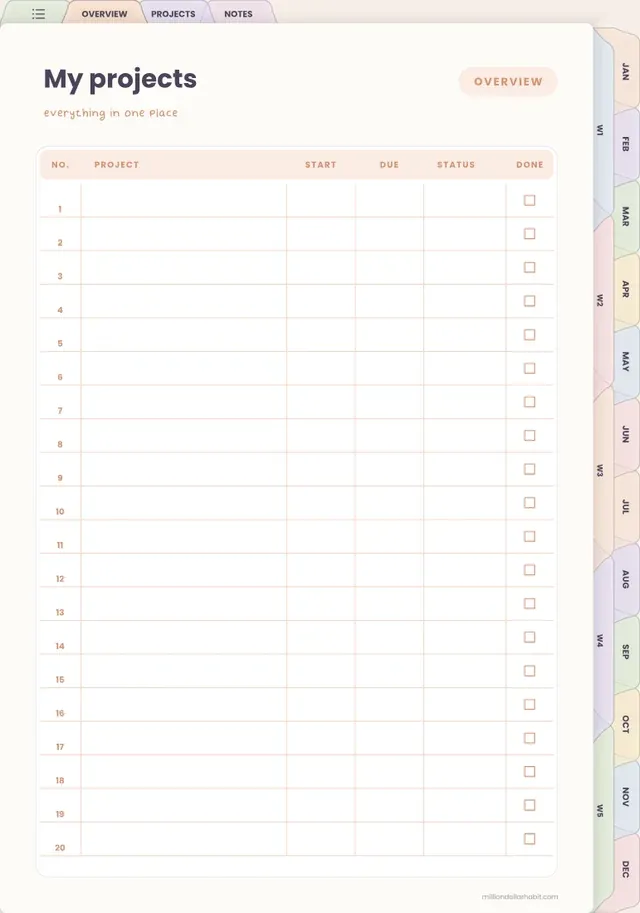
  • My projects page in the Undated Project Planner
    My projects
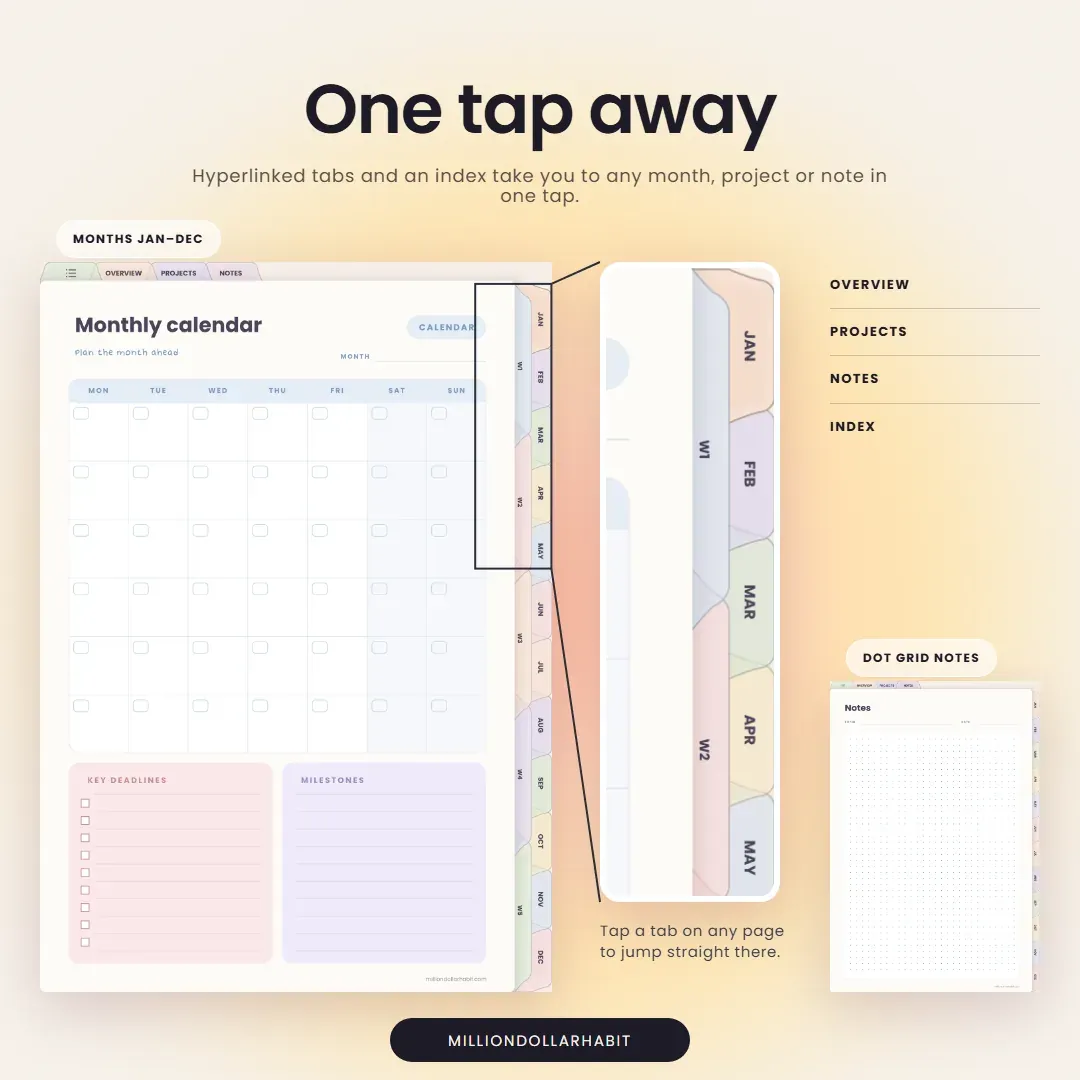
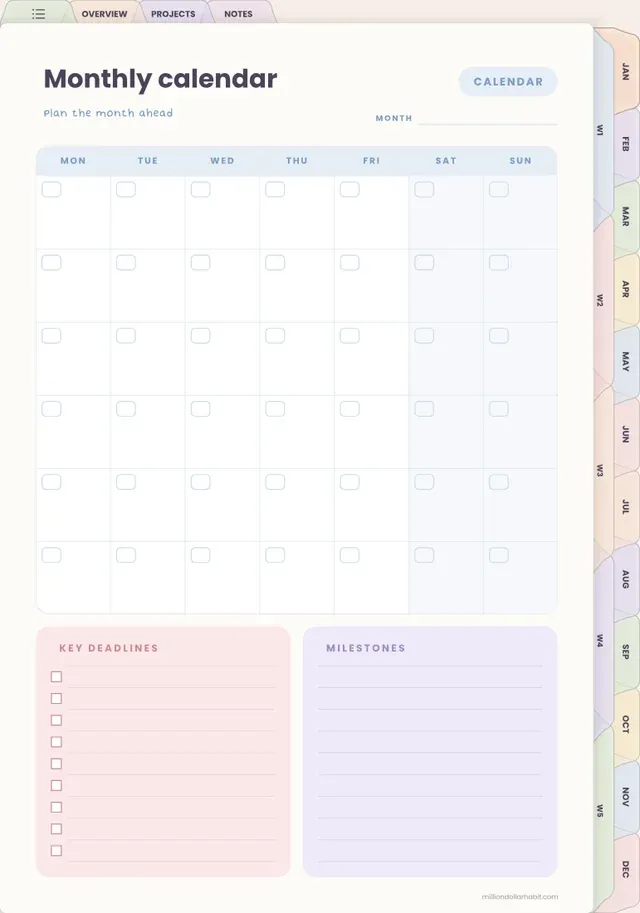
  • Monthly calendar page in the Undated Project Planner
    Monthly calendar
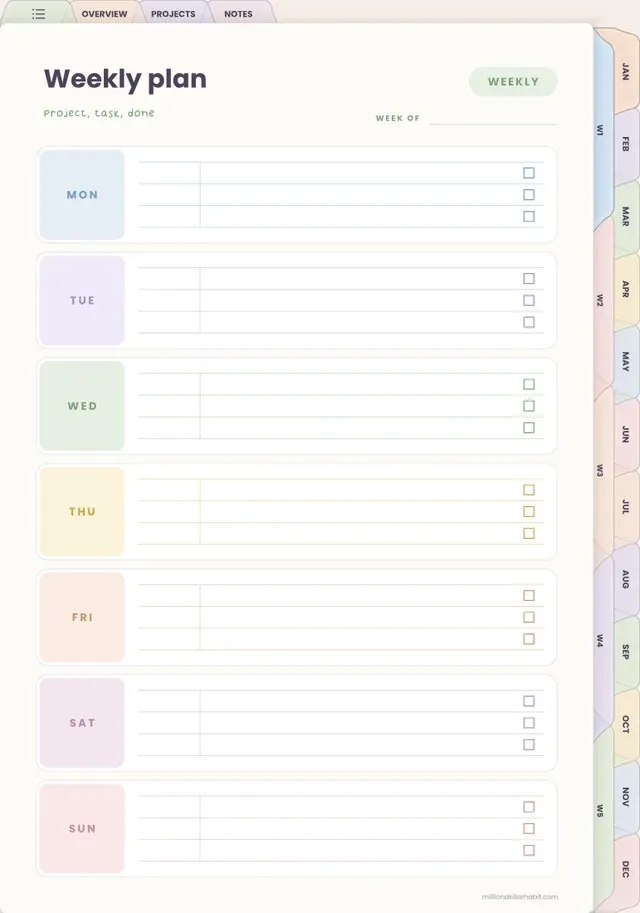
  • Weekly plan page in the Undated Project Planner
    Weekly plan

You'll get

  • Project planner, Monday start
  • Project planner, Sunday start

Inside the planner

  • Room for 10 projects, each with its own tab
  • Overview, goals and milestones
  • Task lists with due dates and priority
  • 12-week project timeline
  • Progress log and project review
  • Monthly calendar and weekly plan
  • Lined and dot grid notes pages

Works with GoodNotes (recommended), Notability, Noteshelf, ZoomNotes and Xodo. Built for iPad and Apple Pencil.

Not compatible with Notion or OneNote.

The details

Format
Hyperlinked PDF
Dates
Undated, start anytime
Works with
GoodNotes (recommended), Notability, Noteshelf, ZoomNotes and Xodo
Includes
Monday + Sunday start (2 PDFs), 132 pages
Delivery
Download link right after purchase
Not for
Notion or OneNote
In their own words

Testimonials

Here's what our customers are saying about our planners. Trusted by over 45000+ customers worldwide.

  • ★★★★★
    Switched from three abandoned apps to this one and hit every weekly goal for the past two months.
  • ★★★★★
    The habit tracker guilt‑tags me just enough to get off Instagram and do the workout.
  • ★★★★★
    Icons and stickers drop in perfectly; my week now looks like a curated mood board
  • ★★★★★
    Haven’t bought a new “perfect” notebook in two months, which is a record for me.
  • ★★★★★
    The muted palette feels like a cozy café; planning doesn’t feel like work anymore
  • ★★★★★
    I recommend it for the Focus Modes that hide non‑essential lists during deep work sessions.
  • ★★★★★
    Love how the minimal layout makes my messy notes look intentional instead of chaotic
  • ★★★★★
    I highly recommend them to anyone needing better organization. These Notion templates are fantastic!
  • ★★★★★
    I love that we get lifetime updates for the Life Dashboard, my favorite

Frequently Asked Questions

Still have a question? Contact me or read the full FAQs.

Does this planner work with GoodNotes?

Yes. This planner is fully compatible with GoodNotes and is optimized for iPad use. All links, tabs, and pages work seamlessly inside the GoodNotes app.

Do I get Monday and Sunday start?

Yes. Both are included in one purchase, so you can pick the week start that suits you or switch later.

Is this planner beginner-friendly?

Yes. Whether you’re new to digital planning or already use GoodNotes daily, it’s designed to be intuitive, clean, and easy to use from day one.

Are refunds available for digital products?

Due to the nature of digital products, all sales are final. If you have any issues with your download or compatibility, support is always happy to help.

Is this a one-time purchase?

Yes. This is a one-time digital download. You pay once and can use the files on your personal devices as long as you want.

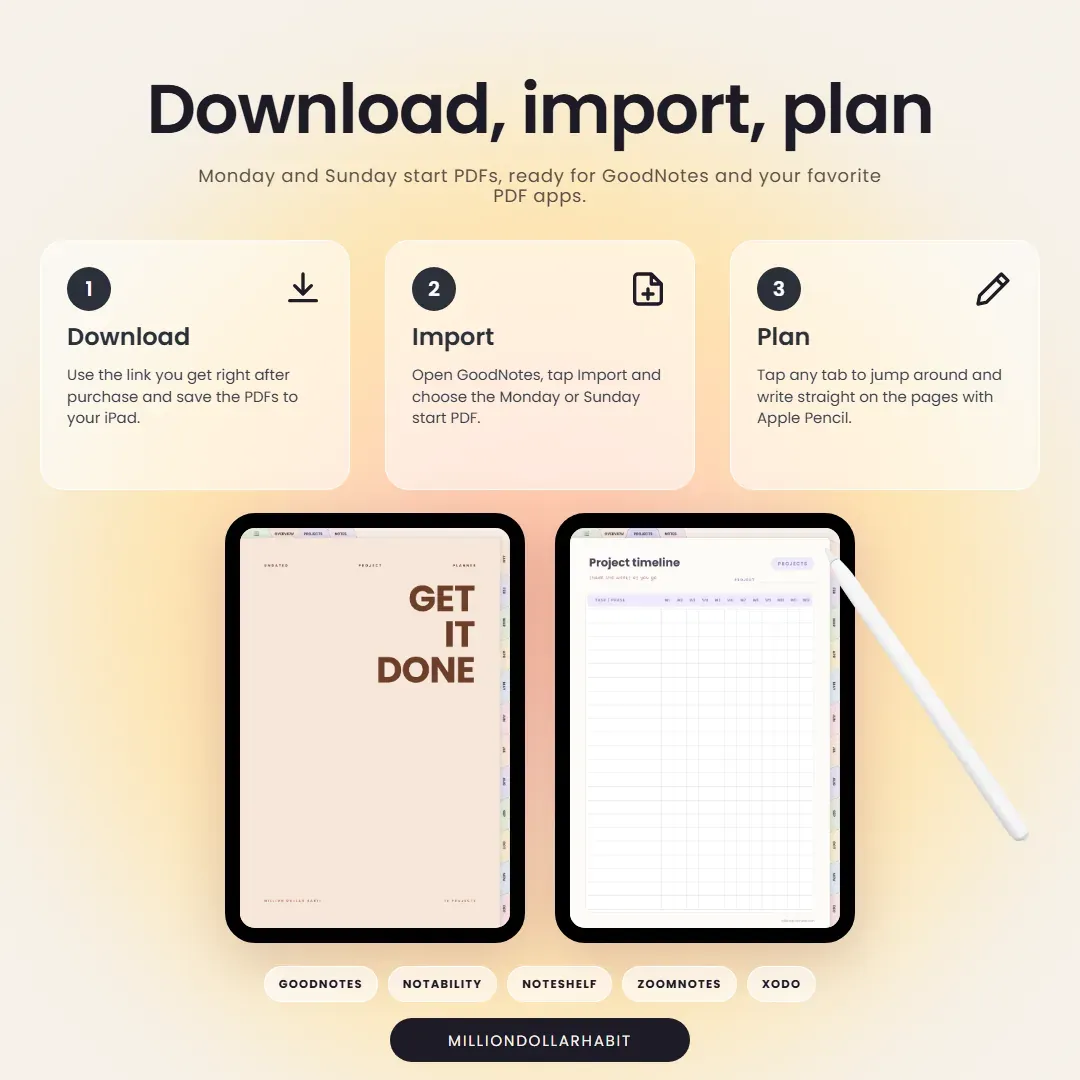
How do I download and import the planner into GoodNotes?

After purchase, you’ll receive a download link:

  • Download the PDF files to your iPad or computer
  • Open GoodNotes
  • Tap “Import” and select the file
  • Once imported, you can start using it immediately.
Which apps are supported besides GoodNotes?

It works with most PDF annotation apps, including:

  • GoodNotes (recommended)
  • Notability
  • Noteshelf
  • ZoomNotes
  • Xodo

It is not compatible with Notion or OneNote, as those apps don't support interactive hyperlinked PDFs the same way.

Can I use this digital planner on iPad?

Absolutely. All Million Dollar Habit planners are designed specifically for iPad + Apple Pencil. They also work on other tablets that support PDF annotation apps, but the best experience is on iPad.